logo

Remove Background from AVIF Images Online for Free

Our AVIF background remover helps designers and creators remove background from AVIF images quickly while keeping the original image quality intact.

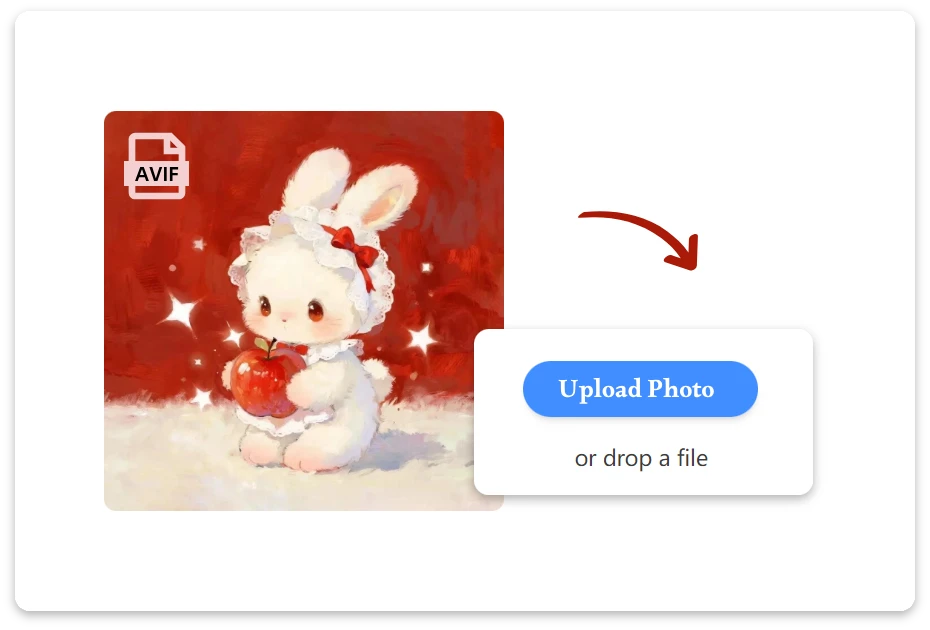
or drop a file

No svg? Try one of these:

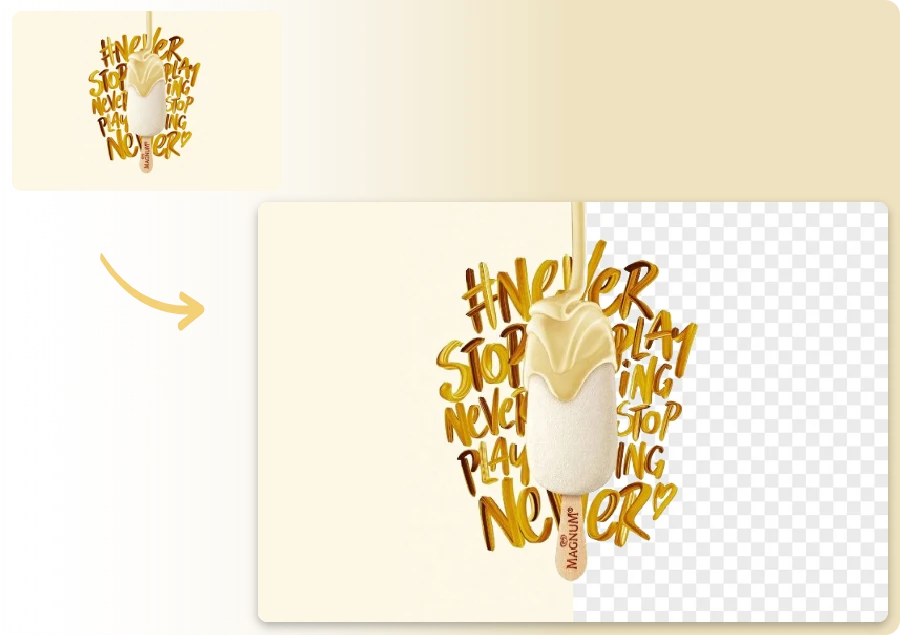
Example 1
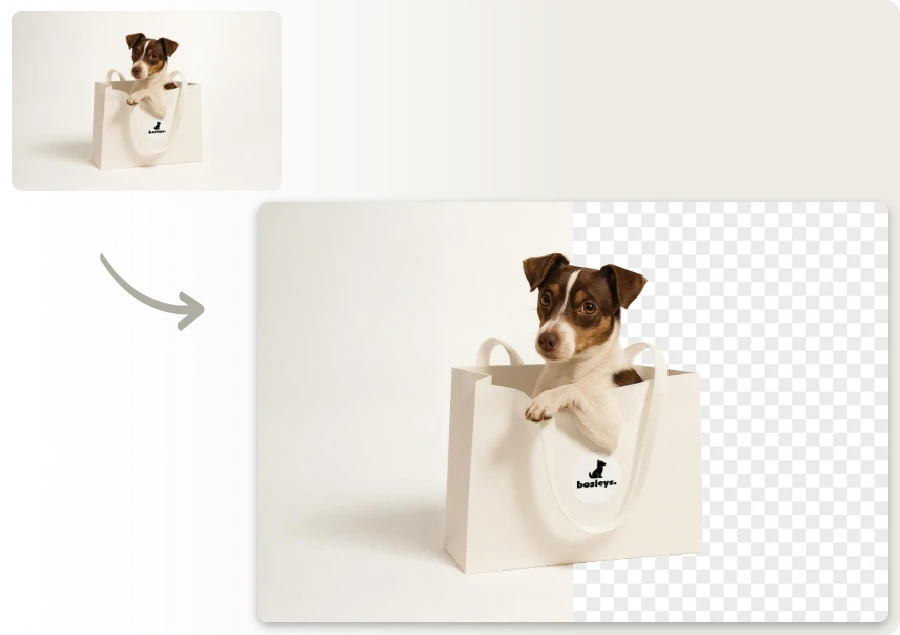
Example 1
Example 1
AVIF Background Remover Before

Get a Transparent AVIF Image in Three Easy Steps

Upload Your AVIF File

1. Upload Your AVIF File

Upload the AVIF image you want to edit. Our avif background remover securely processes your file and prepares it for fast AI background removal.
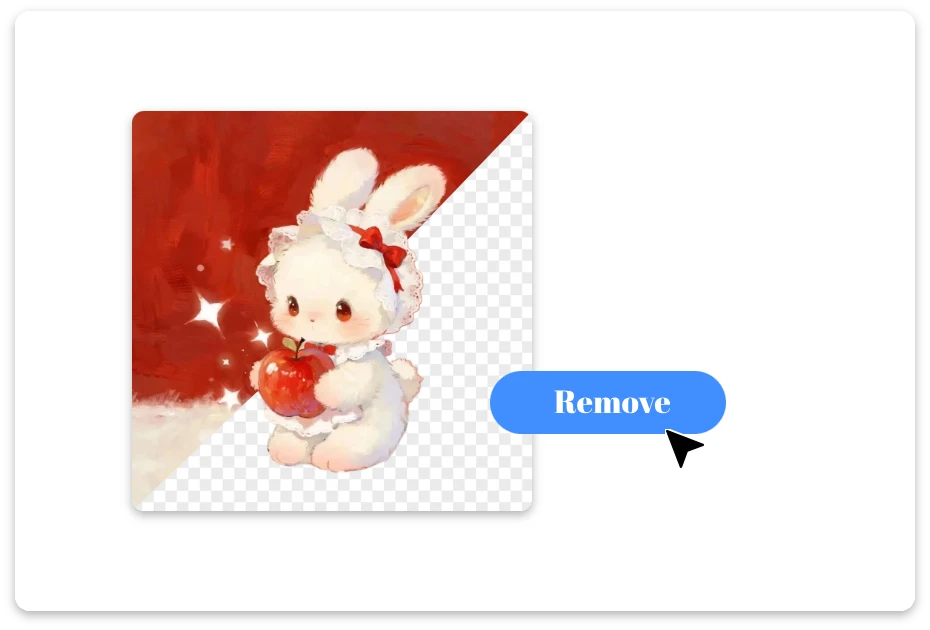
AI Create Transparent Image

2. AI Create Transparent Image

The AI automatically detects the main subject and removes the background, generating a clean transparent image within seconds.
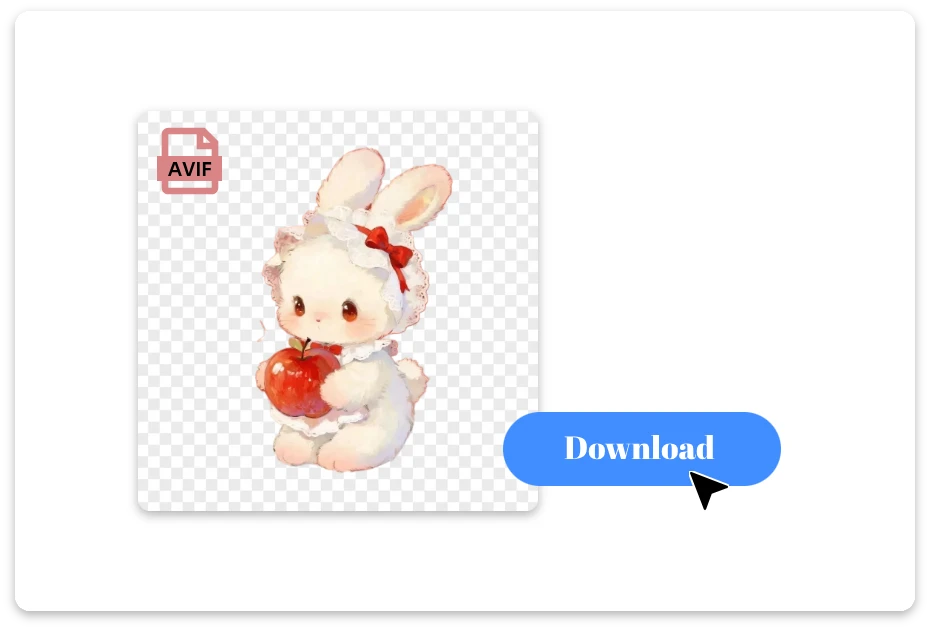
Download and Share

3. Download and Share

Download your transparent image in high quality and easily use it for design, e-commerce listings, presentations, or social media.

AI-Powered AVIF Background Remover for Accurate Results

Download Watermark-Free Transparent AVIF Images

Remove background from AVIF images and download clean, transparent results with no watermark. Our AVIF background remover delivers high-quality cutouts, making your images ready for design, e-commerce listings, presentations, and social media without extra editing.
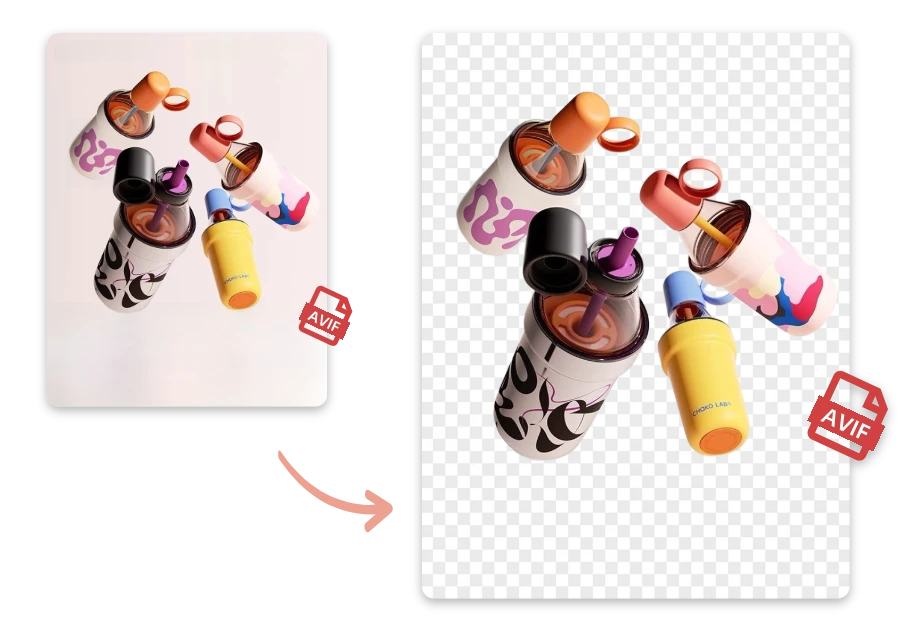
Download Watermark-Free Transparent AVIF Images

Flexible Format Support for AVIF Background Removal

Upload AVIF images and easily remove AVIF background with our flexible online tool. The AVIF file background remover also supports popular formats like PNG, JPEG, WEBP, and SVG, allowing you to process different image types in one place.
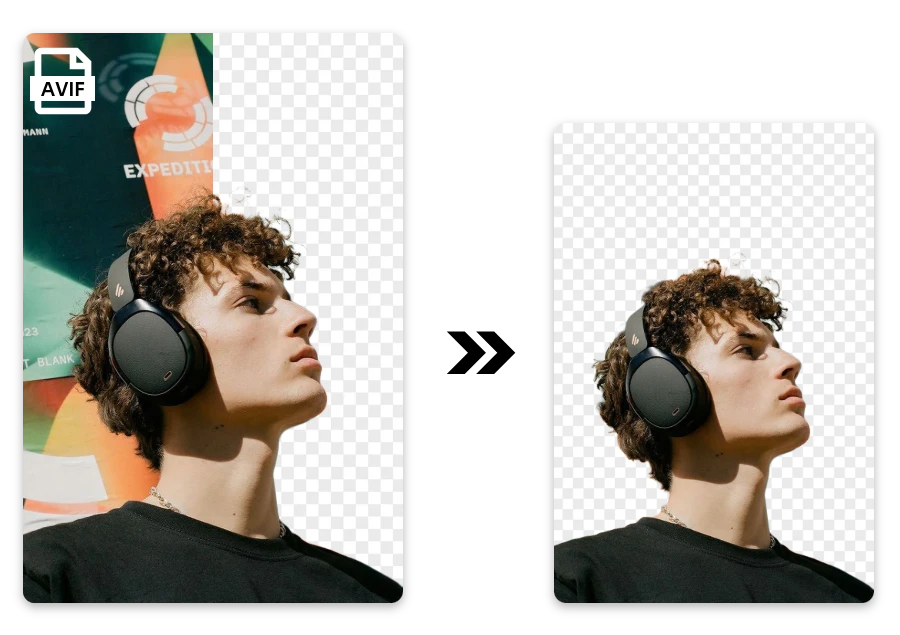
Flexible Format Support for AVIF Background Removal

No Registration Required to Remove Background from AVIF

Start removing AVIF backgrounds instantly without creating an account. Our AVIF file background remover lets you upload images, detect the subject automatically, and download transparent results in seconds, making the process fast, simple, and accessible for everyone.
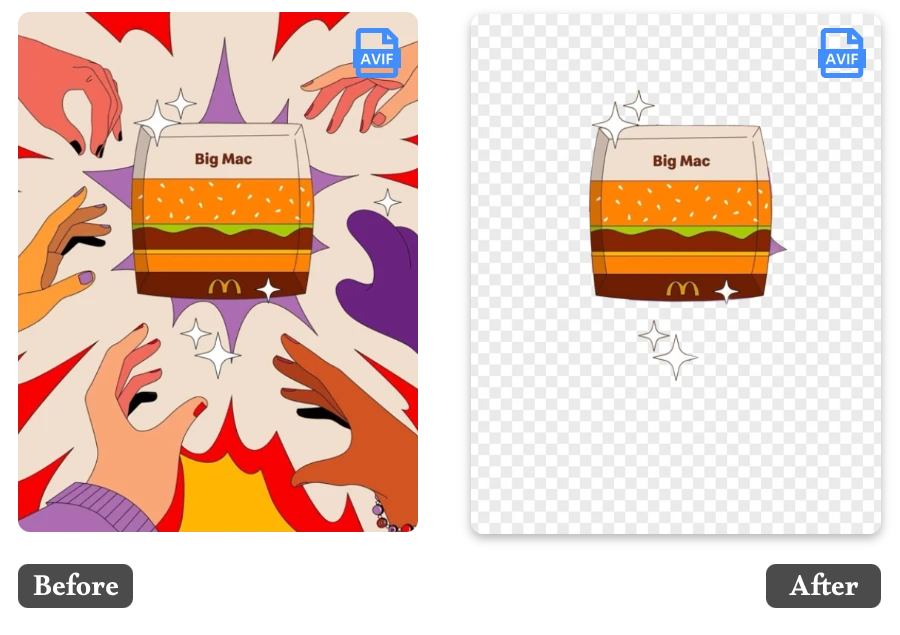
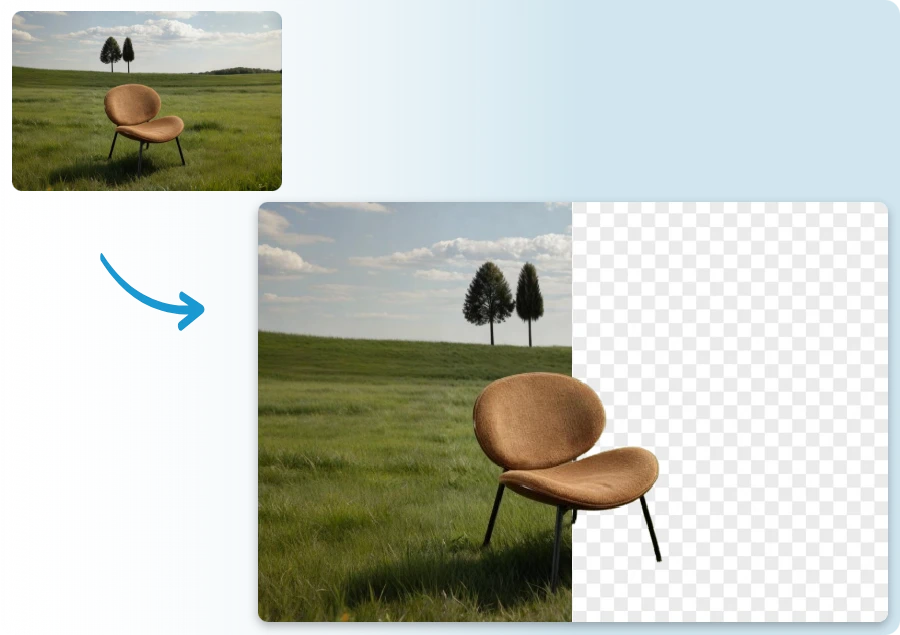
No Registration Required to Remove Background from AVIF

Popular Ways Remove AVIF Backgrounds

Graphic Design Projects

  • Designers can remove background from AVIF images to easily place subjects into posters, banners, presentations, or creative visual compositions.

Marketing and Advertising

  • Use an AVIF background remover to isolate products or people for marketing graphics, website banners, and digital advertising campaigns.

Personal Photo Editing

  • Remove AVIF background from personal photos to create fun edits, custom wallpapers, profile images, or creative digital memories.

Before and After: Remove Background from AVIF Images

Real Feedback from AVIF Background Remover Users

"

I sell handmade candles on Etsy and most of my photos are exported as AVIF from my phone. I needed transparent backgrounds for product listings. Uploaded three images here and the cutouts were clean enough to use directly on my store.

Mia Chen

"

I was preparing slides for a conference talk and needed the speaker photo with a transparent background. The original file was AVIF. Uploaded it here, downloaded a clean PNG cutout, and dropped it straight into my Keynote slides.

Sofia Ramirez

"

A client sent me AVIF product shots for a landing page, but they had a busy office background. I uploaded the images, removed the background, and placed the products on a simple gradient. Saved me from manually masking everything in Photoshop.

Daniel Ortiz

FAQ about AVIF File Background Remover

1.What file formats are supported besides AVIF?

In addition to AVIF files, the tool also supports popular image formats including PNG, JPEG, WEBP, and SVG. This makes it easy to remove backgrounds from different types of images in one place.

2. What format will the image be downloaded in?

After removing the AVIF background, your image is typically downloaded as a PNG file with a transparent background, which is widely supported for design, e-commerce, and presentations.

3.Will removing the background reduce image quality?

No. The AVIF background remover preserves the original image quality while separating the subject from the background, ensuring sharp edges and clear details in the final result.

4. How long does it take to remove background from an AVIF image?

Most images are processed within a few seconds. Simply upload the AVIF file and the AI will automatically detect the subject and remove the background almost instantly.

5. What should I do if the subject is not detected correctly?

If the background removal is not perfect, try uploading a higher-resolution image or one with clearer contrast between the subject and background for better AI detection.

6.Is there a size limit for AVIF images?

Most standard AVIF images can be processed without issues. Extremely large files may take slightly longer to upload and process depending on your internet connection.

7.Who typically uses an AVIF background remover?

Designers, e-commerce sellers, marketers, and content creators commonly use AVIF background removers to quickly create clean, professional images without complex editing software.

Your Easy AVIF Background Removal Solution

AI makes removing AVIF backgrounds simple, fast, and reliable.There’s even more waiting for you.Visit the Background Remove homepage to try more smart tools and unlock additional image editing features.