Loading video...
Free Video Background Remover
Say goodbye to messy scenes—our video background remover helps you remove background from video in seconds.
or drop a video
Supported formats: MP4 and WEBM
Max 60s
No video? Try one of these:




Background Remove
Say goodbye to messy scenes—our video background remover helps you remove background from video in seconds.
or drop a video
Supported formats: MP4 and WEBM
Max 60s
No video? Try one of these:
Upload any video from your device in seconds, no technical skills required.
Our AI detects subjects frame by frame and removes unwanted backgrounds in seconds with clean, natural edges.
Export your transparent or edited video and publish it directly to TikTok, YouTube, or Instagram Reels.
Lights, camera—cleanup! Our Free video background remover makes it easy to turn messy footage into clean, professional visuals. Simply upload your clip and let the AI-powered video bg remover detect subjects frame by frame for smooth, natural background removal. Focus on what really matters: telling your story without distractions, delays, or editing headaches.
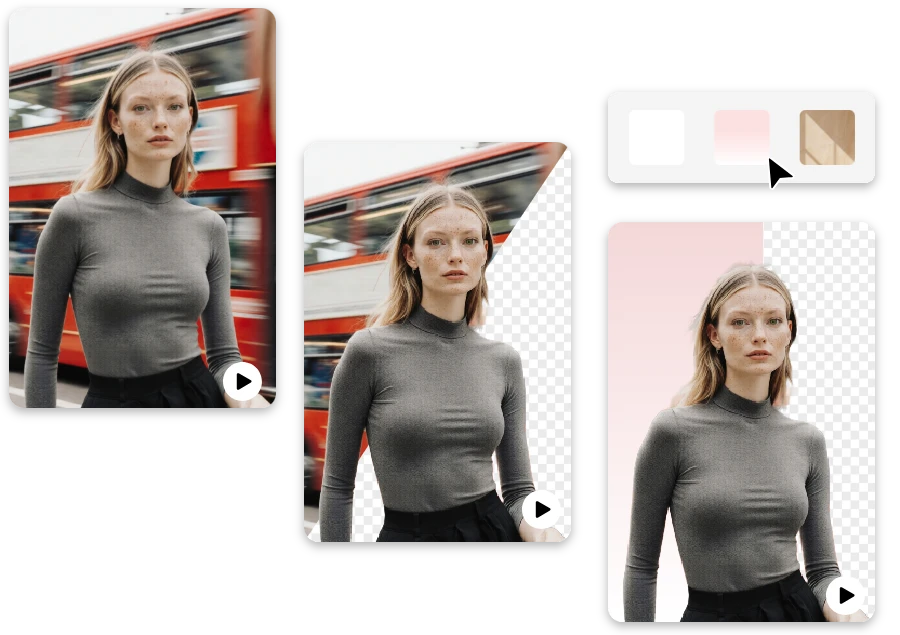
Oops, didn’t mean to film that wall? No worries. Our AI tool helps you remove bg from video automatically and delivers clean, studio-quality results in seconds. Whether you're creating social content, marketing videos, or tutorials, you can quickly remove video background distractions—just polished videos ready to publish.
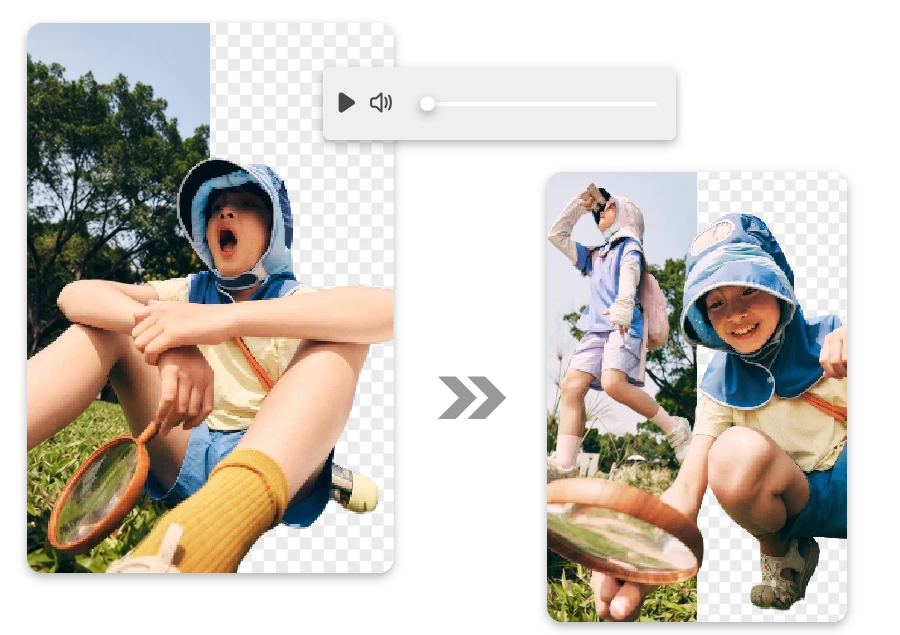
Messy backgrounds happen—we fix them. Our free video background remover kicks off instantly, using advanced AI to deliver smooth, natural edges automatically. Whether it’s social content or product demos, you get clean results fast, without touching a single editing control.
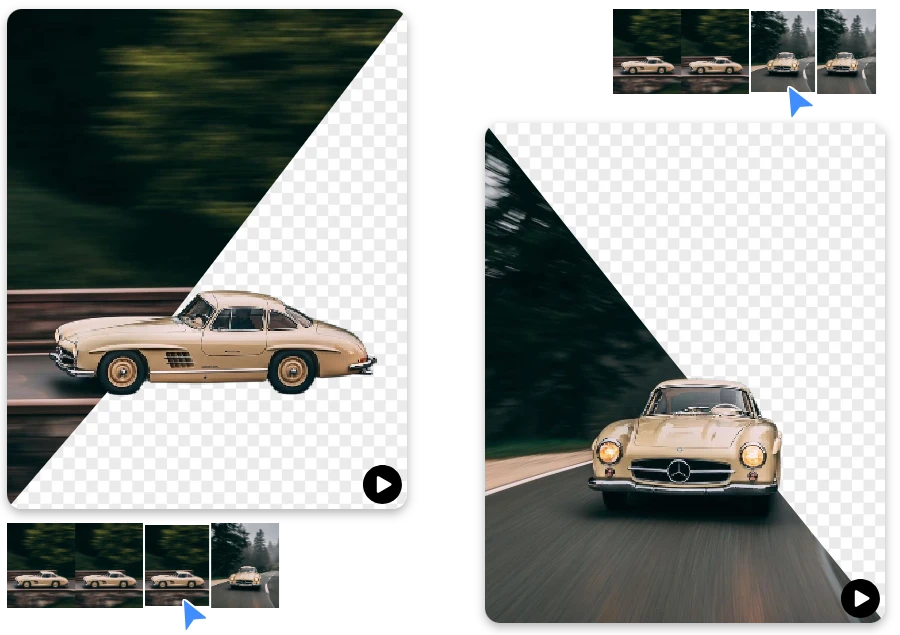
Great content shouldn’t depend on perfect filming locations. Easily delete video background distractions and keep every scene focused on your subject—perfect for TikTok videos, YouTube Shorts, Instagram Reels, and other fast-moving social content.
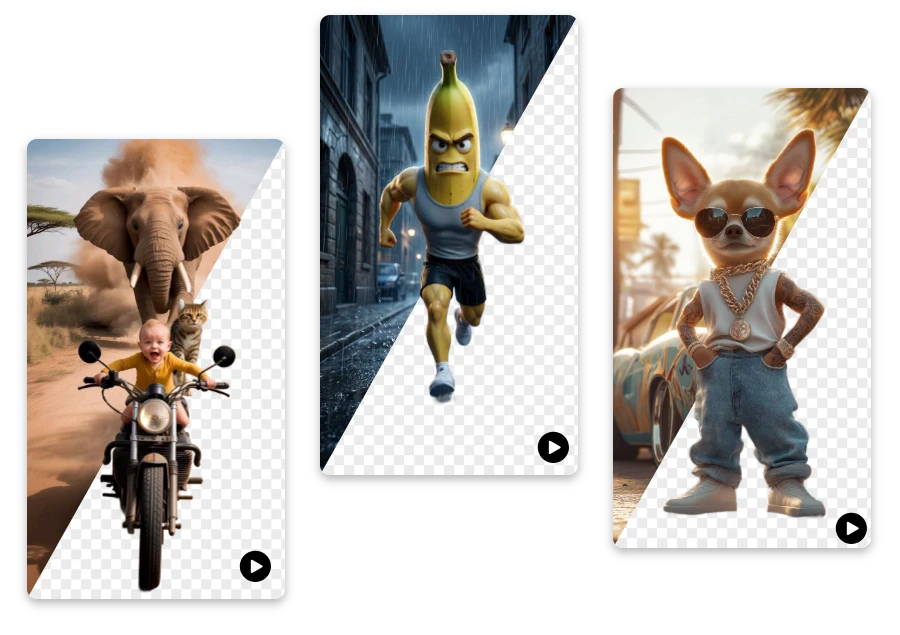
Create clean, professional promotional videos by highlighting your product and removing distracting background noise.
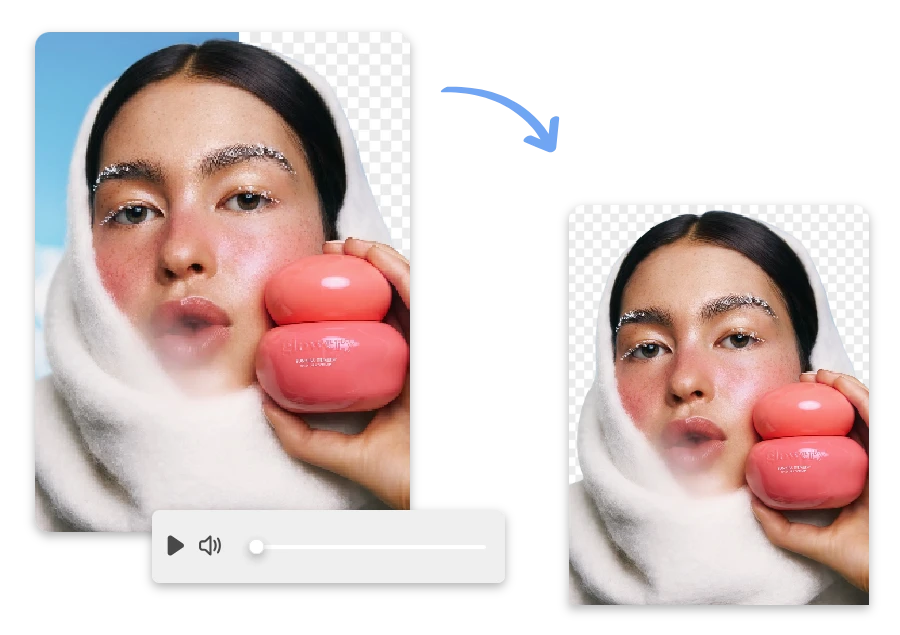
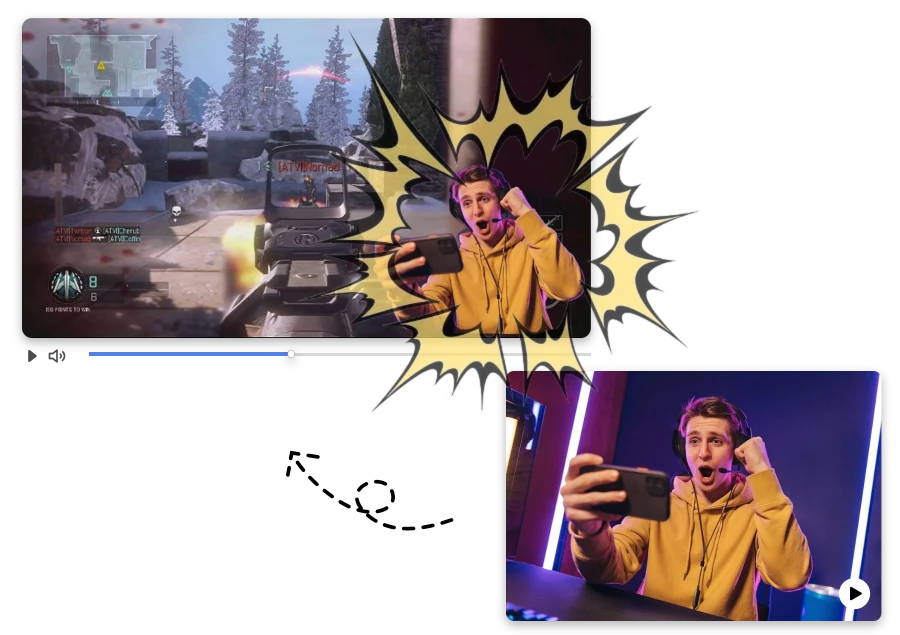
Clean up distracting backgrounds during gaming streams and keep viewers focused on your reactions, gameplay, and on-screen action.
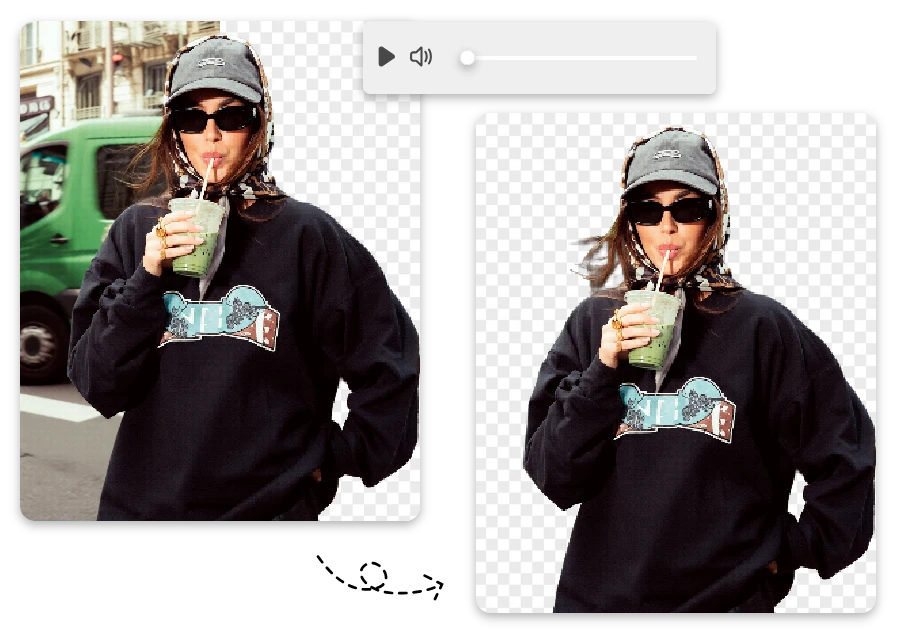
Create eye-catching short videos by removing distracting backgrounds and keeping viewers focused on you.
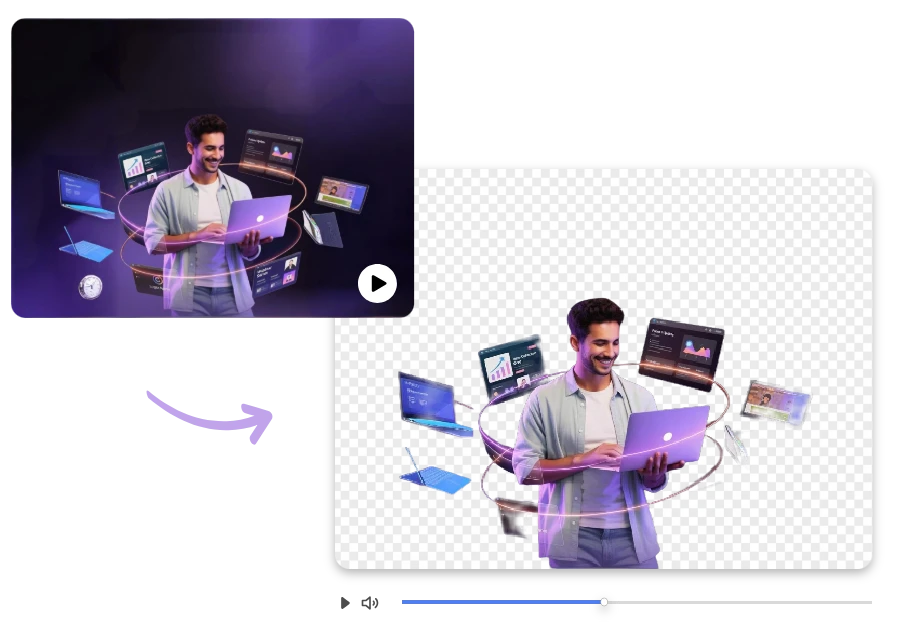
Remove background from video to keep lessons clear, polished, and visually consistent across modules.
While finishing a last-minute TikTok tutorial, I noticed my background looked messy. I used this Free video background remover to remove video background distractions instantly and got a clean, professional result without manual editing.
While editing a fast-paced TikTok dance clip, I tried several tools, but this one could delete video background distractions much more accurately around hair and movement, saving me hours of frame-by-frame corrections.
While creating Instagram Reels for my small business, I used this tool to clean up distracting room backgrounds and make my videos look professional without renting a studio or learning complicated editing software.
From messy rooms to polished content, this AI tool lets you remove full video background online free and create cleaner videos without editing stress.