logo

Free Background Eraser AI

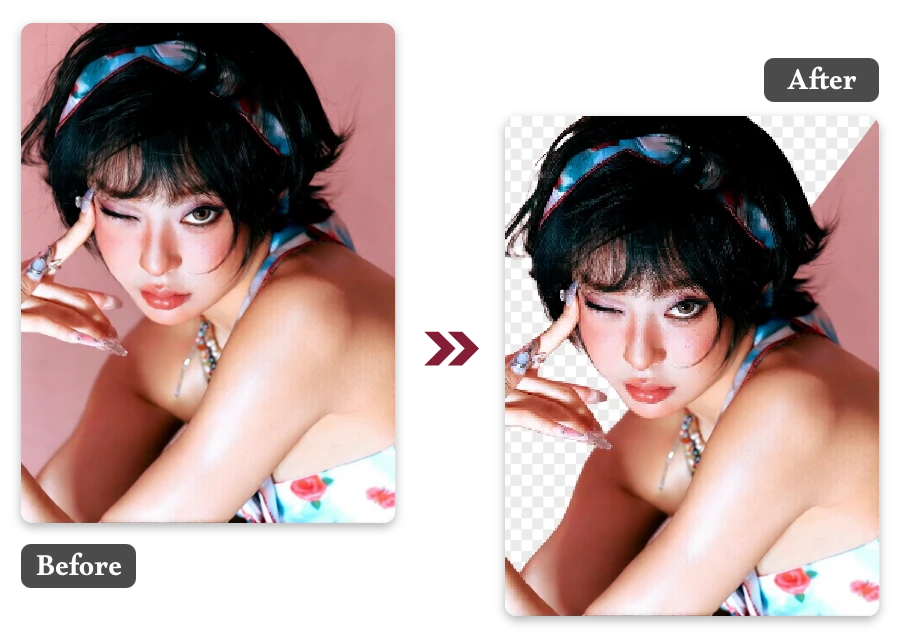
Meet background eraser ai, delivering instant background removal with clean, studio-quality AI results.

or drop a file

No logo? Try one of these:

Example 1
Example 1
Example 1
Example 1
home_cover

Erase Image Background in 3 Simple Steps

Upload Your Image

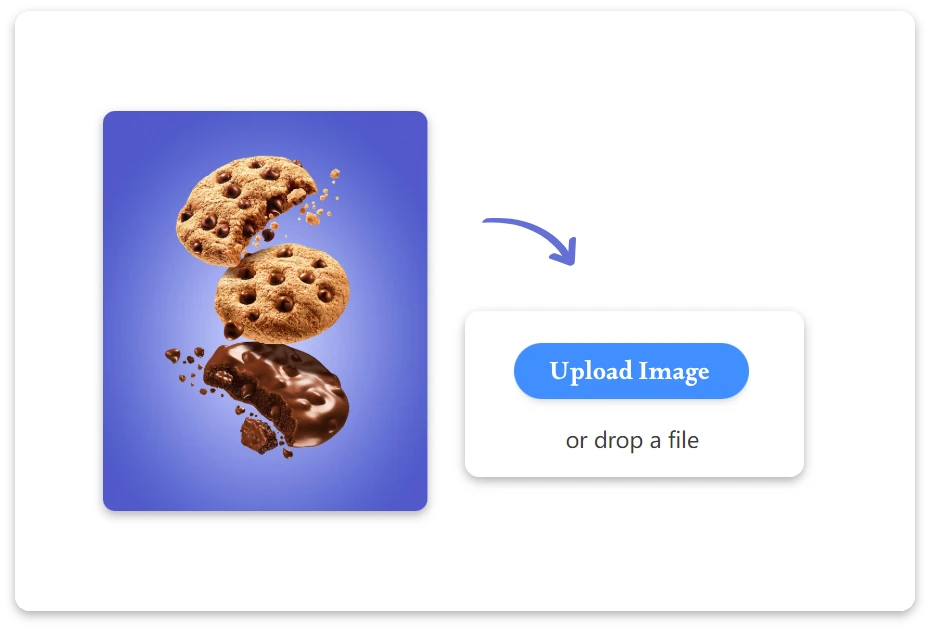
1. Upload Your Image

Choose and upload the photo you want to edit. The system automatically detects the main subject once the image is uploaded.
AI Erase Background

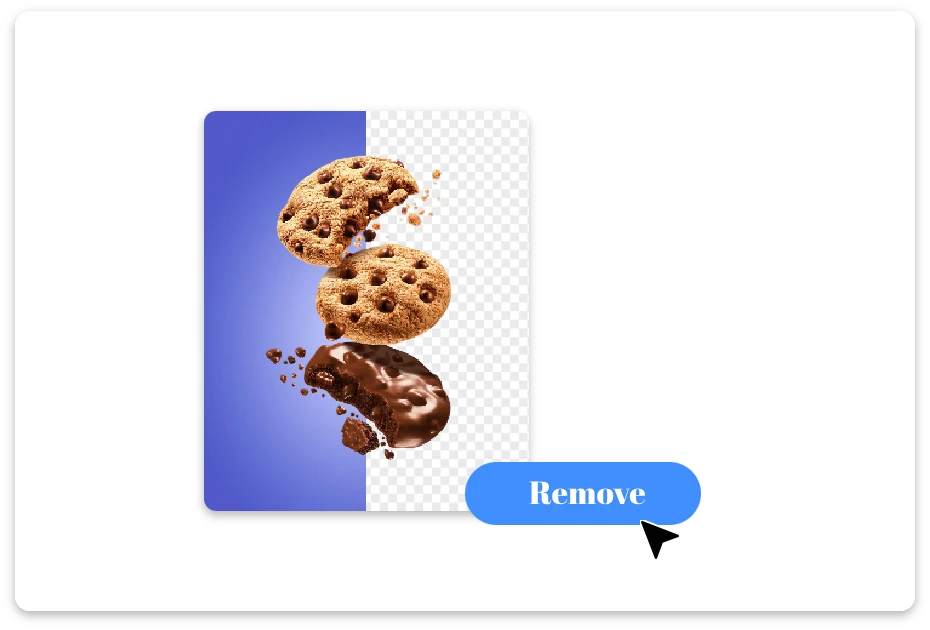
2. AI Erase Background

The AI instantly removes the background with precision, keeping edges clean and details intact—no manual adjustments required.
Refine and Download

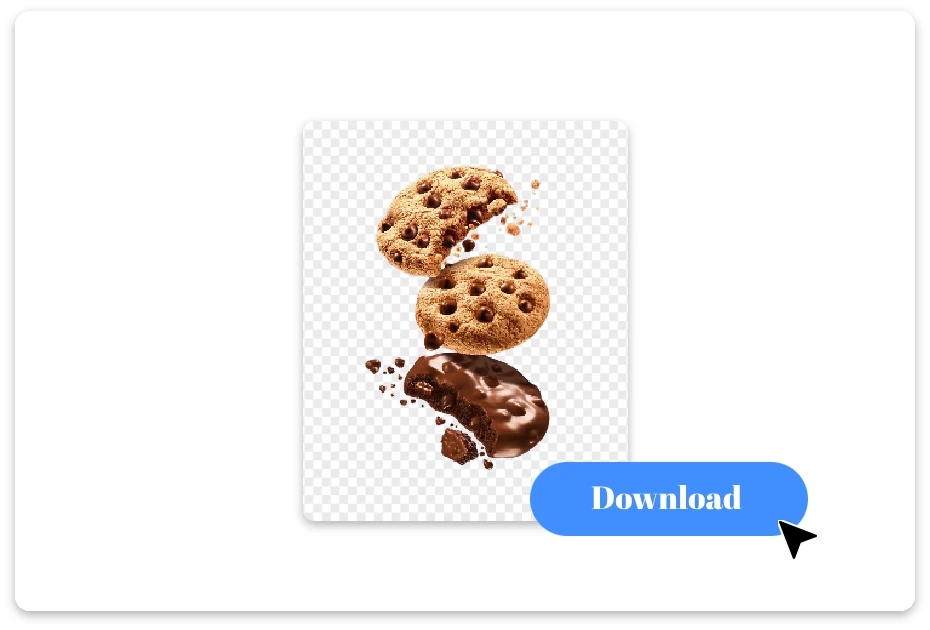
3. Refine and Download

Fine-tune small details if needed, then download your background-free image, ready for design, marketing, or sharing.

Create Better Visuals Using AI Image Background Eraser

Consistent Edge Accuracy You Can Rely On

Tired of jagged cutouts? AI background eraser swoops in like a tiny perfectionist, keeping every hair and curve intact. With ai image background eraser, your images stay crisp, detailed, and ready for professional designs or creative projects in seconds.
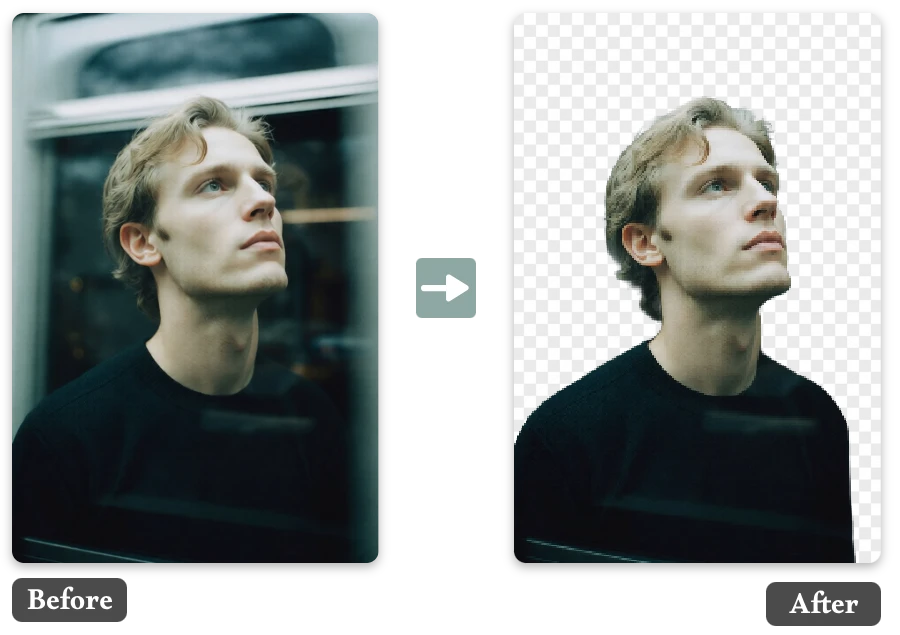
Consistent Edge Accuracy You Can Rely On

Online Background Eraser AI That Works Across Devices

Drag, drop, done! AI image background eraser works online so your creativity never sleeps.With online background eraser ai, your photos transform instantly on any device—laptop, tablet, or phone—so creativity flows wherever you go.
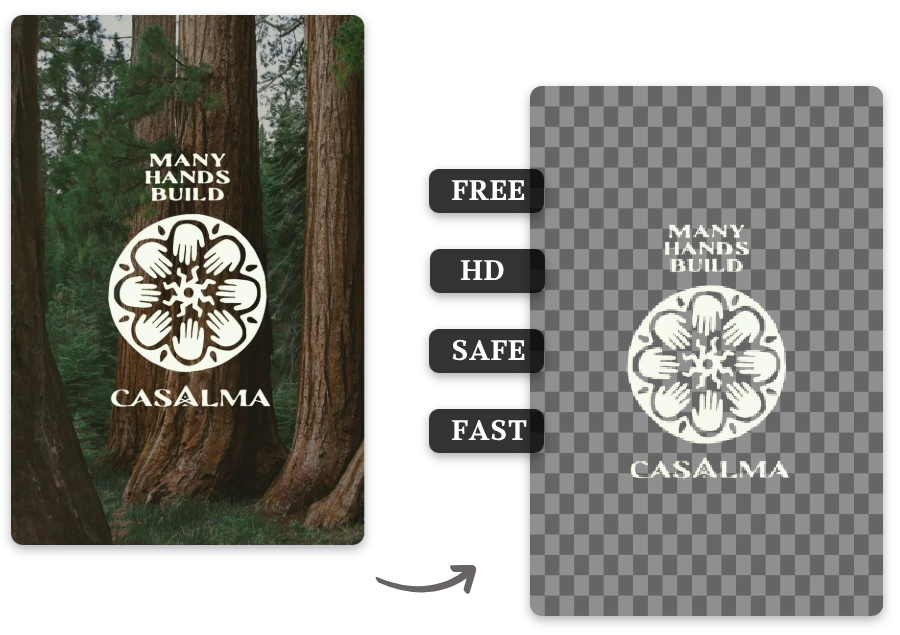
Online Background Eraser AI That Works Across Devices

Designed with Image Privacy in Mind

No peeking, promise! AI background eraser ensures your images stay private while performing flawless background removal. With ai erase background, your files are handled securely, letting you create clean, professional cutouts without worrying about privacy at all.
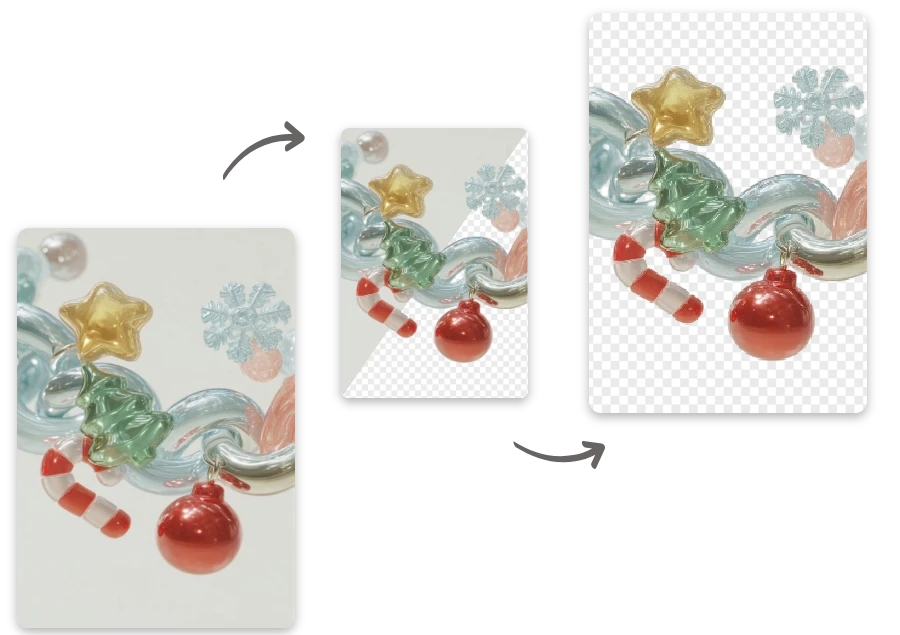
Designed with Image Privacy in Mind

The Key Advantages of Using Background Eraser AI

Pixel-Level Edge Precision

  • Detects fine details like hair, fabric, and soft shadows, producing clean cutouts that look natural without extra editing.

Works Anywhere, Anytime

  • As an online background eraser ai, it runs smoothly in your browser across devices, with no downloads or installations required.

Privacy You Can Trust

  • Images are processed securely and responsibly, so you can focus on creating without worrying about data exposure.

Smarter Subject Recognition

  • Powered by ai image background eraser technology, it accurately separates subjects even from busy or low-contrast backgrounds.

Built for Real Creative Needs

  • Fits everyday use cases—from eCommerce to social posts—without slowing you down or overcomplicating the process.

Instant, Effortless Workflow

  • AI background eraser removes backgrounds the moment you upload—no settings, no learning curve, just reliable results.

Where Background Eraser AI Fits Best

Profile Photos & Avatars

Remove unwanted backgrounds from portraits to create clean, professional profile images suitable for resumes, portfolios, or social platforms.
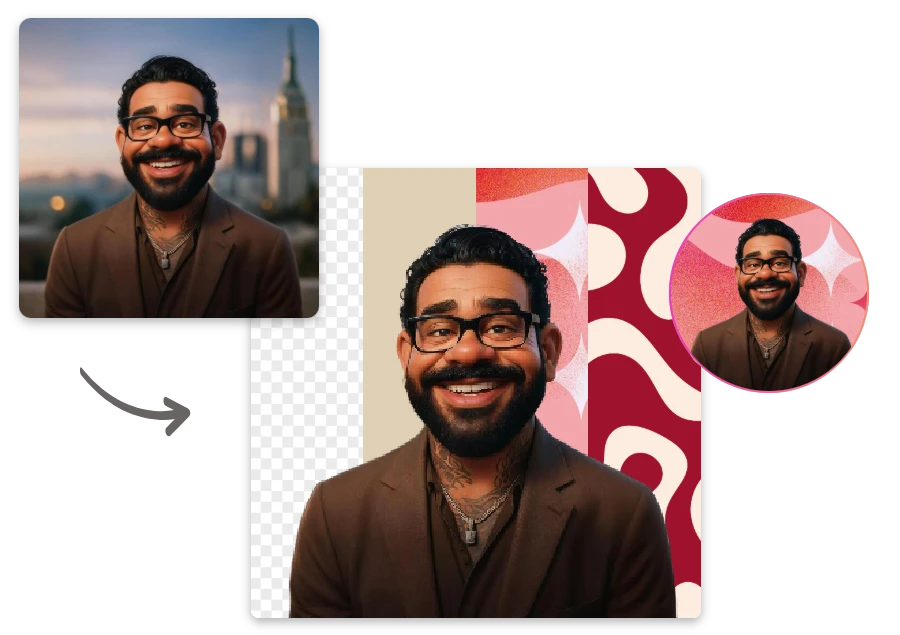
Profile Photos & Avatars

Print & Packaging Design

Create background-free visuals for packaging, labels, and printed materials, ensuring designs remain sharp and adaptable across formats.
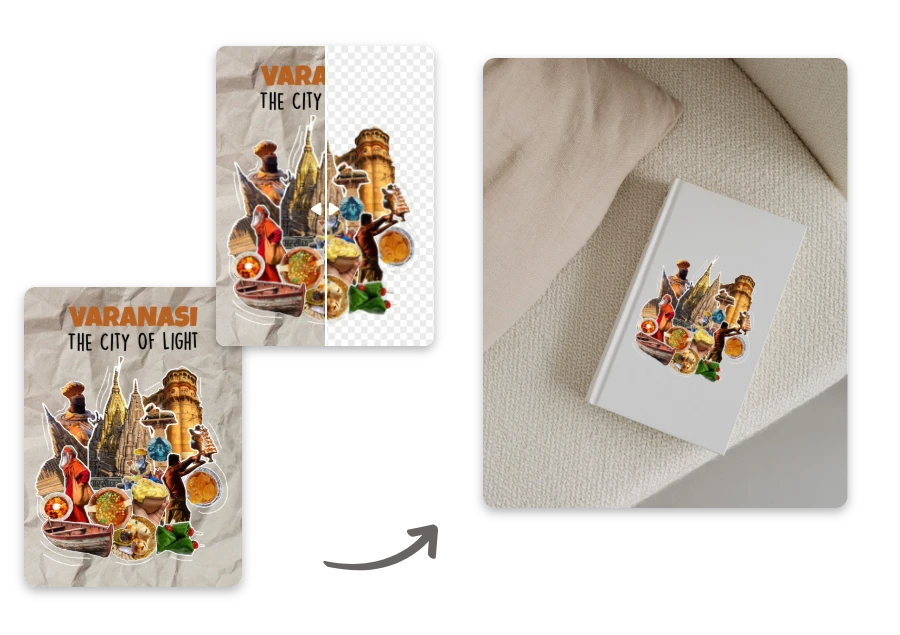
Print & Packaging Design

eCommerce Product Images

Create clean, distraction-free product photos by removing busy backgrounds, helping items stand out clearly and look more professional on online stores.
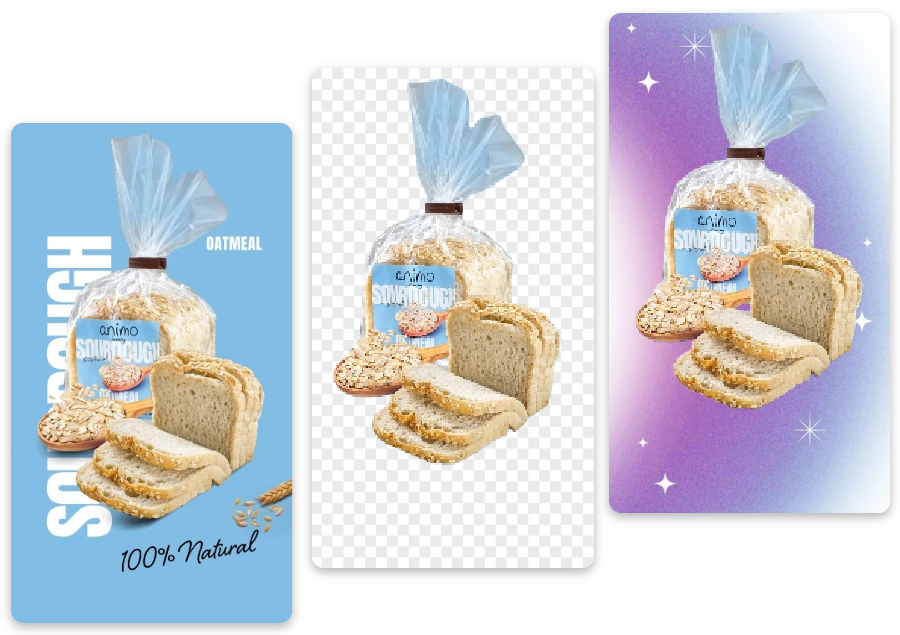
eCommerce Product Images

Small Business Branding

Help small teams create consistent visual materials by easily isolating products, people, or logos for websites and promotional content.
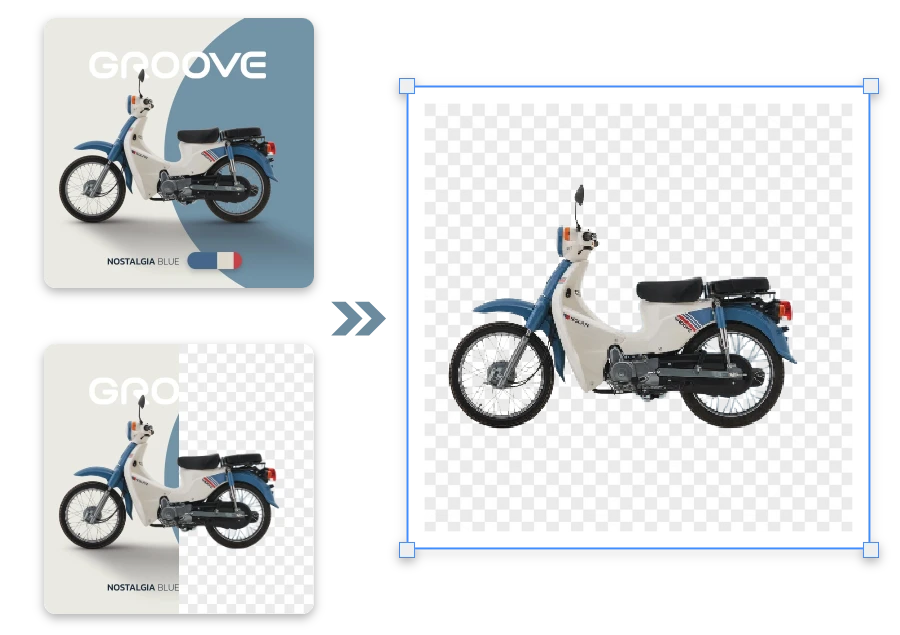
Small Business Branding

Clear Results You Notice After Every AI Erase Background

"

Perfect for quick marketing visuals. I can prepare clean images for campaigns without switching between multiple design tools.

Daniel Wong

"

Removing backgrounds used to be frustrating, but this tool makes it simple. Upload, wait a moment, and the results are consistently reliable.

Maya Patel

"

What I like most is consistency. Even when processing several images, the quality stays stable and professional-looking.

Oliver Jensen

FAQ about AI Background Eraser

1.How does background eraser ai work?

It uses AI models to automatically detect the main subject and separate it from the background with minimal user input.

2.Can it handle complex backgrounds and fine details?

Yes. It performs well with hair, shadows, and textured backgrounds, delivering clean edges in most real-world images.

3.Can I continue editing after erasing the background?

Yes. After processing, you can refine the result with more detailed adjustments and fine-tune small areas directly in the editing panel.

4. Is this an online background eraser ai or software I need to install?

It works entirely online in your browser, so there’s no need to download or install anything.

5. Is my uploaded content stored or shared?

Images are handled securely and processed only for background removal, following standard privacy and data protection practices.

6.What makes this tool different from manual editing tools?

It saves time and effort by automating complex selections, allowing you to focus on creativity instead of technical steps.

Create More with Background Eraser AI

Background eraser ai creates polished images without complex steps. Want more creative control? Explore the Background Remove homepage for additional features.