logo

Free HEIC Background Remover Online

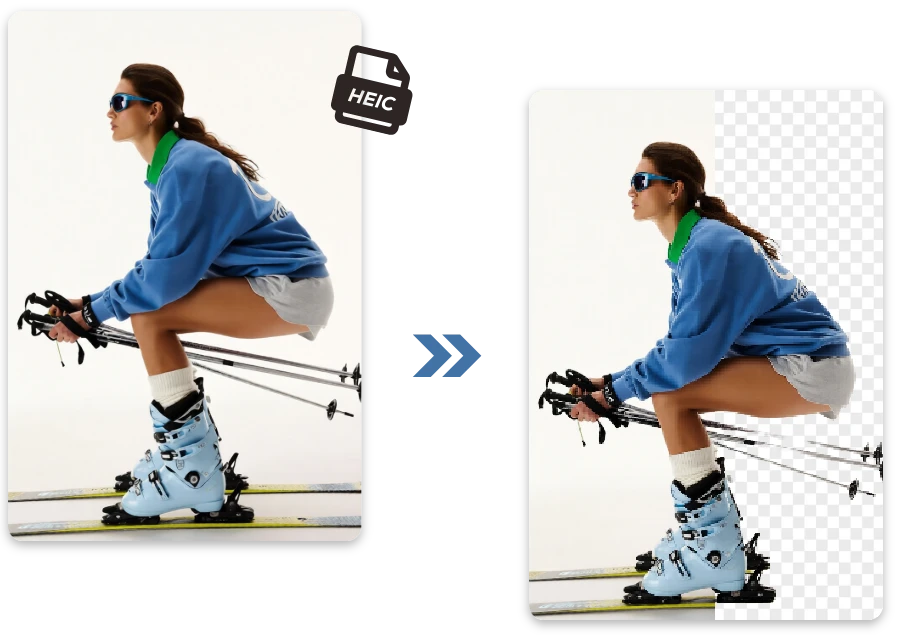
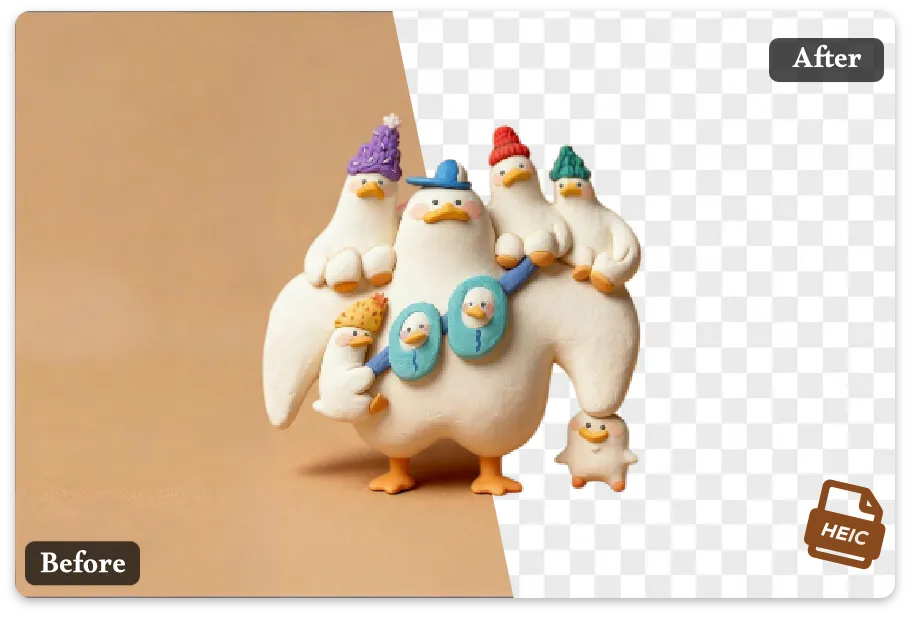
Your HEIC files deserve better—meet the ultimate HEIC background remover!

or drop a file

No logo? Try one of these:

Example 1
Example 1
Example 1
Example 1
home_cover

How to Remove Background from Picture ?

Upload Your HEIC Image

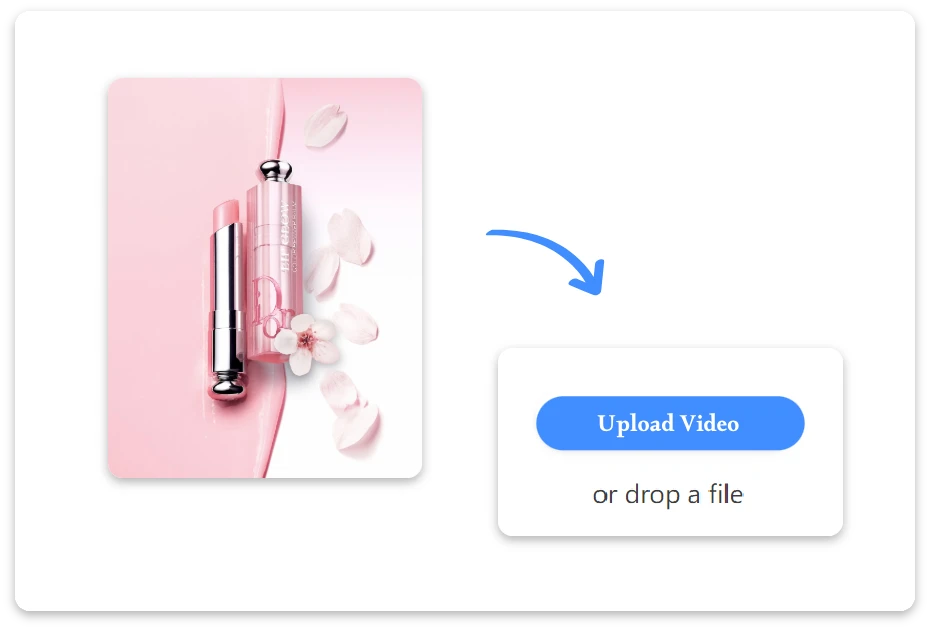
1. Upload Your HEIC Image

Upload your HEIC photo directly from your device and get it ready for quick background removal, no setup or extra steps needed.
AI Removes the Background

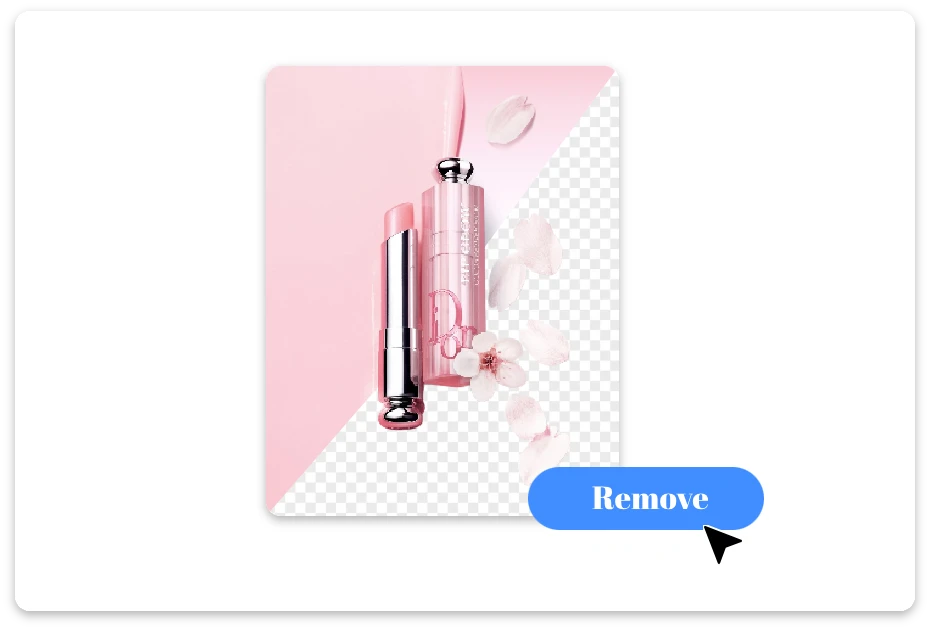
2. AI Removes the Background

Our smart AI automatically detects the subject and removes the background precisely, delivering clean and accurate results within seconds.
Edit or Download Instantly

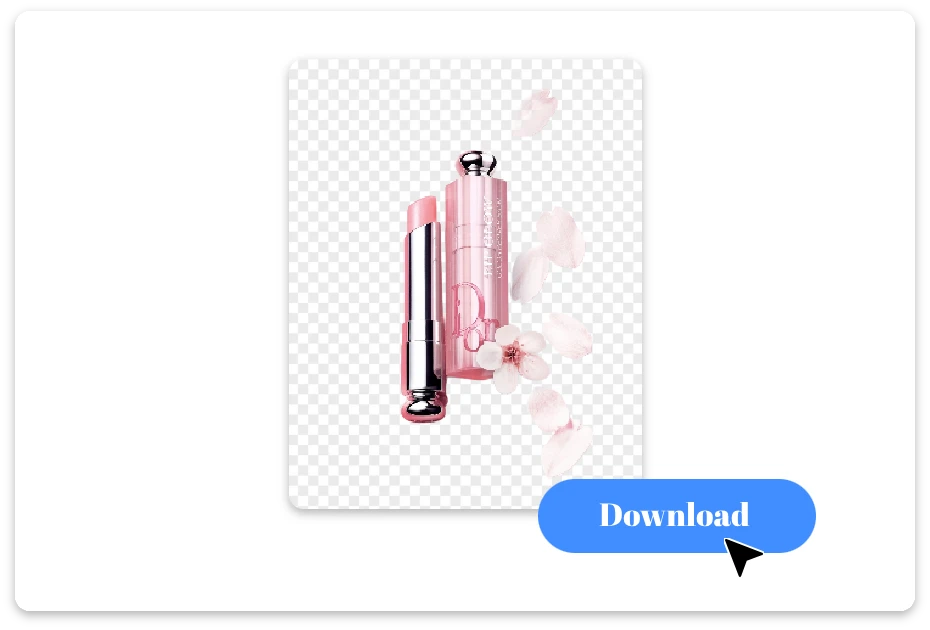
3. Edit or Download Instantly

Fine-tune the image if needed, then download your background-free result instantly for design, sharing, or professional use.

Turn Any HEIC into a Showstopper with Easy Background Removal

HEIC Background Remover for Creative Magic

Bring your creative ideas to life! With our heic background remover, remove background from HEIC and instantly craft unique designs, collages, or social posts. No tedious editing—just your imagination and flawless results.
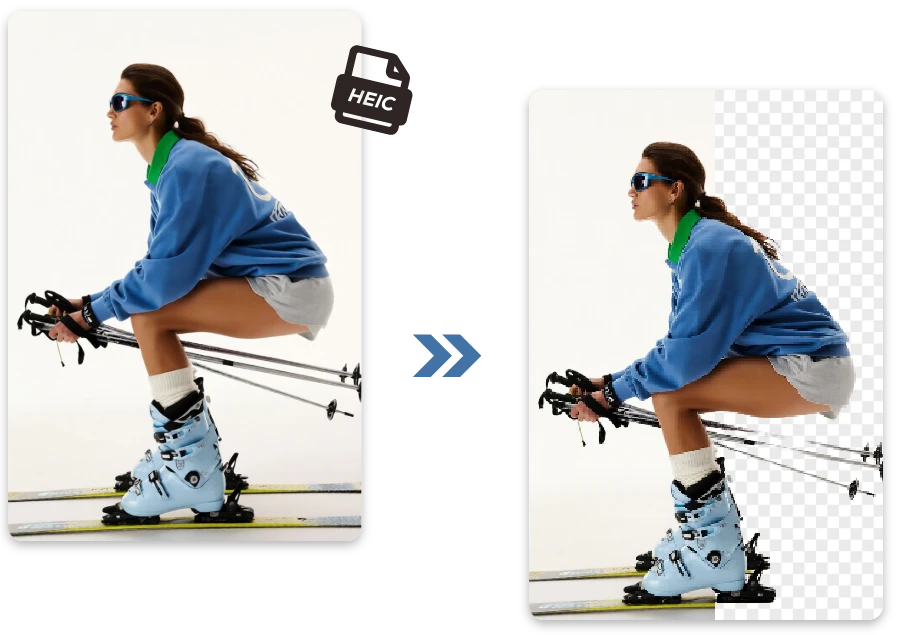
HEIC Background Remover for Creative Magic

Make Photos Pop with HEIC Background Remover

Say goodbye to messy HEIC shots! Our heic background remover ensures HEIC background removal is smooth and fun, so every photo you post pops. Perfect for friends, family, or even that viral meme moment.
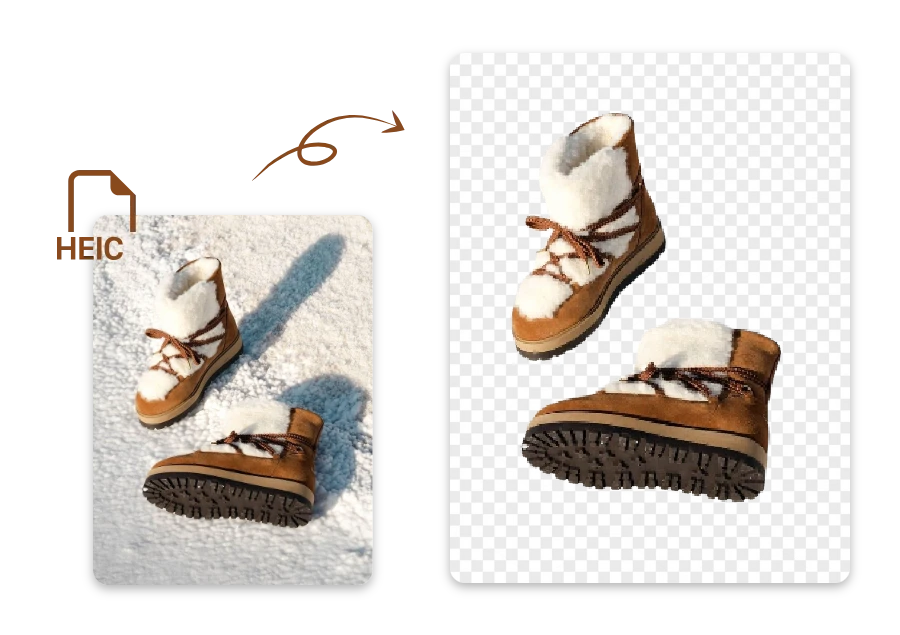
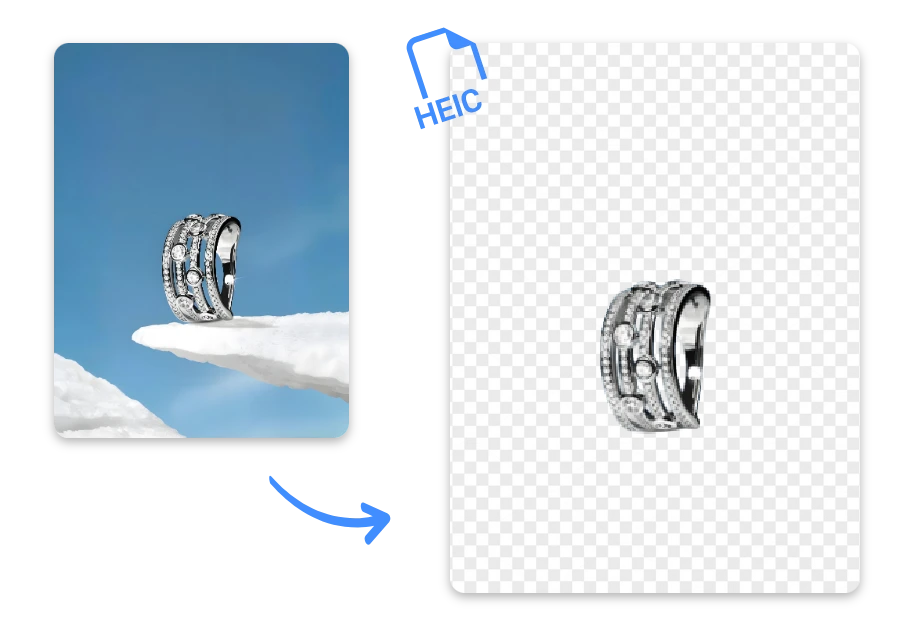
Make Photos Pop with HEIC Background Remover

HEIC Background Removal in Daily Use

E-commerce/Product Photography

E-commerce/Product Photography

Remove cluttered backgrounds from clothing, shoes, or electronics for clean online store
Personal Social Media/Short Videos

Personal Social Media/Short Videos

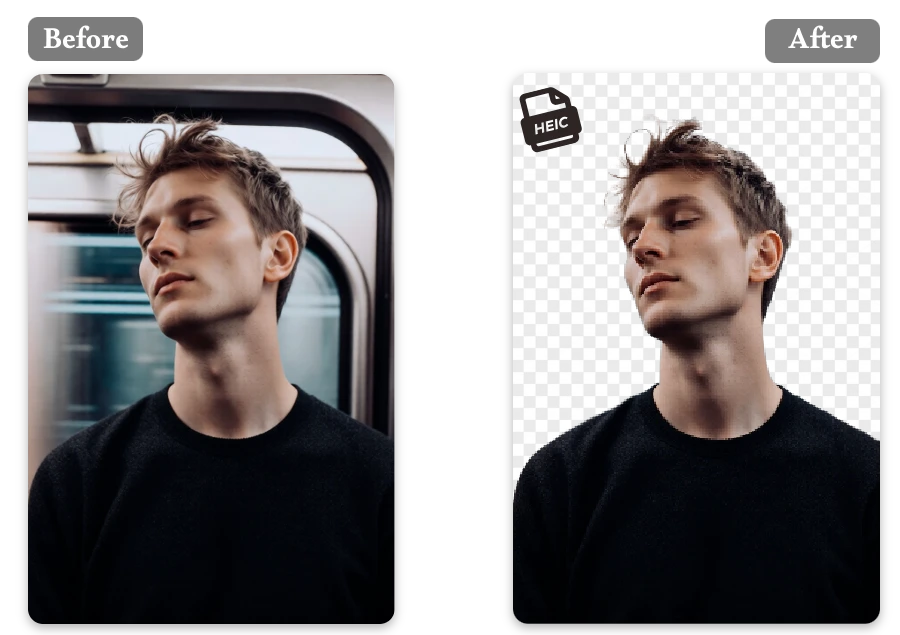
Quickly isolate yourself or pets from the background for fun Instagram or TikTok posts.
Creative Entertainment/Memes

Creative Entertainment/Memes

Turn people or pets into funny or shareable content by removing the background.

FAQ

1.Can I remove background from HEIC photos online?

Yes! With our tool, HEIC background removal is fast and requires no installation.

2.Which devices are supported?

Works on PC, Mac, and mobile, making remove background from HEIC simple everywhere.

3.What image formats are supported?

Supports HEIC primarily, but the tool also helps remove backgrounds from HEIC, PNG, WEBP, JPEG, and other common formats.

4.Is it free to use?

Our heic background remover offers free basic features, letting you remove background from HEIC without cost.

5. Is my privacy protected?

Absolutely! Our tool keeps your images secure, and no personal data is stored or shared.

6. Can I edit images after removing the background?

Yes, you can tweak results after using the remover to get perfect visuals.After removing the background, you can adjust edges, refine details, or add new elements to ensure your images look exactly how you want.

A Clean HEIC Is Just the Start…

Turn any HEIC photo into a crisp, totally hassle-free. Want more? Head to Background Remove and try every feature on our homepage.