logo

Free PNG Transparent Background Maker Online

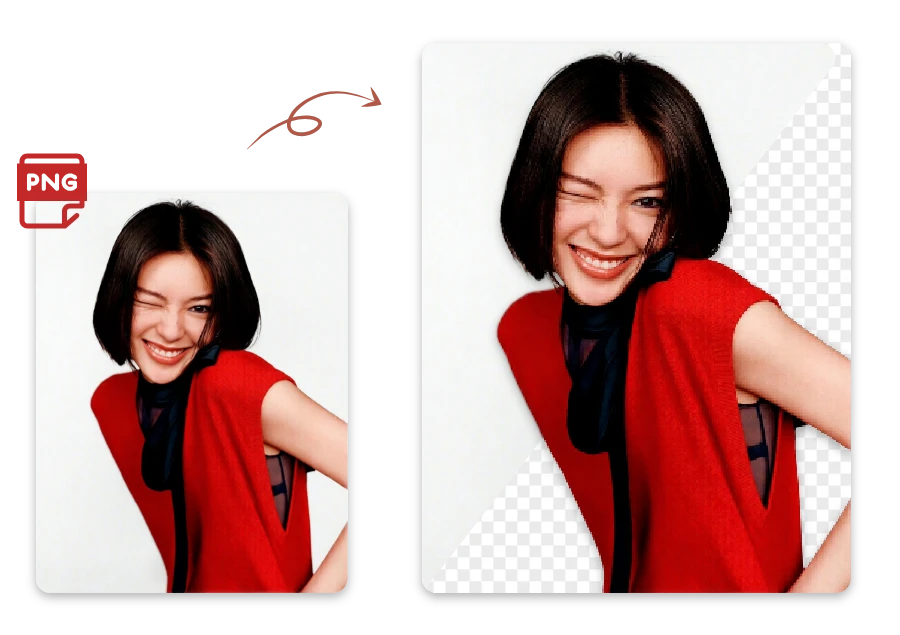
One click, zero background—your png transparent background is ready.

or drop a file

No logo? Try one of these:

Example 1
Example 1
Example 1
Example 1
home_cover

How to Make PNG Background Transparent in 3 Steps

Upload Your PNG Image

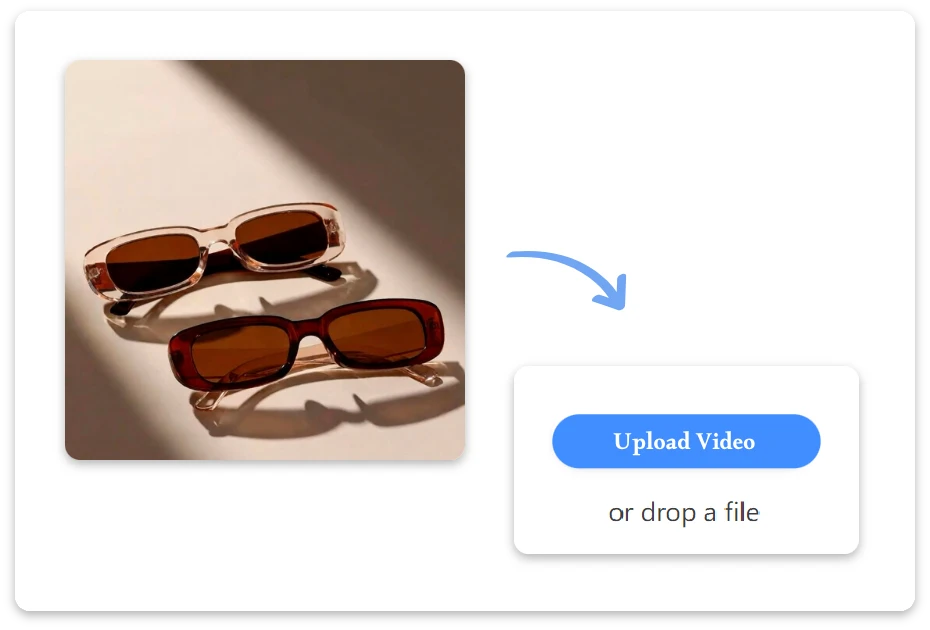
1. Upload Your PNG Image

Upload your PNG image directly from your device. No setup required—just drag, drop, and get started instantly.
AI Removes the Background

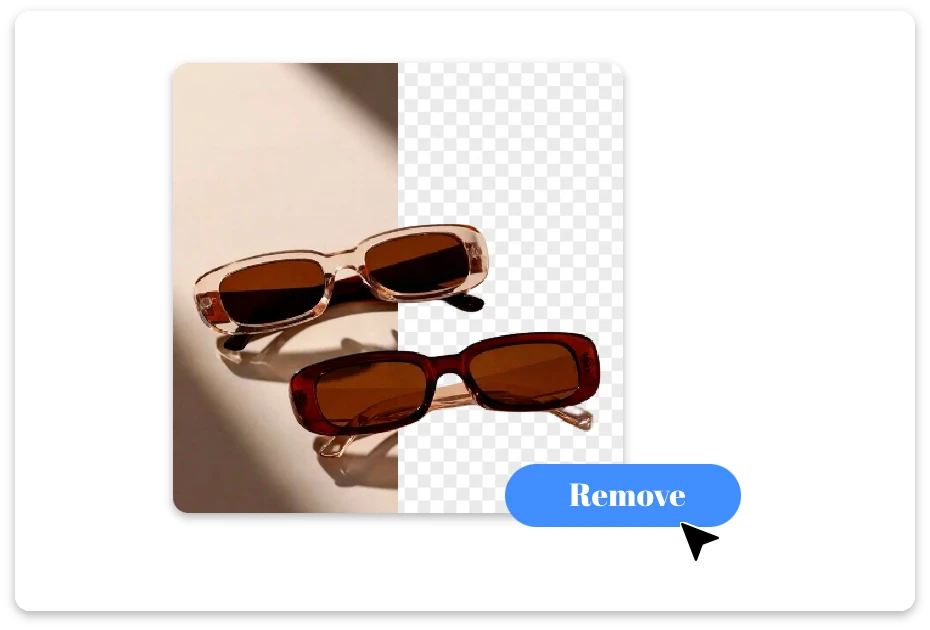
2. AI Removes the Background

Our AI automatically detects the subject and removes the background in one click, delivering clean and accurate results within seconds.
Download or Share Instantly

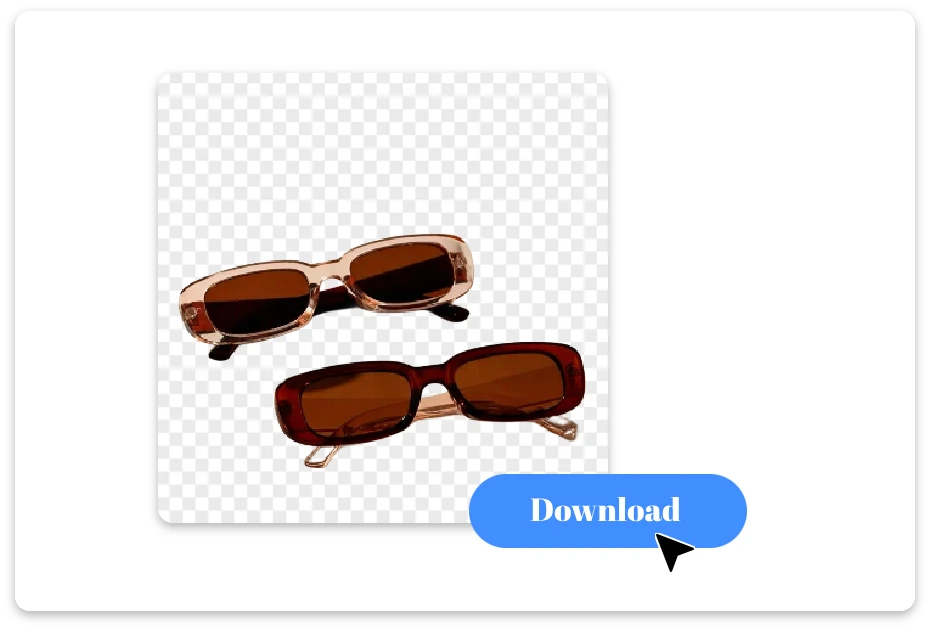
3. Download or Share Instantly

Download your transparent PNG in high quality or share it directly across platforms with ease.

Your Photos, Perfectly Clear with PNG Transparent Background

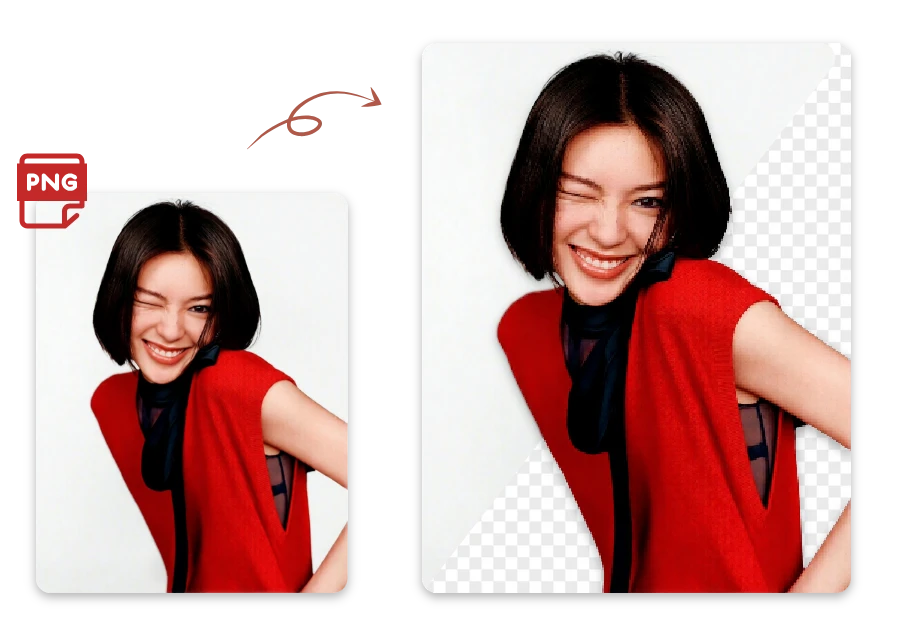
Perfecting Every PNG Transparent Background

Great visuals should feel effortless. Our AI creates a clean png transparent background while preserving fine details like edges and textures. Perfect for branding, social posts, or mockups, it makes getting a transparent png background fast, simple, and reliably professional.
Perfecting Every PNG Transparent Background

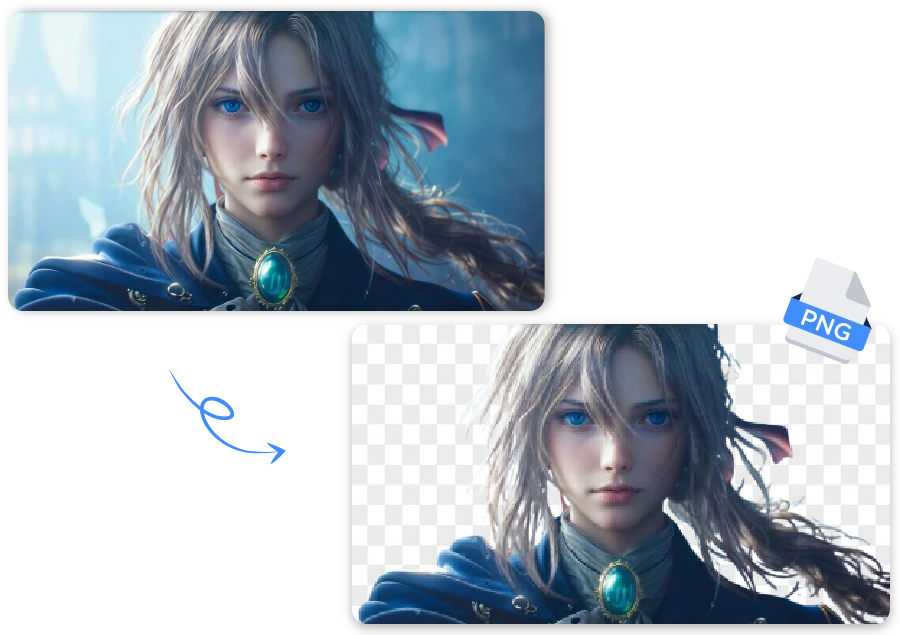
Fast Transparent PNG Backgrounds Online

No downloads. No learning curve. Upload, process, done. Our AI delivers a clean png transparent background in seconds, helping you make png background transparent right in your browser. Perfect when speed matters and results can’t wait.
Fast Transparent PNG Backgrounds Online

Practical Applications of PNG Transparent Background

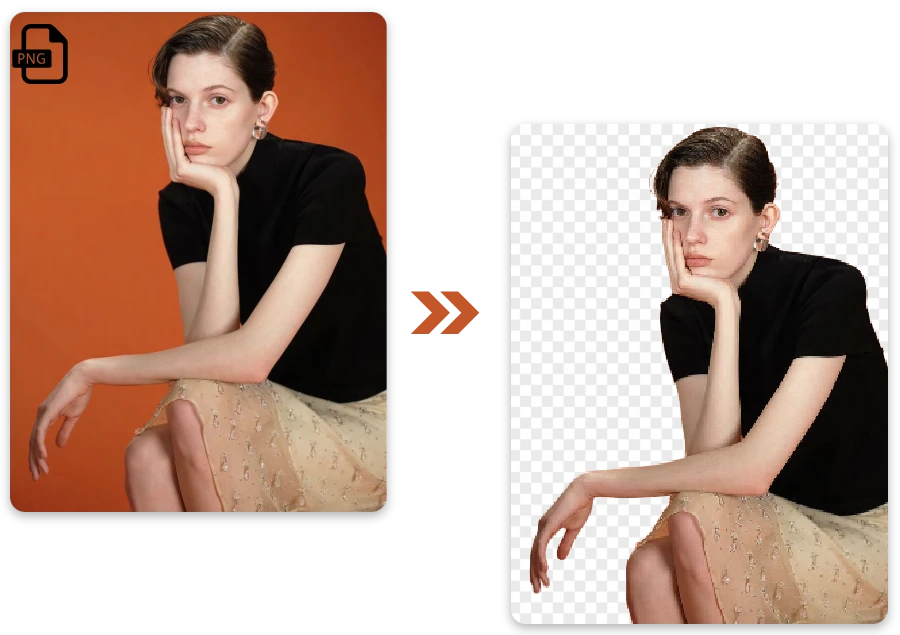
Person PNG for Graphics

Remove background from picture free and create eye-catching images for Instagram, Facebook, or TikTok effortlessly.
Person PNG for Graphics

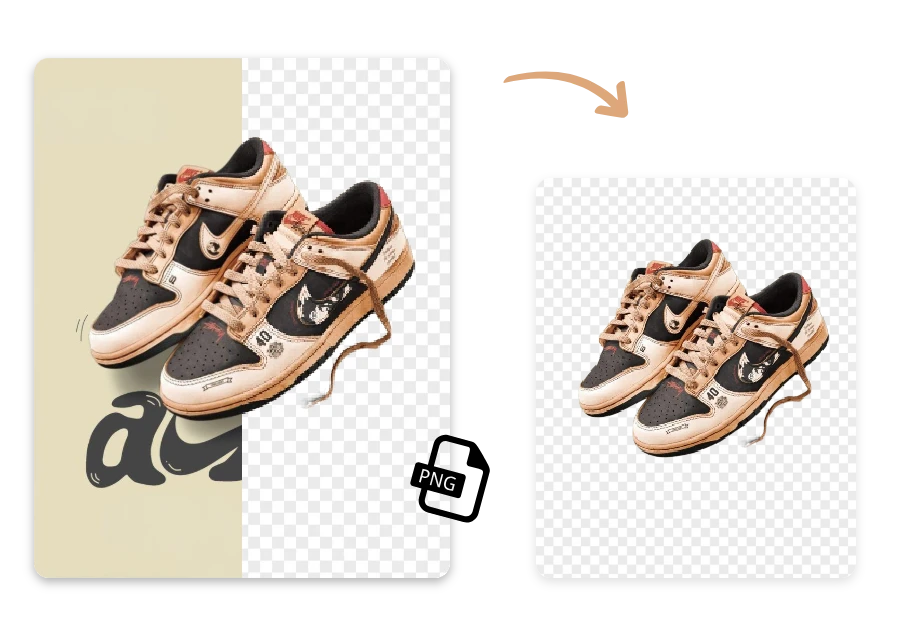
Product PNG for E-commerce

Turn your favorite family or personal photos into transparent images for cards, gifts, or creative projects using AI.
Product PNG for E-commerce

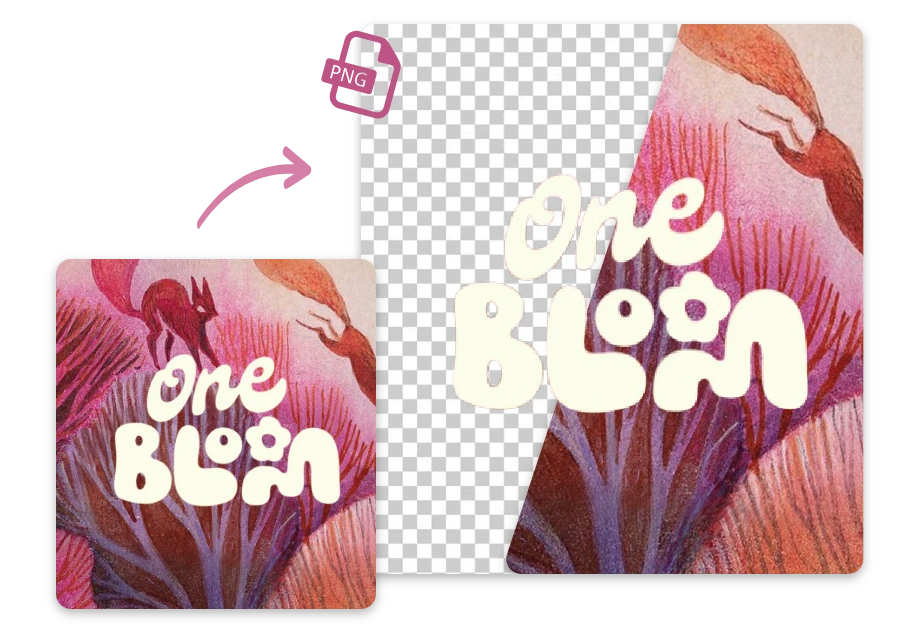
Text PNG for Design

Use a free picture background remover to polish photos and graphics, making your presentations sharp and professional.
Text PNG for Design

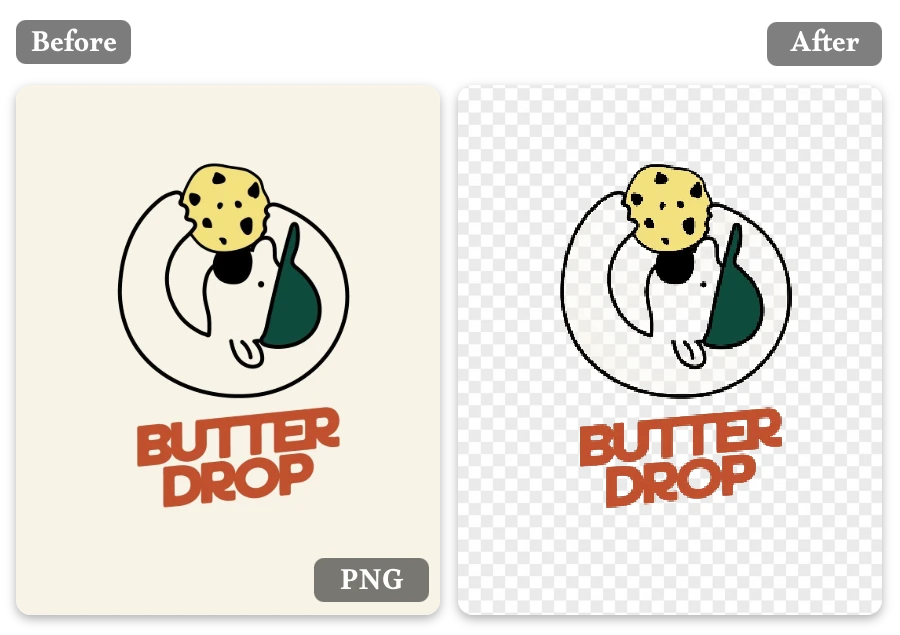
Logo PNG for Branding

Perfect transparent logos for websites, presentations, and marketing materials.
Logo PNG for Branding

FAQ

1.What is a transparent PNG background?

A transparent PNG background removes all unwanted backgrounds, letting your subject appear clearly on any design.

2.How do I make PNG background transparent?

Simply upload your image to our tool, and it automatically removes the background. Download your PNG in seconds.

3.Can I batch-create transparent PNGs?

Yes! You can upload multiple images at once and get all your transparent PNGs quickly and efficiently.

4.Are transparent PNGs free to make?

Creating transparent PNGs with our tool is fast and free—no downloads or installations needed.

5.How accurate is the background removal?

Our AI precisely detects edges, hair, and details, producing clean, professional results every time.

6.Can I edit transparent PNG after creation?

Absolutely. After downloading, you can adjust colors, add overlays, or incorporate your PNG into any design.

7.Can I reuse transparent PNGs in other designs?

Yes! Our PNGs are fully flexible and can be placed over websites, slides, ads, or social media posts seamlessly.

A Transparent PNG Is Only the Beginning…

Turn any picture into a transparent PNG in seconds, no stress at all.And that’s just the beginning of what you can do. Discover more features on Background Remove, try it on our homepage now.