logo

Free Signature Background Remover Online

Remove background from signature images instantly and create transparent signatures for documents, PDFs, and digital paperwork.

or drop a file

No image? Try one of these:

Example 01
Example 11
Example 21
Free Signature Background Remover Online

How to Remove Background from Signature in 3 Simple Steps

Upload Your Signature

1. Upload Your Signature

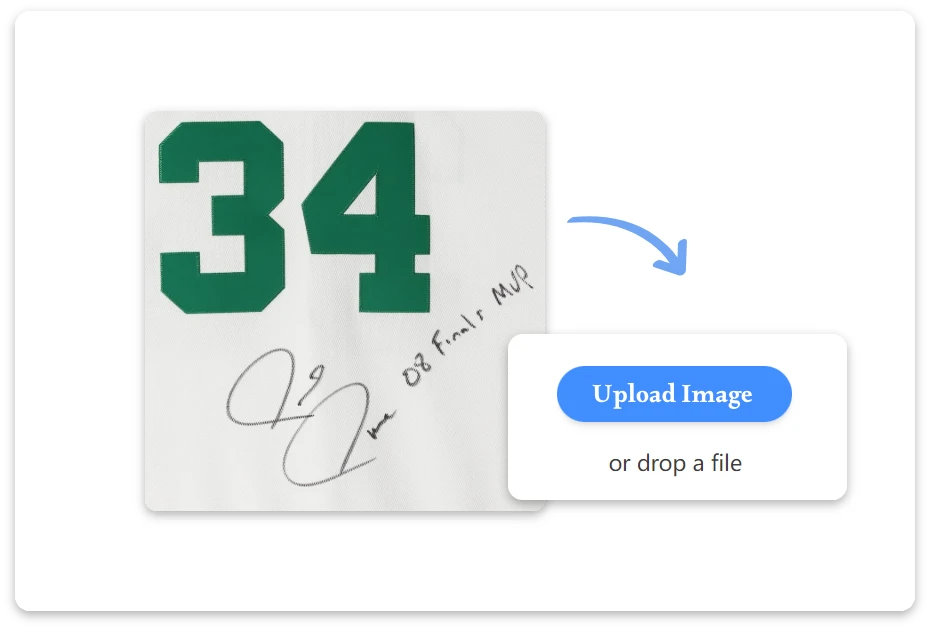
Start by uploading your signature image or scanned document. Our tool quickly processes common image formats like JPG and PNG.
AI Remove the Background

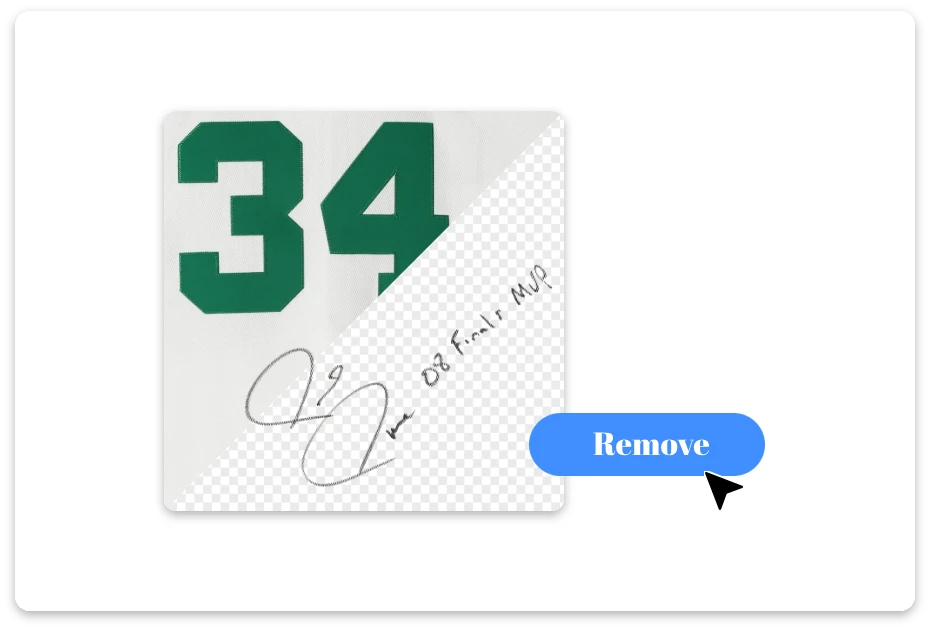
2. AI Remove the Background

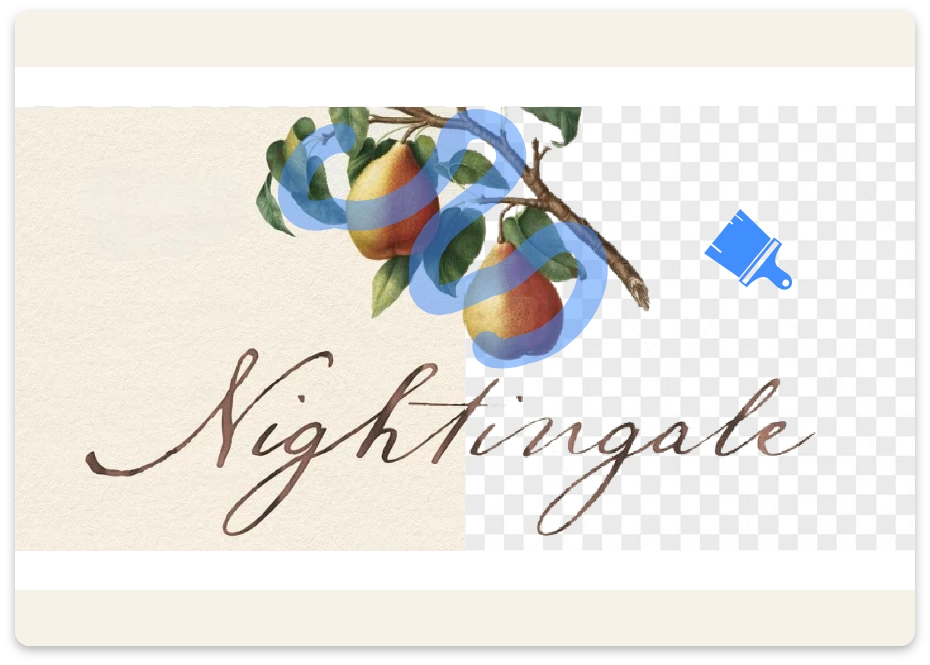
The AI automatically detects your handwritten signature and removes unwanted background areas while preserving the original shape and quality.
Download the Transparent Signature

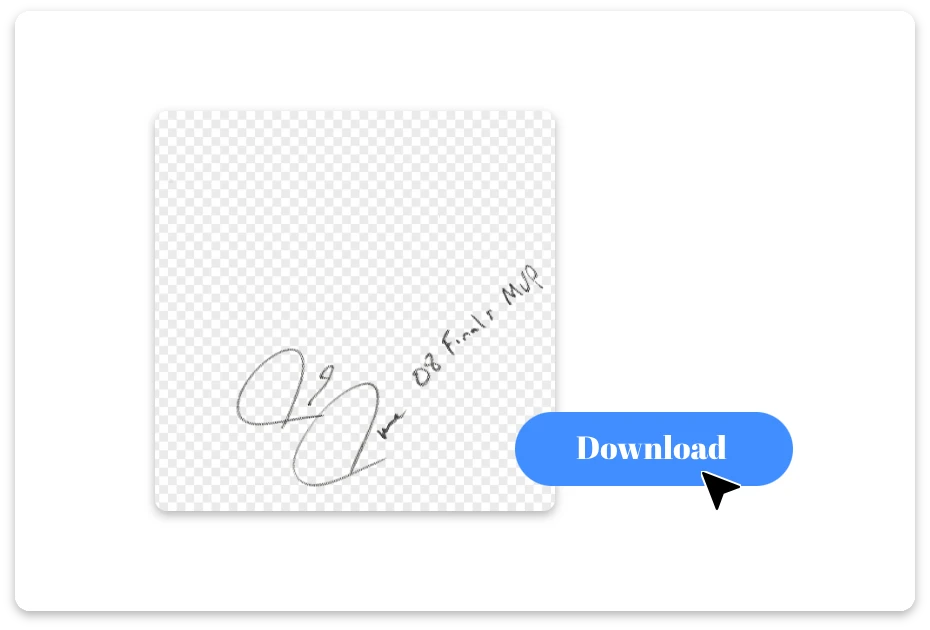
3. Download the Transparent Signature

Download the cleaned signature image instantly and use it in documents, contracts, PDFs, emails, or other professional digital files.

From Messy Background to Clean Signature

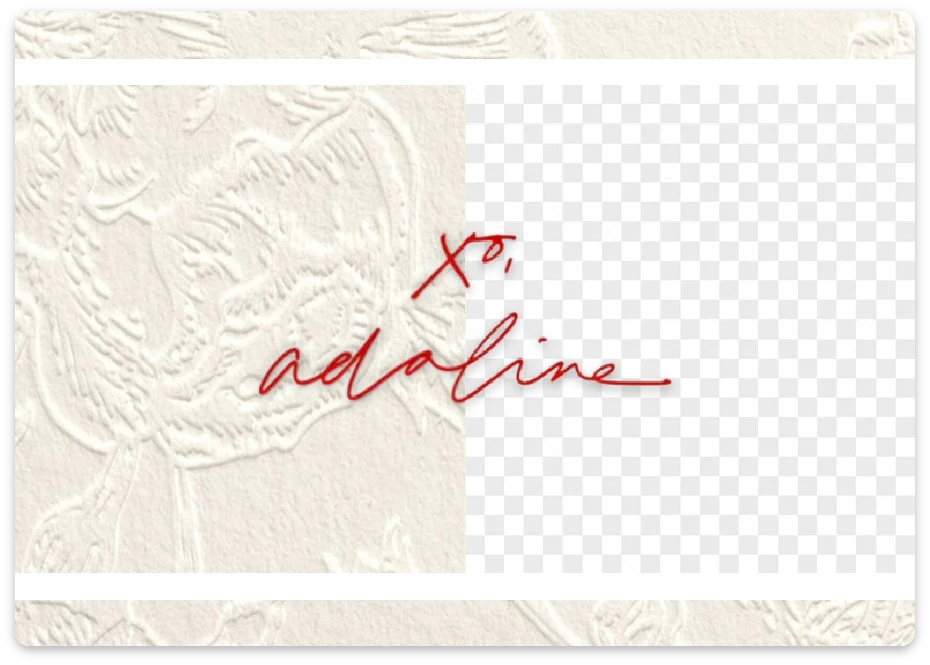
Remove Background from Scanned or Digital Signatures Easily

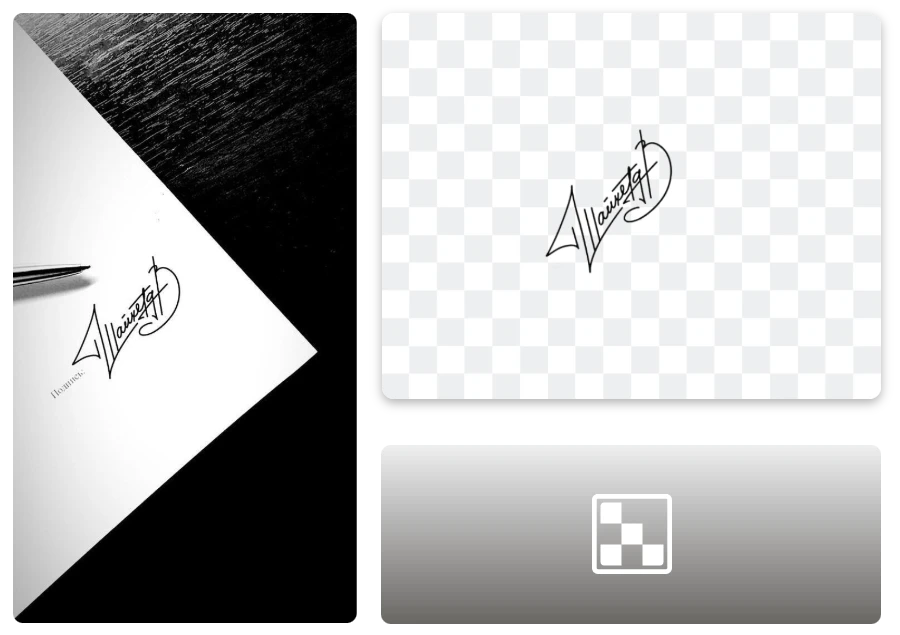
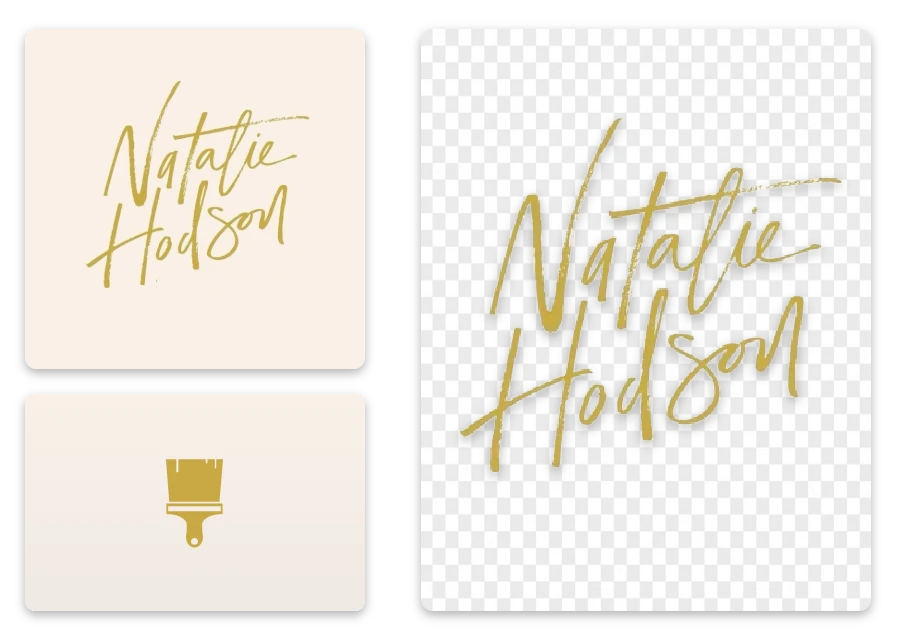
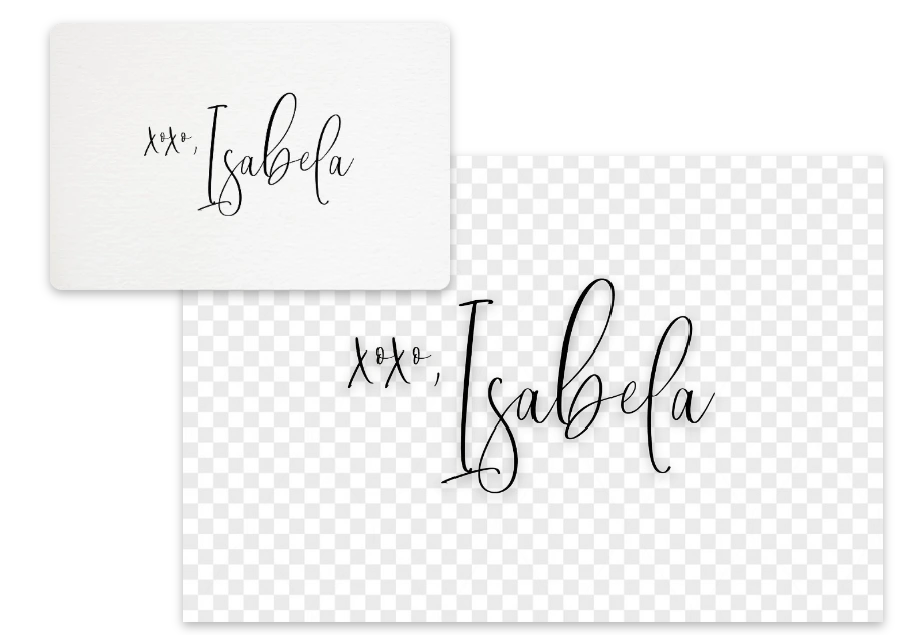
Whether your signature comes from a scanned document, a photographed signature, or a digital drawing, our tool makes it easy to remove background from signature images. It accurately detects handwriting and cleans the background, turning different signature sources into clear, professional transparent signatures.
Remove Background from Scanned or Digital Signatures Easily

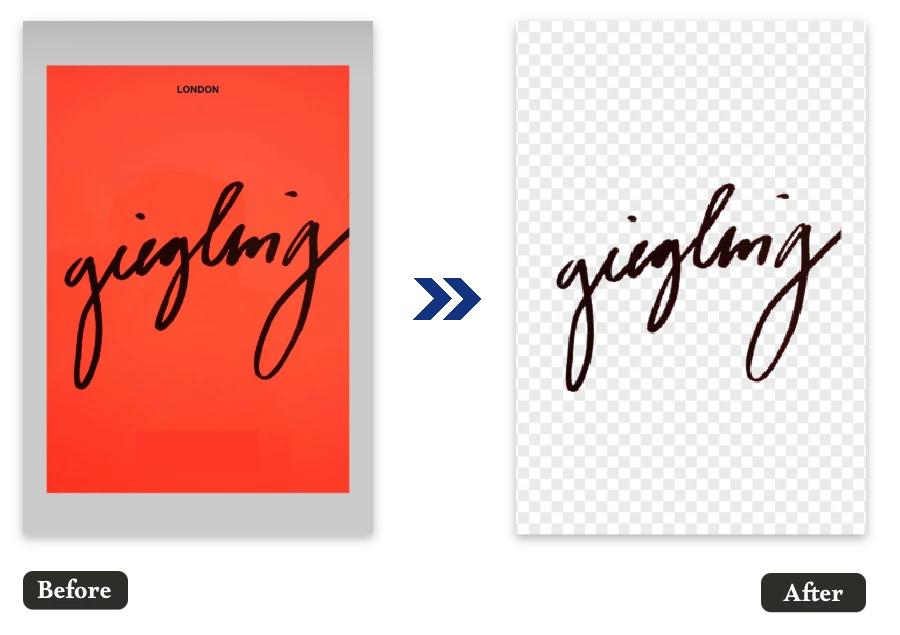
Free Signature Background Remover for Business, Students, and Professionals

From signing contracts and submitting school forms to adding signatures in emails or PDFs, this free signature background remover fits everyday needs. Business users, students, freelancers, and professionals can quickly remove signature background and create clean signatures ready for digital documents.
Free Signature Background Remover for Business, Students, and Professionals

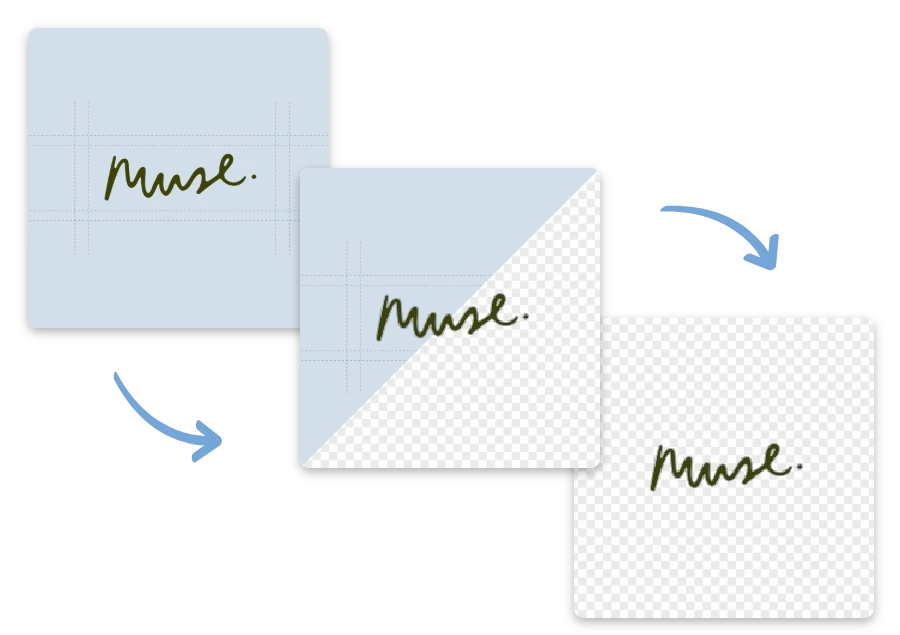
Remove Background from Signature Without Losing Quality

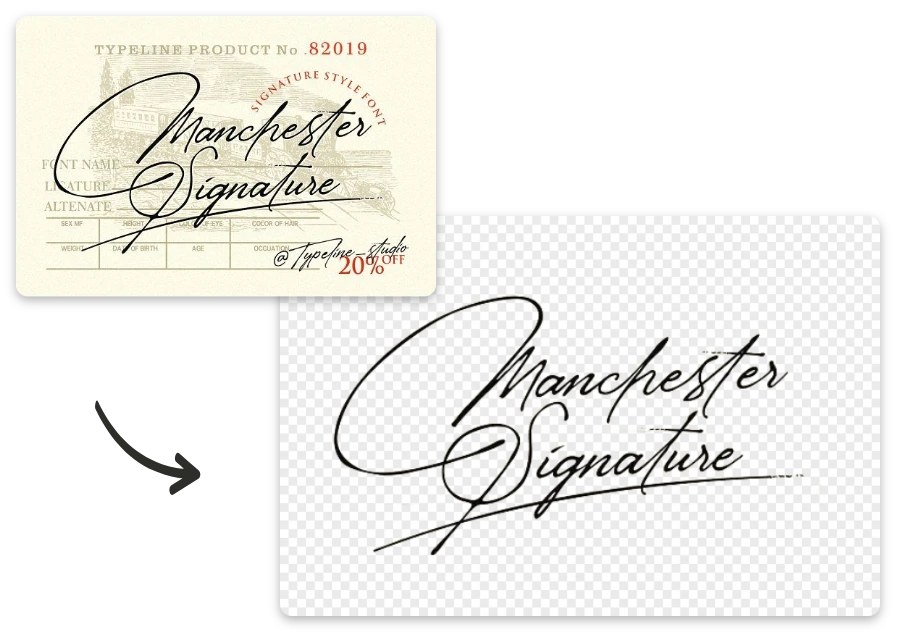
Our tool removes signature background while preserving the natural strokes and details of your handwriting. The result is a high-quality transparent signature that looks sharp and professional, perfect for official documents, contracts, PDFs, presentations, and other digital files.

Remove Background from Signature Without Losing Quality

Best Use Cases for Removing Signature Backgrounds

Sign Digital Documents

  • Easily make a white background for passport photos, ID cards, and official documents. Achieve a simple, compliant white background without visiting a photo studio.

Email Signatures and Attachments

  • Use a transparent signature image in emails to create a professional look when approving documents, confirming agreements, or sending official responses.

Personal Branding and Creative Projects

  • Designers and creators can place transparent signatures on artwork, portfolios, or personal branding materials without background distractions.

Signature Background Removal – Before & After

Trusted by Users Who Remove Signature Background Online

"

As a legal assistant, I prepare many documents that require signatures. This tool helped me remove background from signature free, quickly cleaning the white background from our scanned signature image so I could place it neatly into contracts without extra editing.

Oliver Grant

"

Working remotely means most agreements are signed digitally. I uploaded a photo of my signature, removed the background, and added it directly to my employment documents. It saved time and made everything look properly signed.

Marcus Ellington

"

While applying for a graduate program, I needed to sign several digital forms. Removing the background from my scanned signature made it easy to insert into PDFs, and the final documents looked clean and properly formatted.

Daniel Whitmore

Remove Background from Signature FAQ

1.How to remove background from signature online?

You can remove background from signature images by uploading your signature to our online tool. The AI automatically detects the handwriting and removes the background, allowing you to download a clean transparent signature in seconds.

2. Will removing the background affect my signature quality?

No. Our AI is designed to remove signature background while preserving the natural strokes and details of your handwriting. The final transparent signature remains sharp and suitable for professional documents.

3.Do I need to install software to remove signature background?

No installation is required. This free signature background remover works entirely online, so you can remove signature background directly from your browser on desktop or mobile devices.

4. Is there a watermark after removing signature background?

No. When you remove background from signature images using our tool, the downloaded cleaned signature image does not include any watermark, making it suitable for professional use.

5. Is my signature image safe and private?

Yes. We respect user privacy. Uploaded signature images are processed automatically and are not stored or shared. Your files are only used to remove signature background and are deleted shortly after processing.

Create Clean Signatures with Background Removed

Remove background from signature for clean digital signatures. Now explore more creative tools for image editing. Try our Background Remove feature and discover more ways to enhance photos and signatures with simple AI tools.