logo

Remove Photo Background Online for Free with AI Precision

Our AI helps you remove photo background online in seconds—fast, precise, and surprisingly fun.

or drop a file

No logo? Try one of these:
Example 1
Example 1
Example 1
Example 1
home_cover

The Easiest Way to Remove Photo Background Online

Upload Your Photo

1. Upload Your Photo

Upload the image you want to edit from your device. Our online photo background remover supports common formats like PNG, JPG, HEIC, WEBP, and SVG.
AI Remove Background

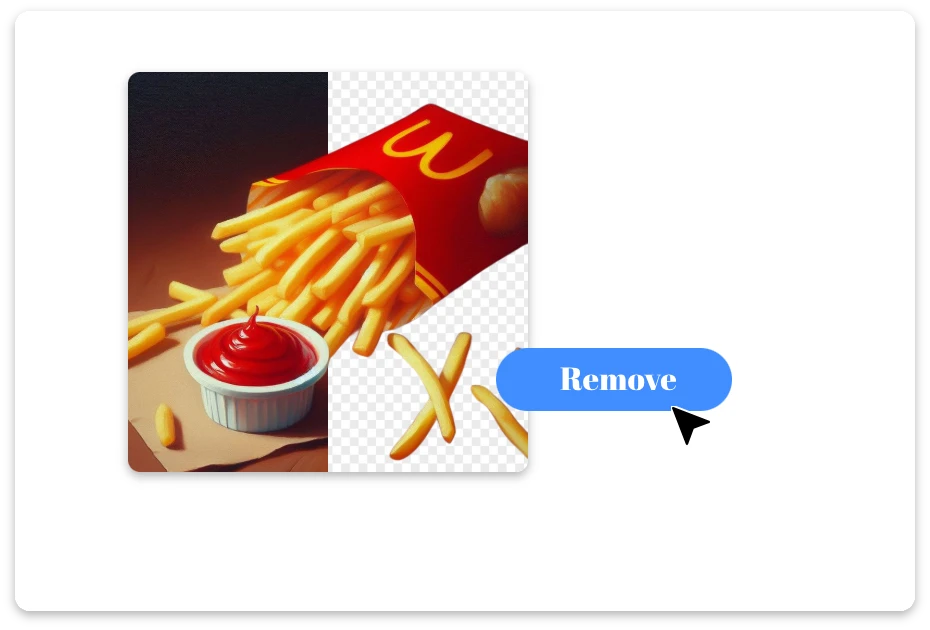
2. AI Remove Background

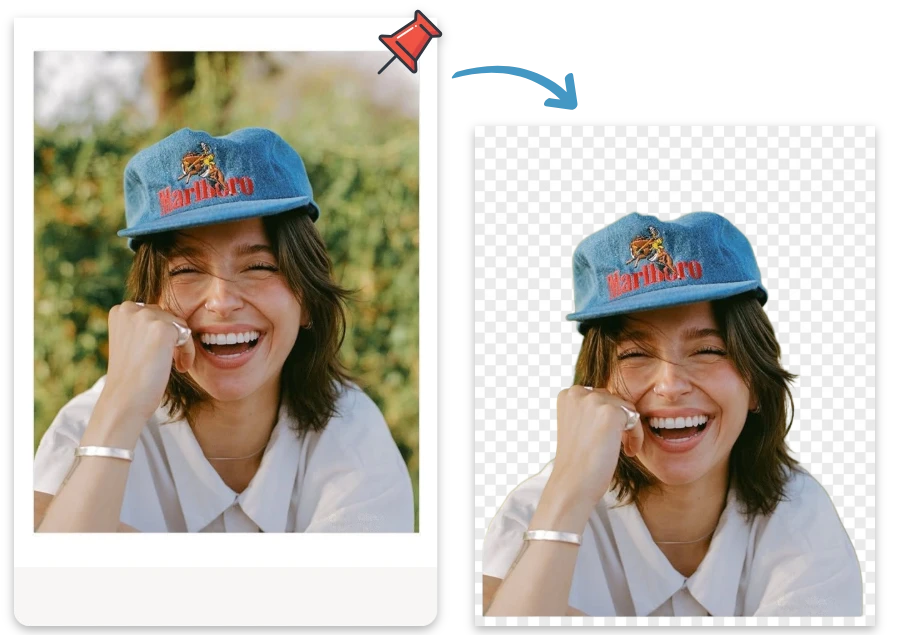
Our AI automatically detects the subject and removes the background in seconds. No manual editing needed—just fast and accurate background removal.
Download Clean Image

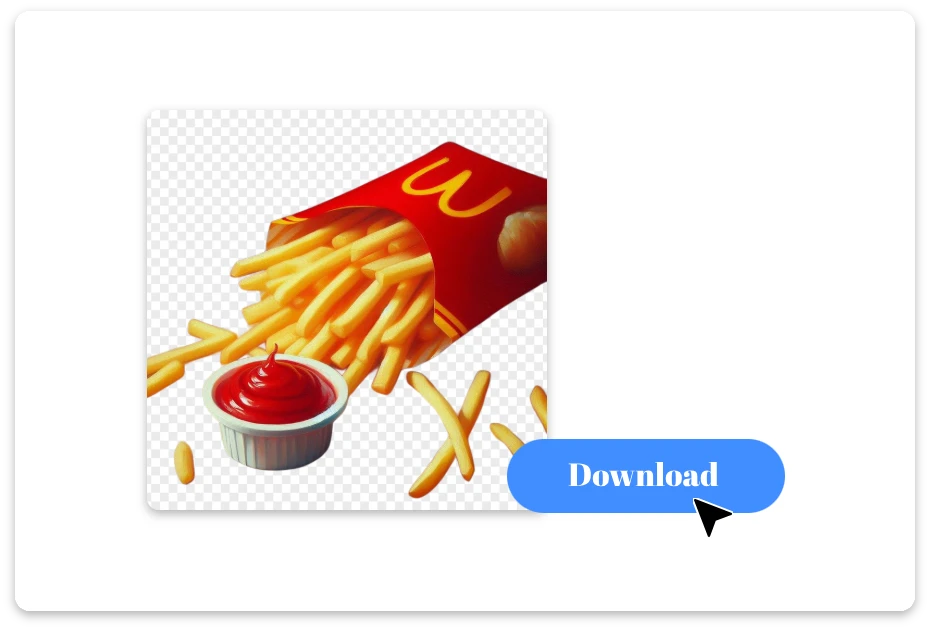
3. Download Clean Image

Preview the result and download your image instantly. You can keep a transparent background or use the cutout for designs, products, or social media.

Create Clean Images with Zero Background Clutter

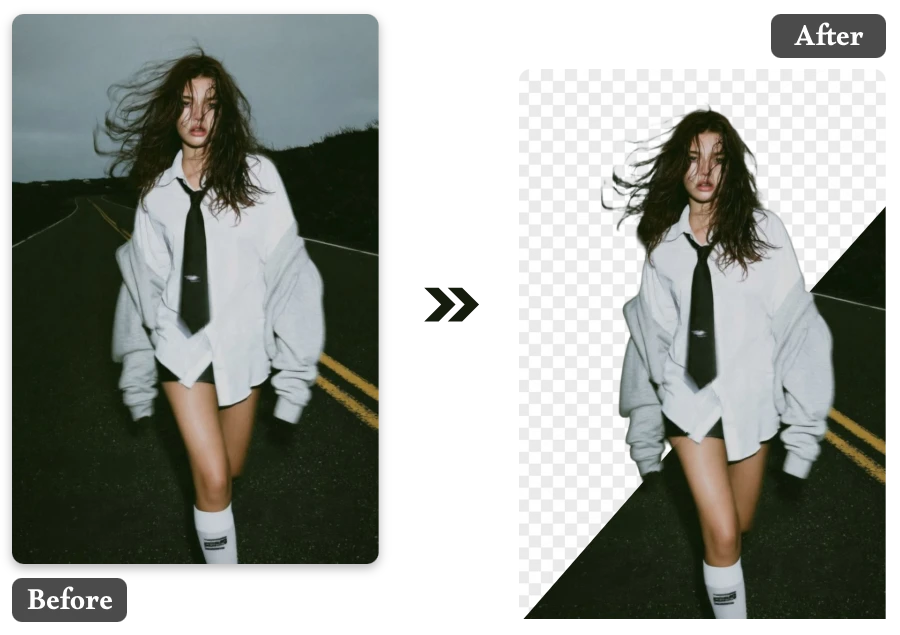
Capture Every Detail, Even the Most Tricky Edges

Stray hairs, pet fur, delicate fabrics—these details are often the hardest to cut out. Our AI-powered online photo background remover is trained to detect complex edges with remarkable accuracy, delivering smooth and natural results every time.
Capture Every Detail, Even the Most Tricky Edges

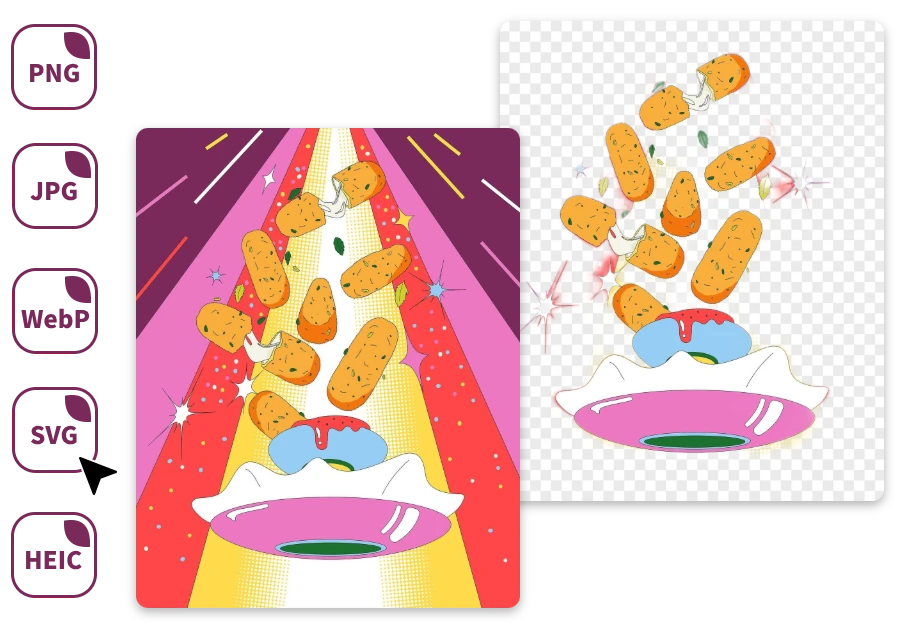
No Format Restrictions, Just Upload and Go

No need to check file types first. Whether your image comes from a phone, camera, or design tool, our system supports it. Upload PNG, JPG, HEIC, WEBP, or SVG files and remove background from photo online instantly.
No Format Restrictions, Just Upload and Go

Remove Backgrounds from Multiple Photos at Once

If you’re working with many images, efficiency matters. Our free photo background remover online supports batch uploads, letting you process multiple photos in a single step and save valuable editing time.
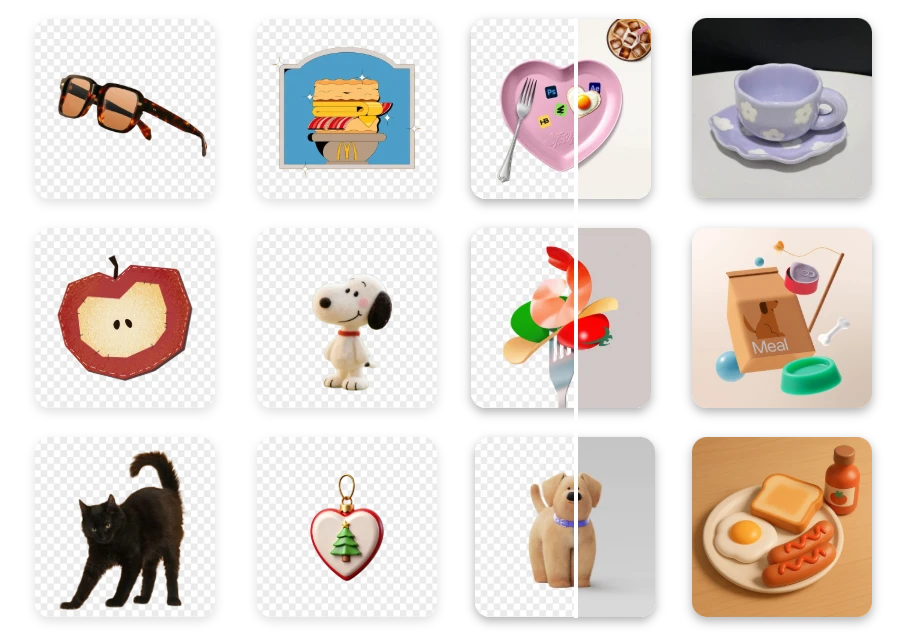
Remove Backgrounds from Multiple Photos at Once

Why Our Online Photo Background Remover Stands Out

AI Edge Precision

  • Messy hair, pet fur, and soft textures are handled accurately. Our online photo background remover detects edges and delivers smooth, natural cutouts.

Batch Upload Power

  • Process dozens of images at once. Our free photo background remover online lets you remove backgrounds from multiple photos in a single workflow.

Lightning-Fast Processing

  • Upload your image and remove photo background online in seconds—no waiting, no complicated editing.

Beginner-Friendly Interface

  • Drag, drop, and download. Anyone can remove photo background online without design skills or extra tools.

Works with Every Format

  • Supports PNG, JPG, HEIC, WEBP, and SVG. Remove background from photo online instantly without converting files.

Secure Cloud Editing

  • Edit images anytime, anywhere. Your photos are processed securely in the cloud and automatically protected.

Everyday Uses for Smart Background Removal

Online Marketplace Listings

Sellers on Amazon, Etsy, or Shopify can use a free photo background remover online to produce clean product images that meet marketplace standards.
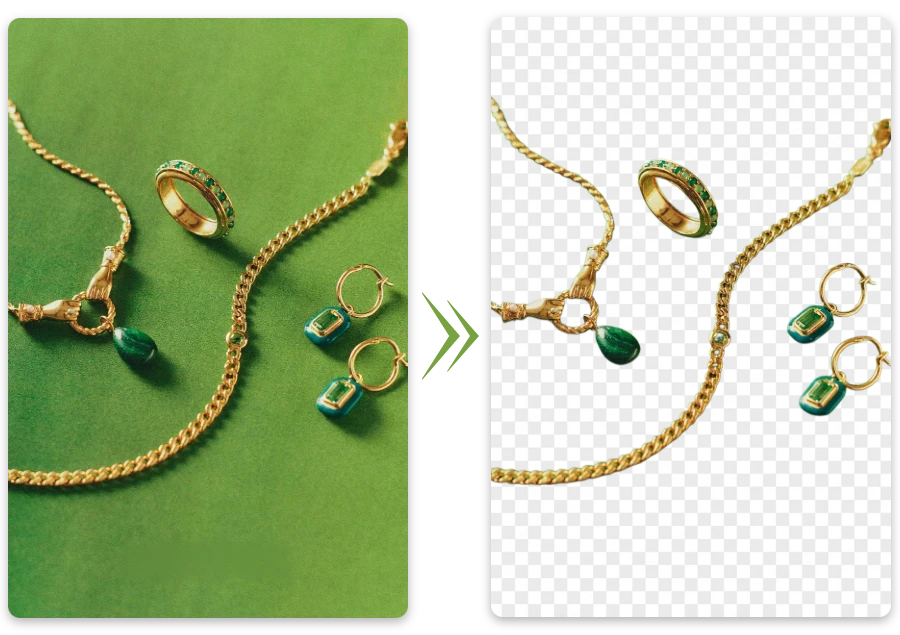
Online Marketplace Listings

Personal Photo Editing

Improve vacation pictures, family portraits, or selfies by removing cluttered backgrounds and highlighting the people who matter most.
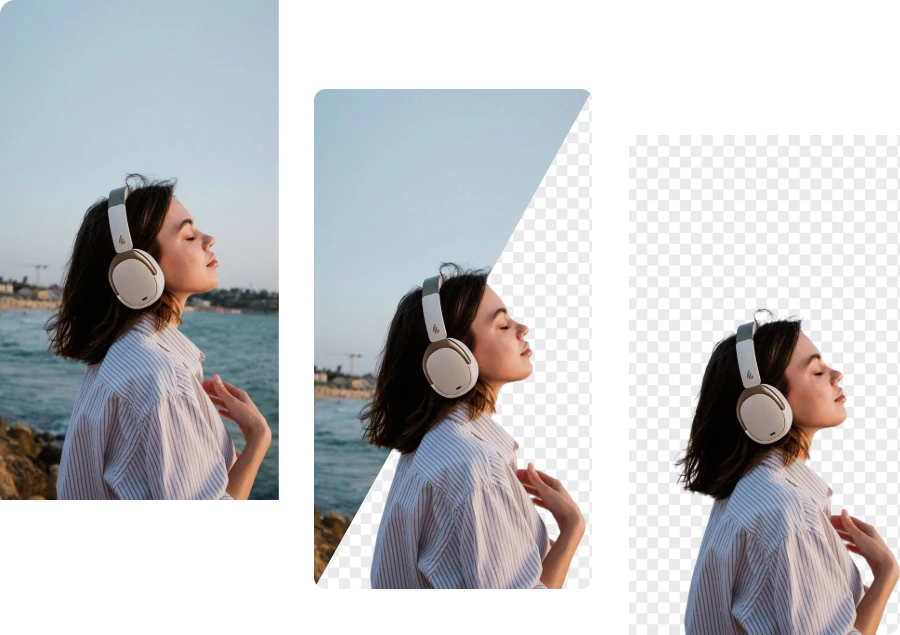
Personal Photo Editing

Social Media Content

Make eye-catching posts, profile pictures, and thumbnails by using an online photo background remover to isolate subjects and create stylish visuals.
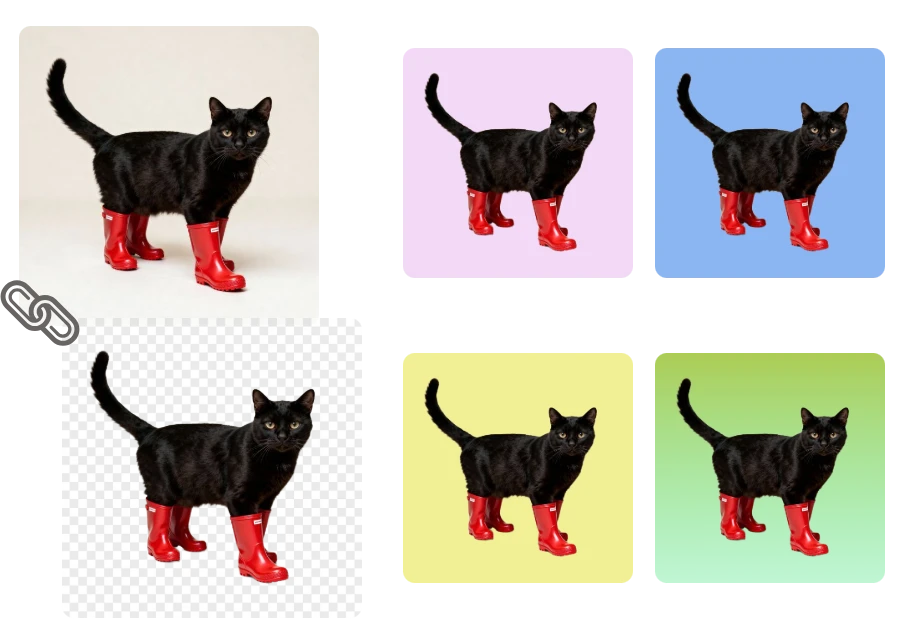
Social Media Content

Marketing & Advertising

Design promotional banners, ads, and campaign visuals by removing distracting backgrounds and focusing attention on the main subject.
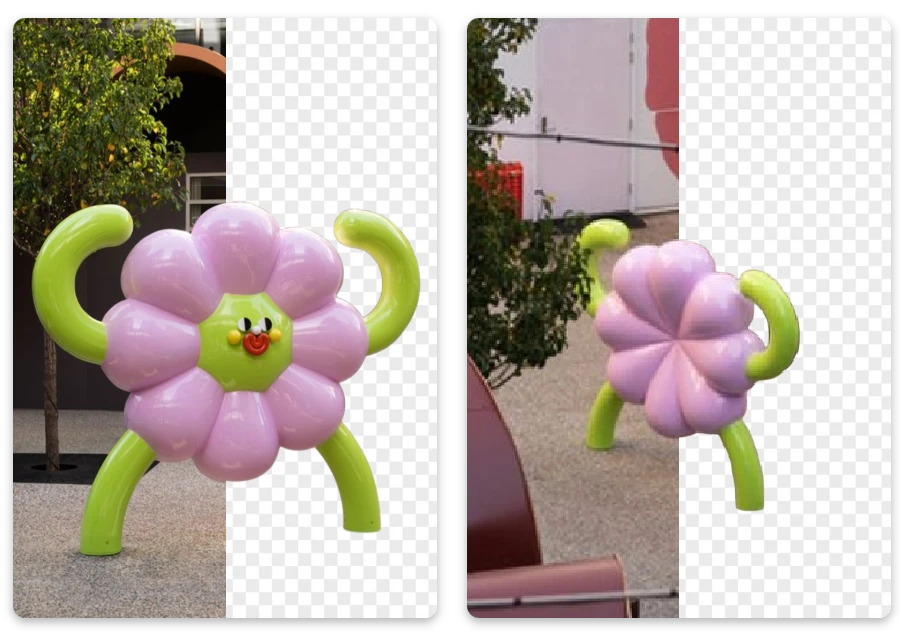
Marketing & Advertising

Success Stories: Remove Photo Background Online Made Easy

"

I run a small Shopify store, and this tool saves me hours every week. I can remove product backgrounds instantly and make my listings look clean and professional.

Chloe Bennett

"

I’m not a designer, but I managed to remove the background from my photos in seconds. The interface is clear, and the results look surprisingly professional.

Ethan Caldwell

"

I was surprised by how well it handled messy hair and soft edges in portraits. The cutouts look natural, far better than many tools I’ve tried before.

Sofia Martinez

FAQ about Photo Background Remover

1. Will removing the background reduce image quality?

No. Our online photo background remover is designed to preserve the original image quality while removing the background. The AI keeps edges sharp and maintains fine details like hair, textures, and shadows for natural-looking results.

2. Can I remove backgrounds from product photos?

No. Our online photo background remover preserves image quality, keeping edges sharp and details like hair, textures, and shadows intact.

3. Can I replace the background after removing it?

Yes. After you remove the background, you can easily place the subject on a new background such as solid colors, gradients, scenes, or custom images to match your creative needs.

4. Can I remove backgrounds from multiple images at once?

Yes. Our tool supports batch processing, allowing you to upload multiple photos and remove their backgrounds in one streamlined workflow. This is especially helpful for e-commerce, marketing, or large image collections.

5. What types of photos work best with background removal tools?

Our AI works best with images that have clear subjects and good lighting. It performs especially well on portraits, product photos, pets, and objects while preserving natural edges and fine details.

6. Is your online photo background remover really free?

Yes. You can use our free photo background remover online to upload an image and remove the background instantly. The tool allows you to quickly download clean results for personal or creative use.

Ready to Remove Backgrounds in Seconds?

Now you know how easy it is to remove photo backgrounds online with AI precision. Visit our Background Remove homepage to explore more powerful tools and start editing instantly.