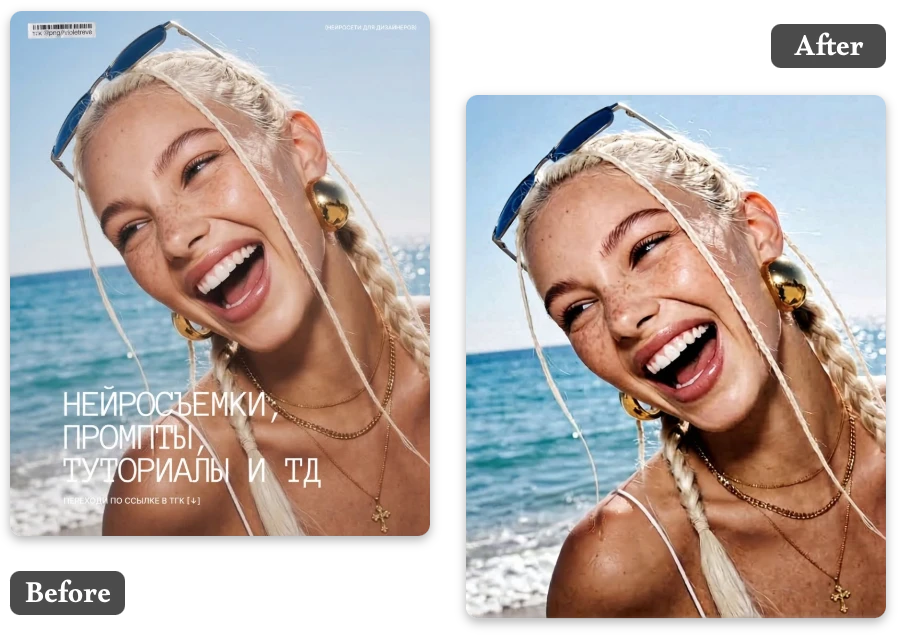
Remove Text from Image Instantly with AI
Quickly remove text from image online using AI technology. Delete unwanted words, captions, or overlays from photos without editing skills or complex tools.
or drop a file
No image? Try one of these:




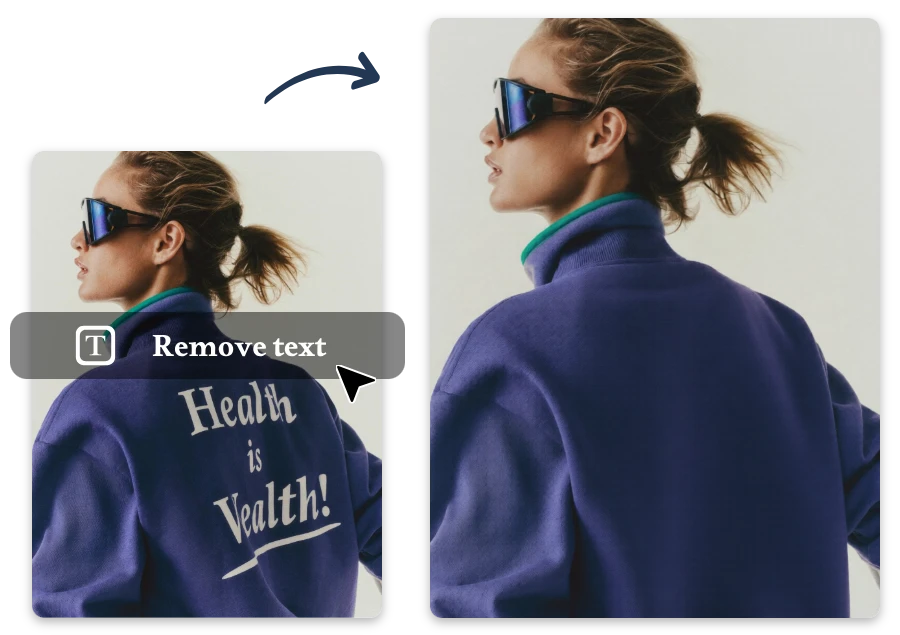

Quickly remove text from image online using AI technology. Delete unwanted words, captions, or overlays from photos without editing skills or complex tools.
No image? Try one of these:
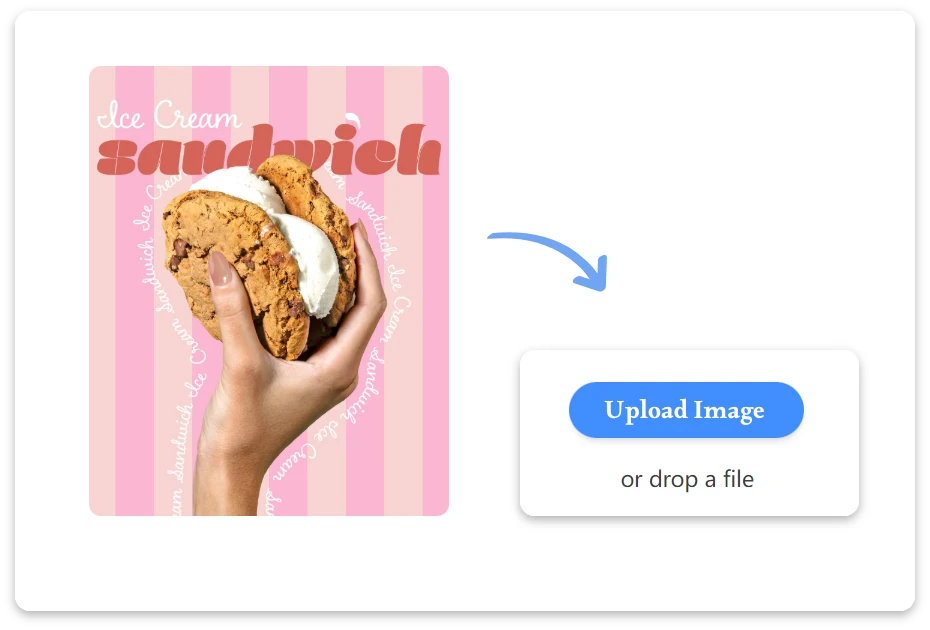
Upload an image that contains text, captions, labels, or watermarks. Our AI text remover supports common formats like JPG, PNG, and WebP.
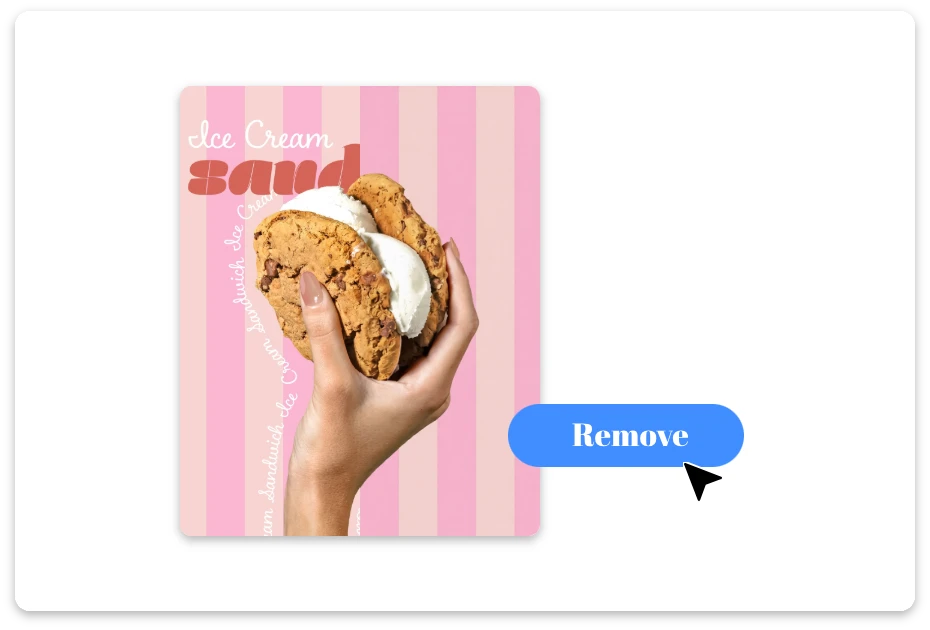
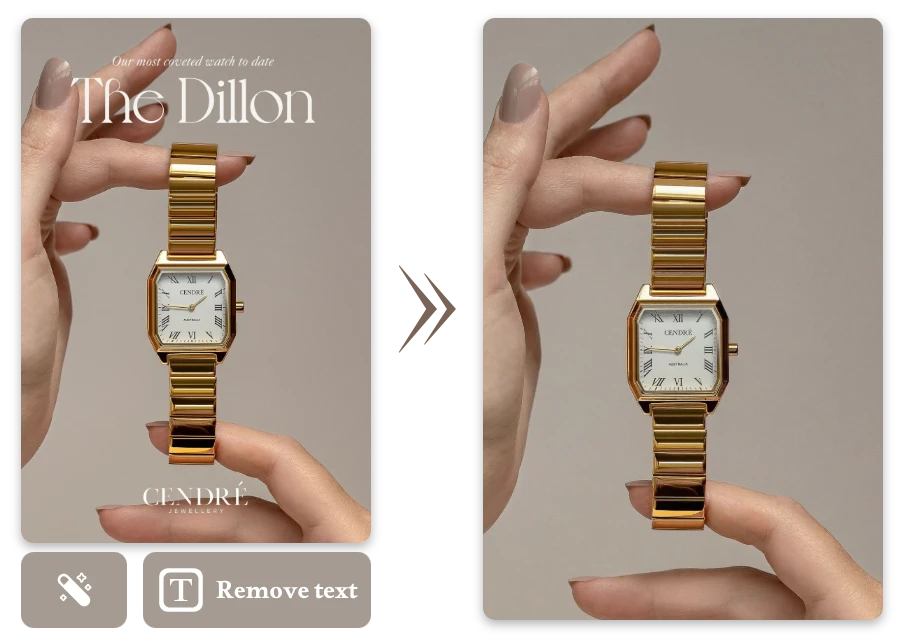
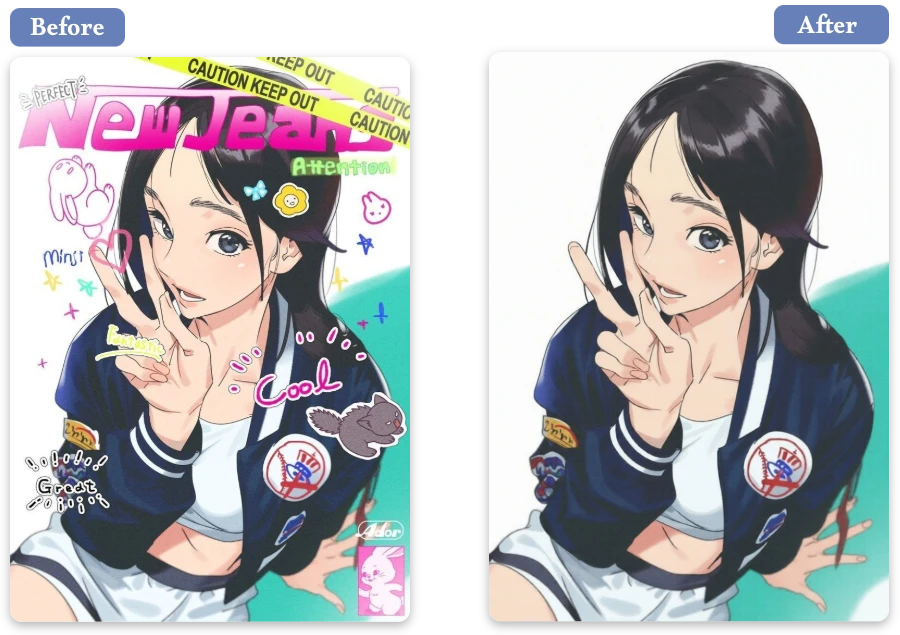
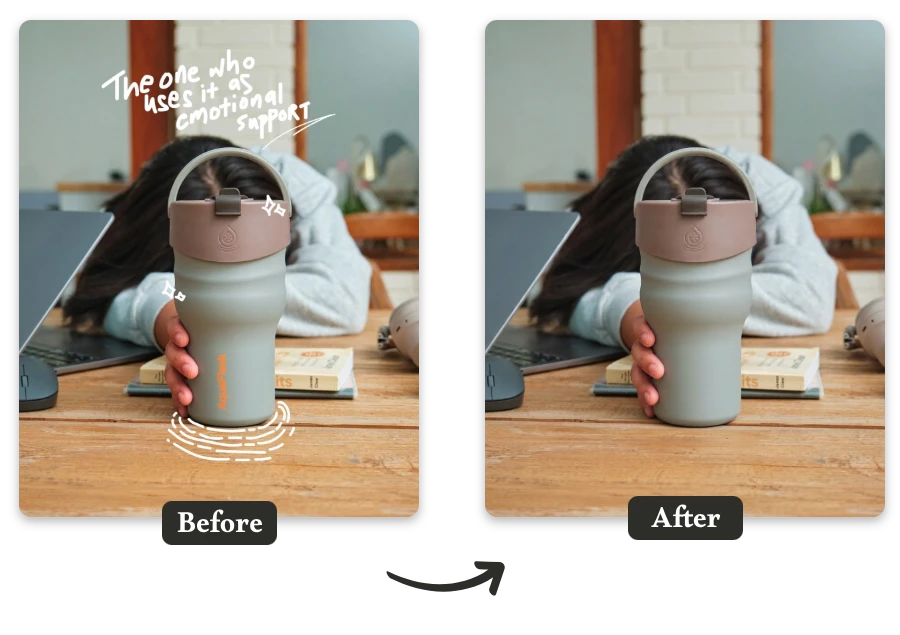
The AI automatically detects text in your image and removes it intelligently, filling the background to keep the photo clean and natural.
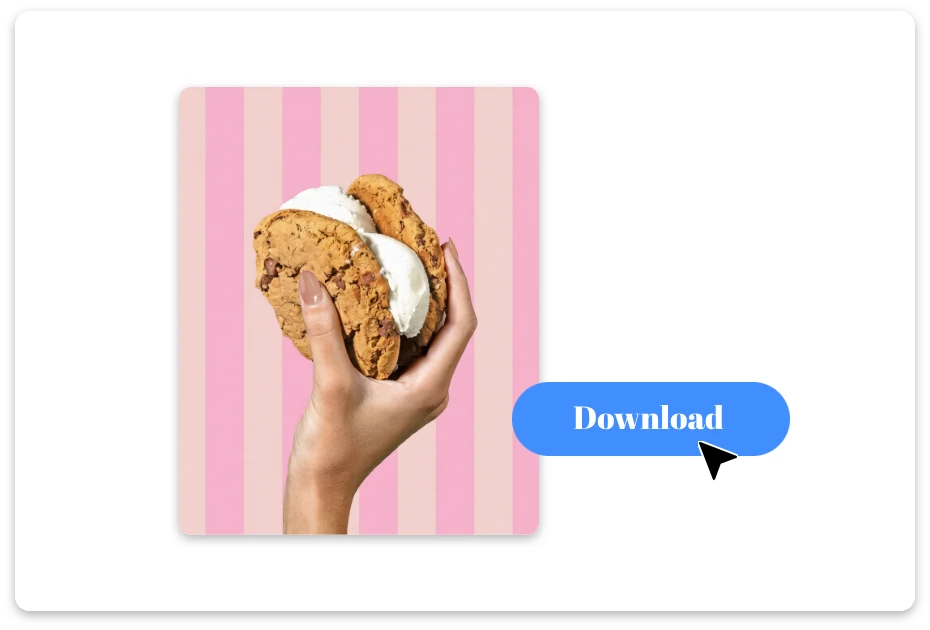
Preview the result and download your text-free image instantly. The final image keeps its original quality and resolution without visible traces of removed text.
Easily remove titles, captions, labels, and watermarks with our AI text remover from image. Whether it's social media graphics, screenshots, or photos, the tool intelligently erases unwanted text while restoring the surrounding area to keep your visuals clean and professional.
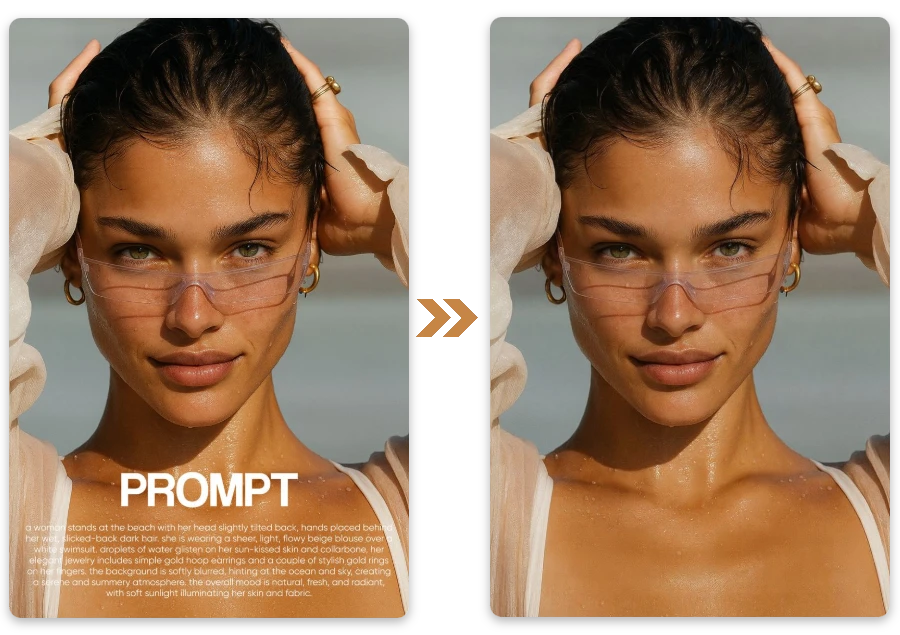
Let AI do the work for you. Our advanced AI text remover automatically detects text areas in your image and removes them with precision. No manual selection or editing skills required — just upload your image and watch the text disappear in seconds.
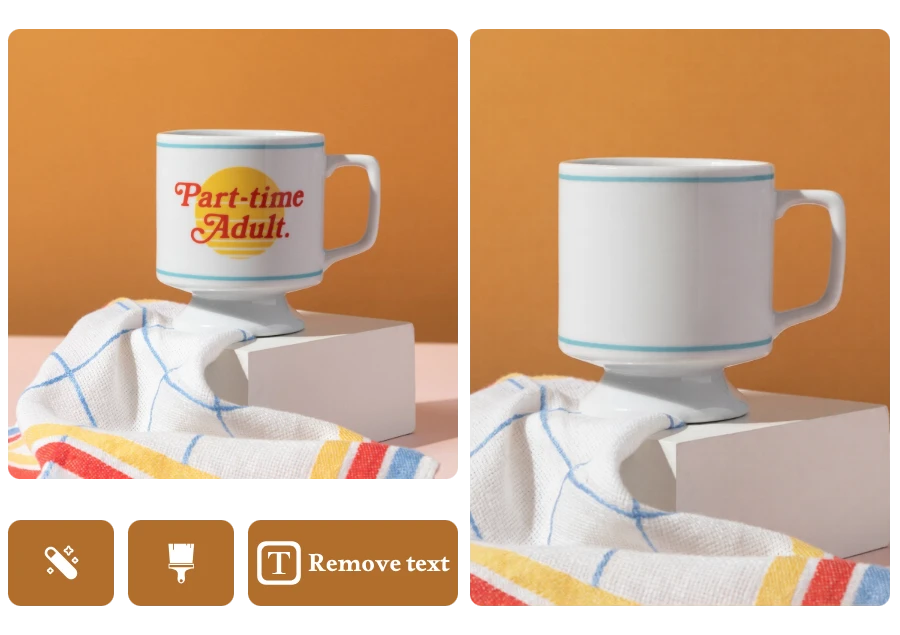
Remove text from images while keeping the background smooth and natural. The AI carefully reconstructs the surrounding pixels after removing words, captions, or overlays, ensuring your photo looks untouched and visually consistent without obvious edits or quality loss.
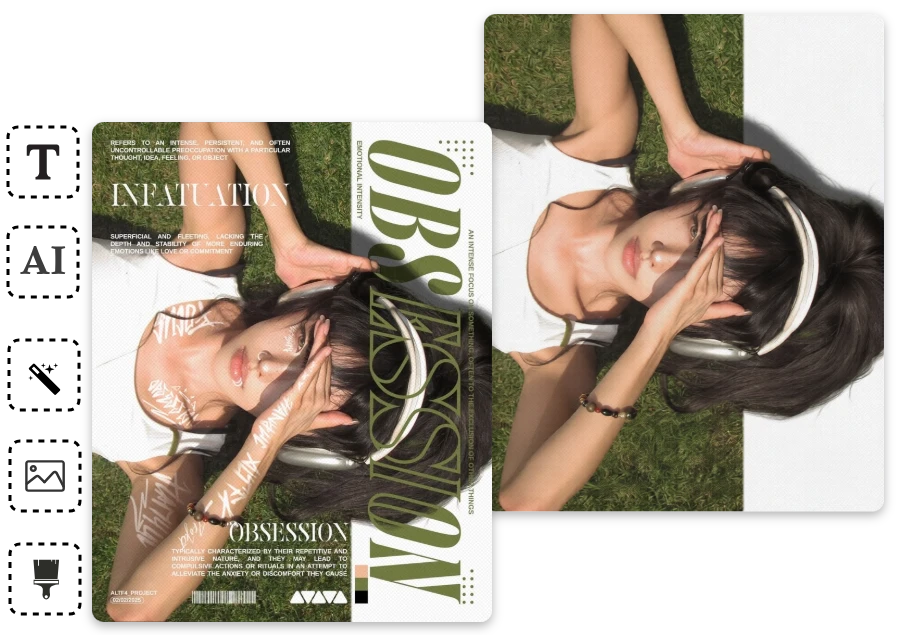

I was updating my travel blog and had a beautiful Paris photo ruined by a big date stamp in the corner. The AI text remover erased it in seconds, and the clean image finally fit perfectly in my article layout.
During a last-minute client presentation, I noticed several screenshots had distracting interface labels. I uploaded them here, removed the text instantly, and the slides looked much more polished for the meeting.
While writing a tech tutorial, my screenshots included subtitles and UI notes I didn’t want. The AI removed them smoothly, which made the final images much clearer for readers.
Remove text from image with smart AI. Want to take editing further? Try the AI Object Remover to remove distracting objects and experience more smart AI tools here.