logo

Professional SVG Background Remover for Vector Graphics

Say goodbye to stubborn backdrops with our svg background remover, built for pixel-perfect precision and effortless editing.

or drop a file

No svg? Try one of these:

Example 1
Example 1
Example 1
Example 1
home_cover

How to remove background from svg image in 3 steps

Upload Your SVG

1. Upload Your SVG

Import your file and let our smart tool instantly detect background elements inside your SVG image.
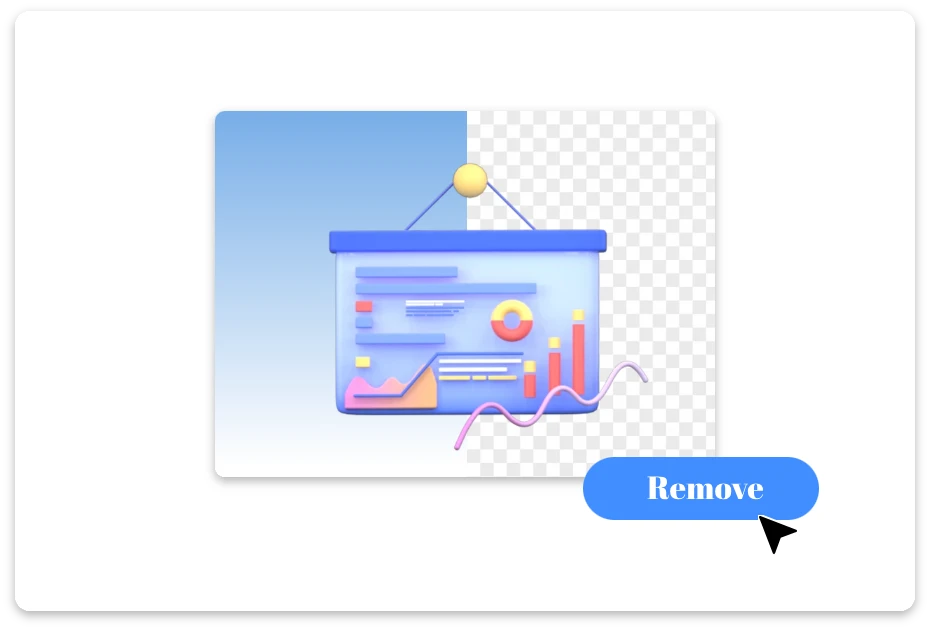
Remove and Refine

2. Remove and Refine

Our advanced AI removes background from SVG while preserving sharp vector quality. Fine-tune layers, clean extra shapes, and preview the transparent result before export.
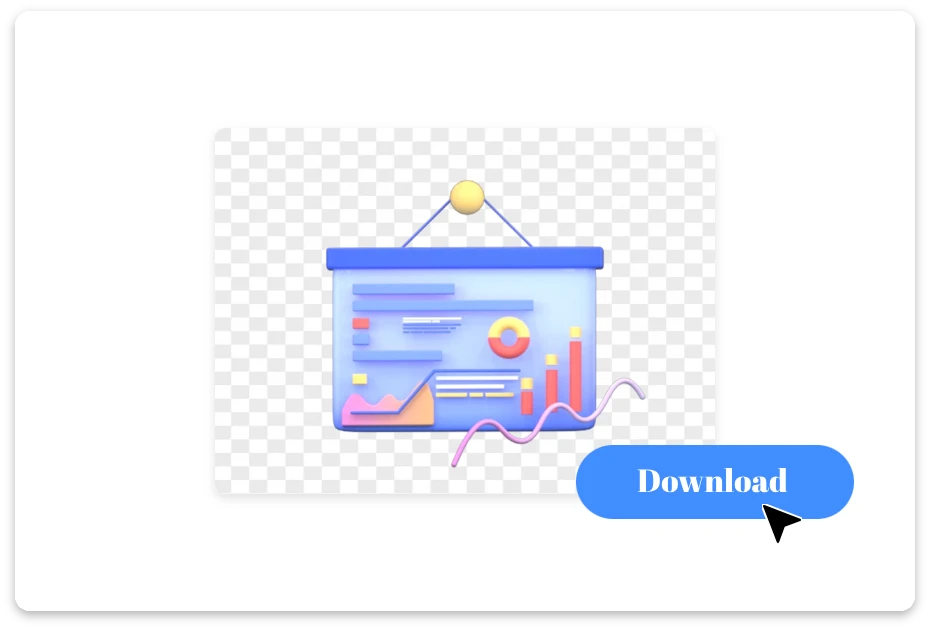
Download Your Clean File

3. Download Your Clean File

Export your optimized file with a transparent background — fast, smooth, and ready for web or print use.

Design Transparent SVGs with Zero Background Noise

Work Smarter with an Intelligent SVG Background Remover

Design headaches meet their match. This tool uses precision detection to handle remove svg background tasks effortlessly, preserving layers and structure without compromising vector integrity.
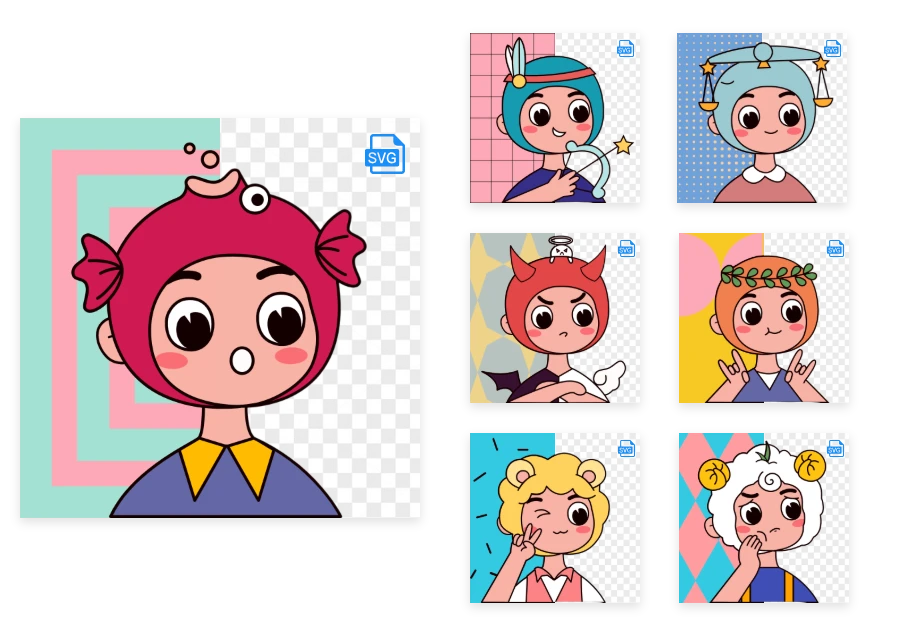
Work Smarter with an Intelligent SVG Background Remover

A Free SVG Background Remover That Feels Premium

Who says powerful tools need a price tag? As a free svg background remover, it delivers studio-level precision, helping you remove background from SVG smoothly and export polished, transparent graphics in seconds.
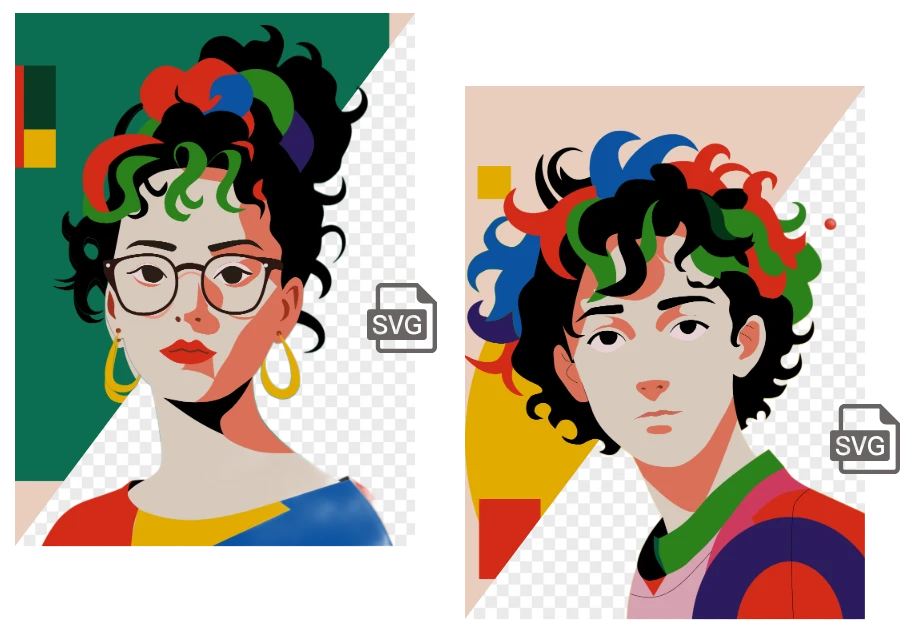
A Free SVG Background Remover That Feels Premium

Designed for Every Creative Scenario

Logo looking boxed in? Product icon stuck on a white block? Our tool is built for real-world needs — helping you remove background from SVG for logos, UI assets, eCommerce graphics, and print-ready designs, all while keeping vectors flawlessly sharp and scalable.
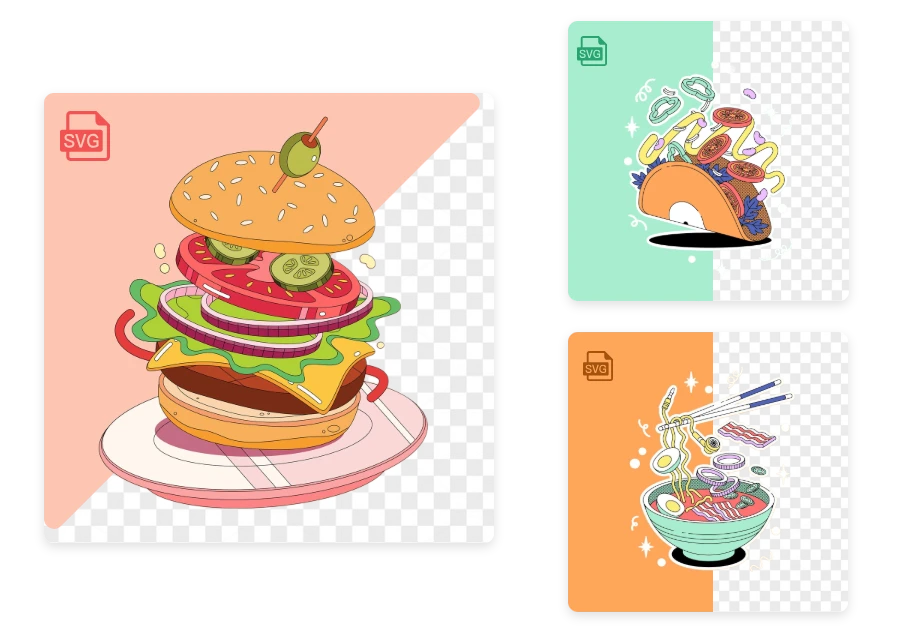
Designed for Every Creative Scenario

Why Designers Prefer Our SVG Background Remover

True Vector Precision

  • Our AI removes background from SVG without flattening paths, preserving clean curves, anchor points, and fully editable vector structure.

Smart Element Detection

  • Not just color deletion — it intelligently identifies background layers, shapes, and hidden fills for accurate remove svg background results.

No Design Skills Required

  • Even beginners can remove svg background with one click, thanks to an intuitive interface and guided preview tools.

Structure-Safe Editing

  • Wondering how to remove background from svg image without breaking layers? We keep groups, masks, and hierarchy intact.

Lightning-Fast Processing

  • Upload, process, download — in seconds. No lag, no heavy software, just smooth browser-based performance.

Free SVG Background Remover Option

  • Start instantly with our free svg background remover — powerful enough for real projects, simple enough for everyday use.

Real-World Use Cases: Remove Background from SVG Online

UI/UX Interface Assets

Prepare interface icons and illustrations with transparent backgrounds for seamless integration into apps, dashboards, and web platforms.
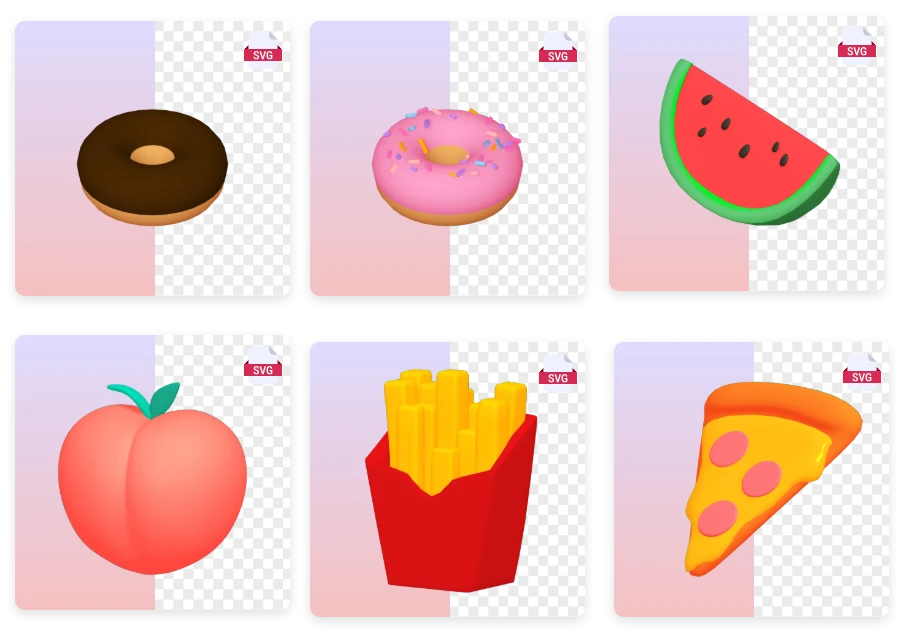
UI/UX Interface Assets

Presentation Slides

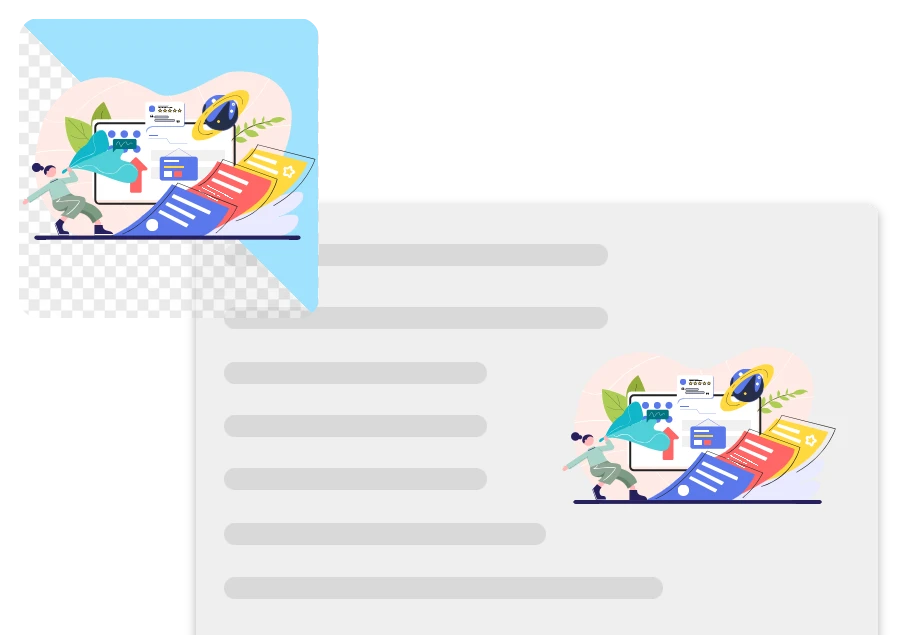
Enhance pitch decks and reports by using transparent SVG graphics that blend smoothly into slide backgrounds.
Presentation Slides

Web Development Projects

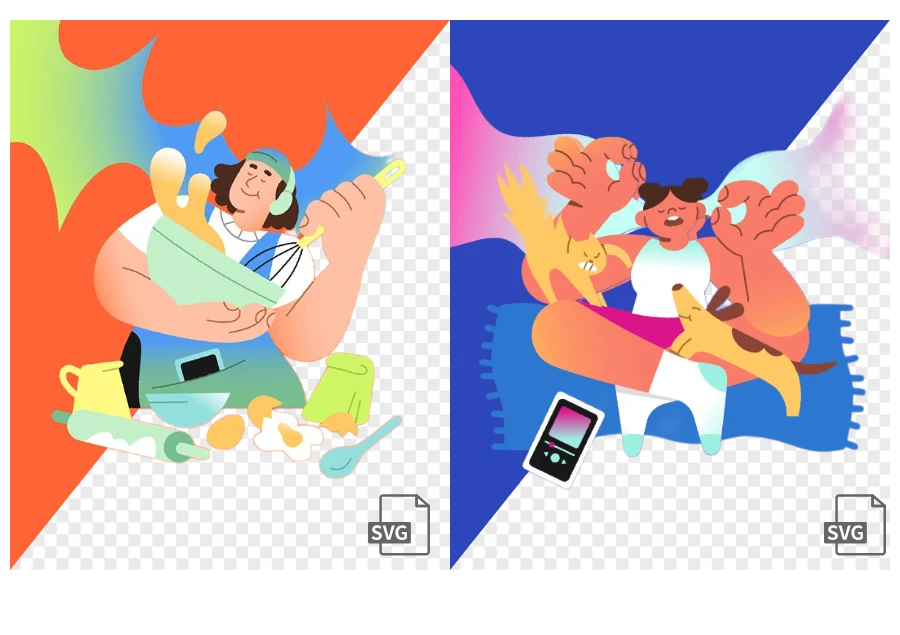
Developers can remove svg background elements to optimize assets for responsive websites without breaking vector structure.
Web Development Projects

Logo Cleanup for Branding

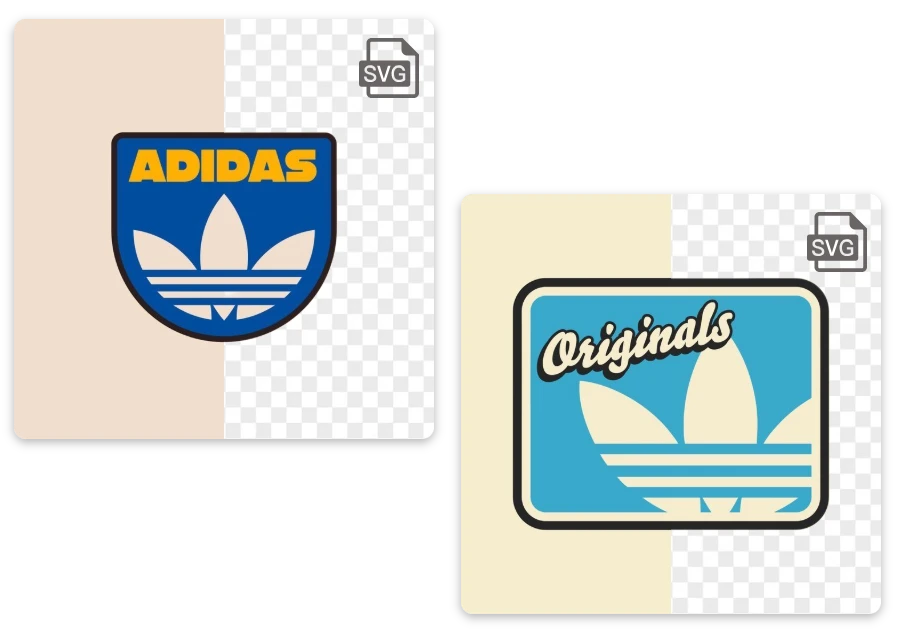
Remove unwanted white or colored backgrounds from logos, making them transparent and ready for websites, packaging, or marketing materials.
Logo Cleanup for Branding

User Stories: SVG Background Remover in Action

"

For UI projects, transparent icons are essential. This tool accurately detects background shapes and delivers production-ready SVGs without extra editing.

Ryan Mitchell

"

As a frontend developer, I often need to remove svg background elements before deployment. This tool keeps layers intact and doesn’t break path structures.

Daniel Brooks

"

I run a small Etsy shop, and this svg background remover helps me clean logo files fast without ruining vector quality. It saves me hours every week.

Lena Harper

FAQ about SVG Background Remover

1.What is an SVG background remover?

An svg background remover is a tool that detects and deletes unwanted background elements from SVG files while preserving vector paths and scalability.

2. Who is this tool built for?

Our tool is designed for designers, developers, marketers, e-commerce sellers, and anyone who needs clean, transparent SVG graphics fast.

3.Is my uploaded file safe?

Yes. Your files are processed securely and automatically deleted after completion to protect your privacy.

4. What types of backgrounds can this tool detect?

Our system identifies solid color fills, background rectangles, grouped elements, and hidden layers commonly used as SVG backgrounds.

5. Can I edit the result after background removal?

Absolutely. After we remove background from SVG, you can fine-tune layers, delete extra shapes, and preview transparency before export.

6.Is your tool really free?

We offer a free SVG background remover option so you can test and download clean, transparent SVG files instantly.

7.Does this tool keep the original vector quality?

Yes. We never rasterize your file. When you remove svg background, paths and anchor points remain fully editable.

Design Faster: Instantly Remove Background from SVG Files

Great design starts with clean foundations. Our svg background remover makes transparent, production-ready graphics fast and effortless. Ready for more? Visit homepage and explore powerful editing tools in one place.