Free Transparent Background Maker
Our transparent image maker uses smart AI to make image background transparent—fast, free, and flawlessly futuristic.
or drop a file
No logo? Try one of these:




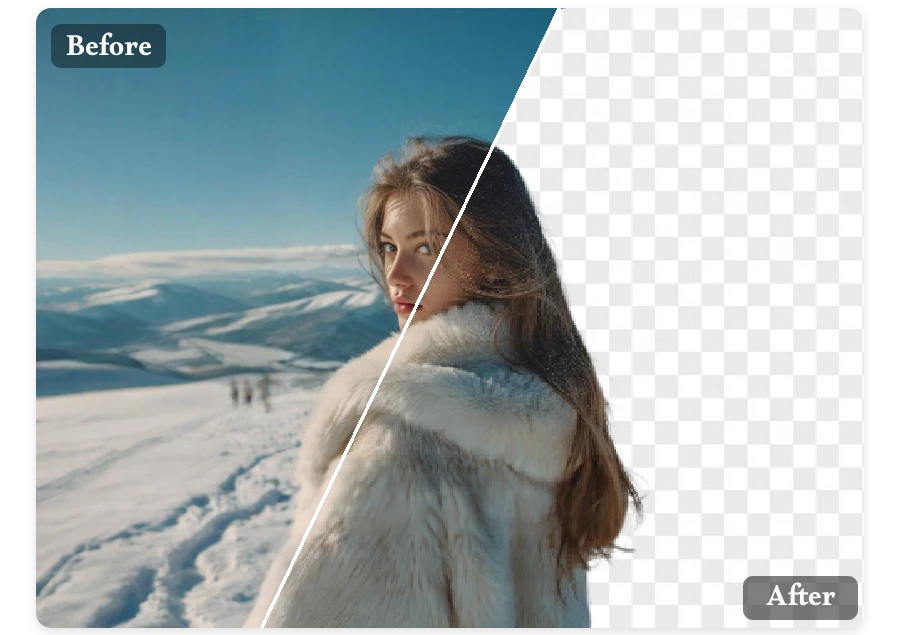

Our transparent image maker uses smart AI to make image background transparent—fast, free, and flawlessly futuristic.
No logo? Try one of these:
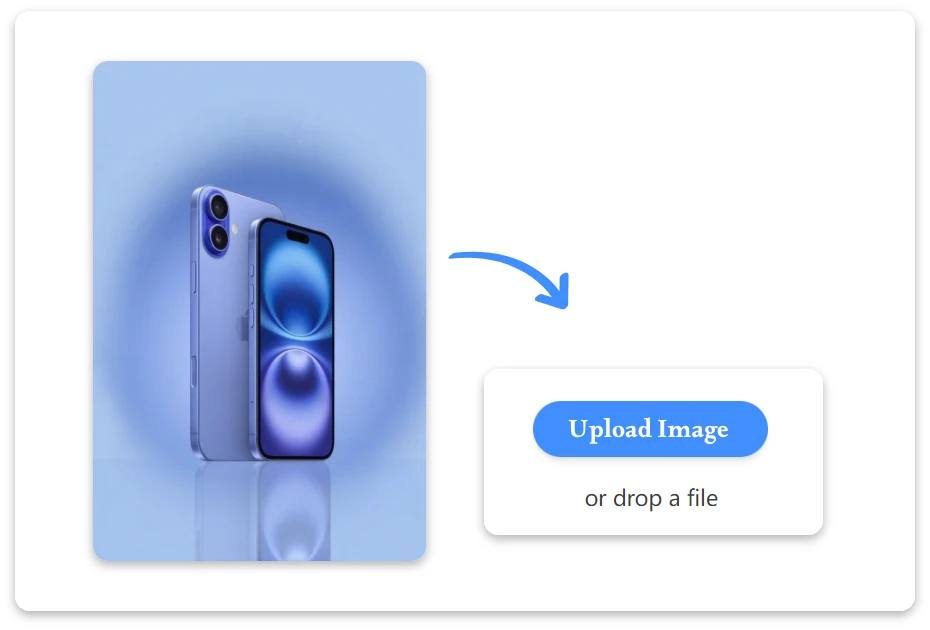
Upload images in common formats like PNG, JPG, JPEG, and WebP.
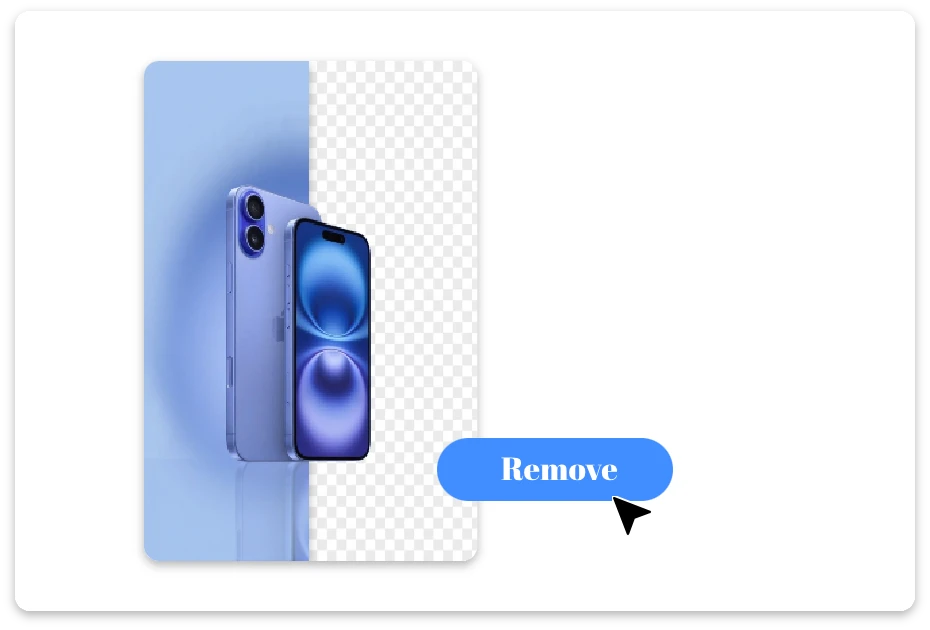
Advanced AI detects subjects instantly and makes image background transparent with precision.
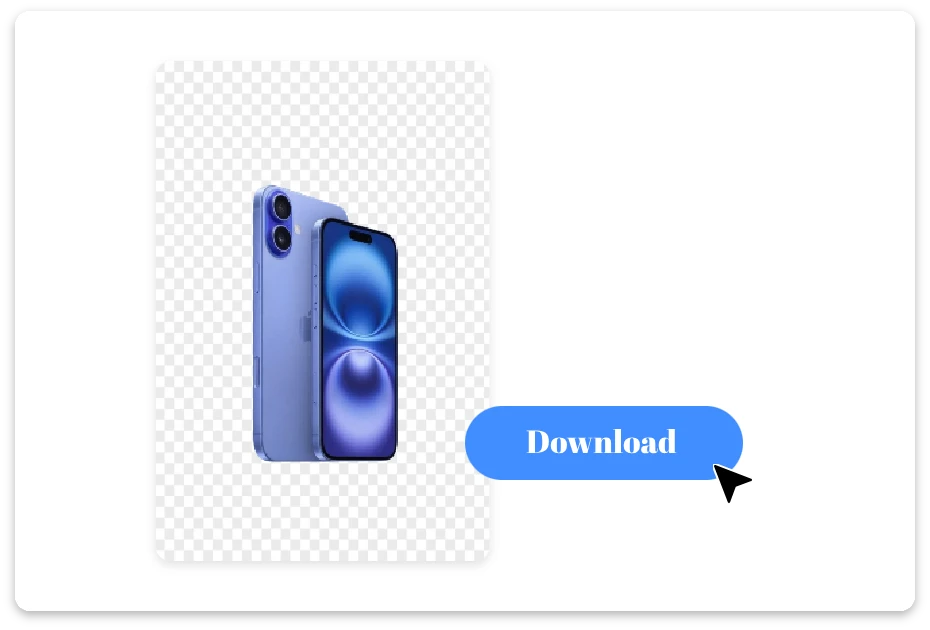
Download your transparent image or continue refining it with our AI-powered editing tools.
Say goodbye to stubborn backgrounds! Our transparent image maker instantly detects subjects and makes image background transparent in seconds. Upload any photo—PNG, JPG, or WebP—and watch as AI turns it into a crisp, clean masterpiece, all for free.
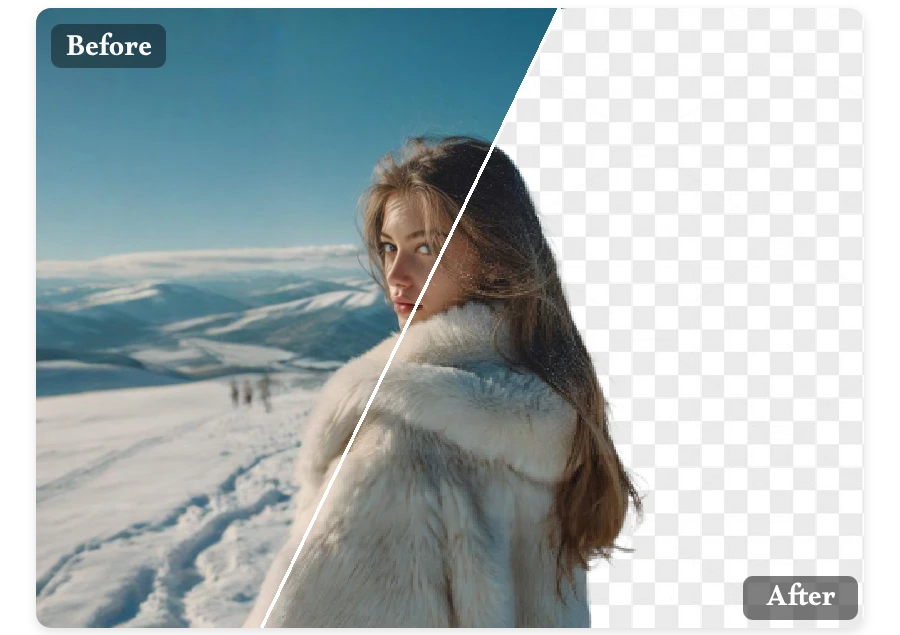
Creativity just got easier! With our free transparent image maker, you can make images transparent effortlessly. AI identifies subjects instantly, giving your designs a polished, professional touch without extra hassle.
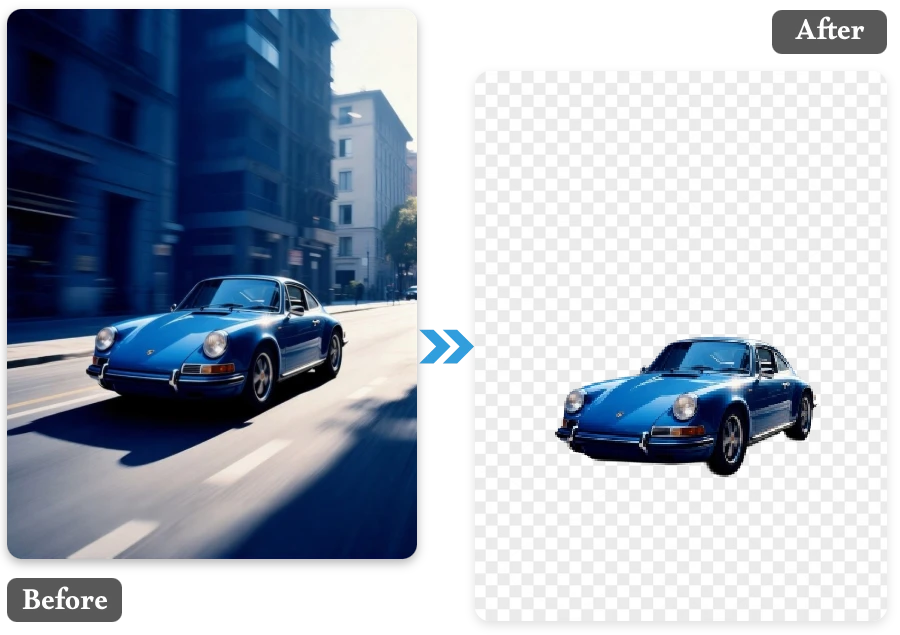
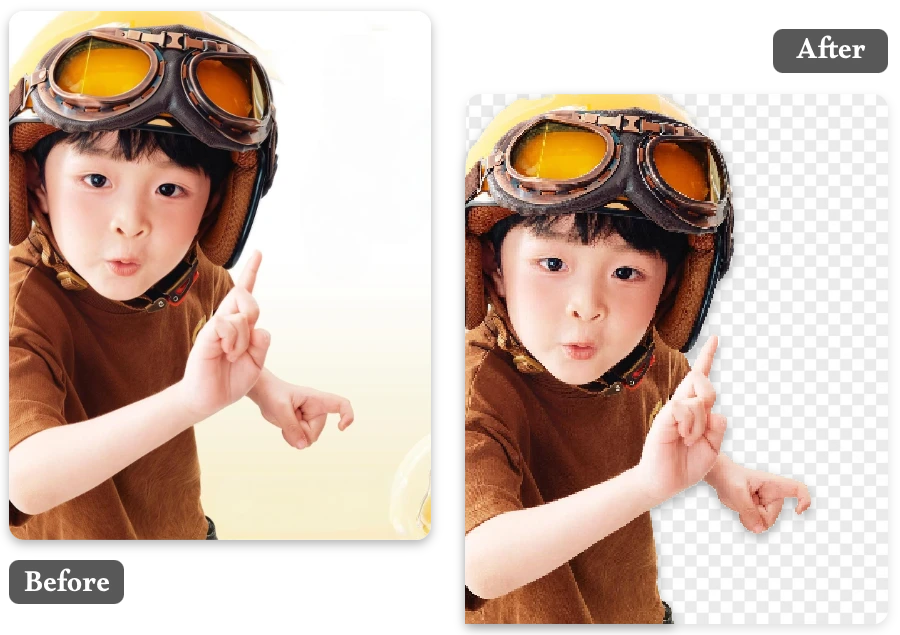
Create cards, collages, or personalized gifts from your photos. Easily make images transparent for fun, creative results.
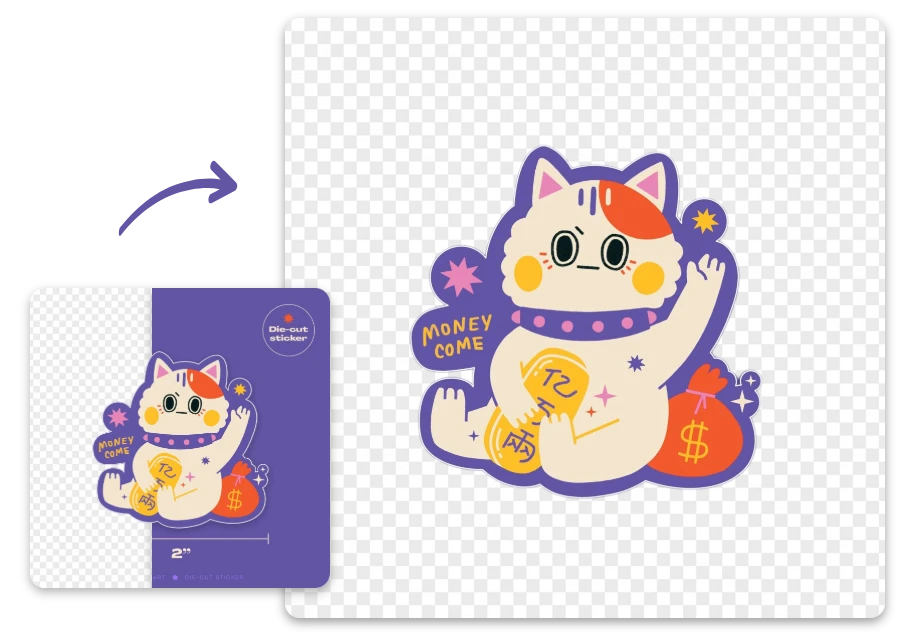
Turn any photo into stickers! Our free transparent image maker makes image transparent, perfect for messaging apps and fun reactions.
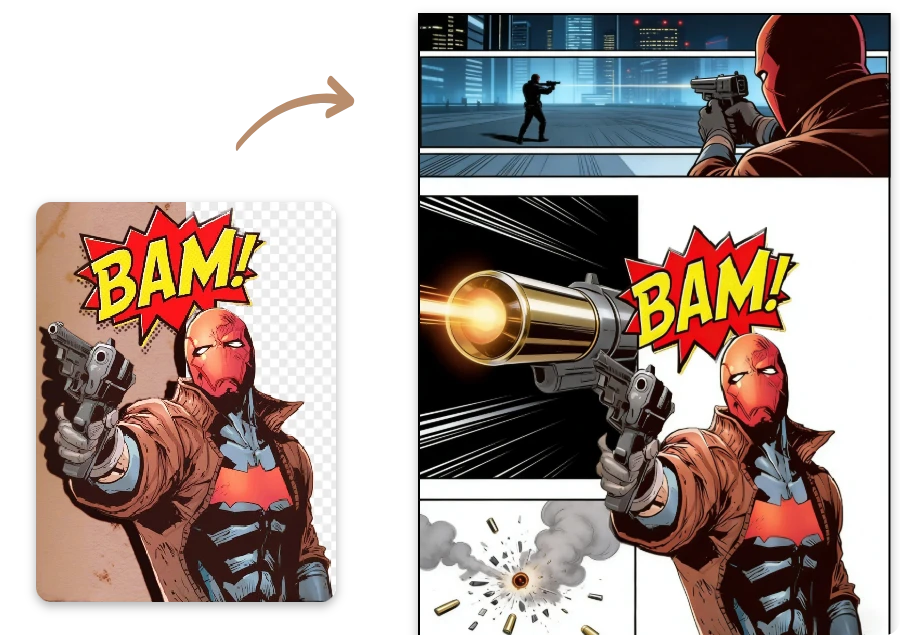
Create memes or comic panels fast. Make image transparent with our tool and layer characters seamlessly into your story.
Quickly remove backgrounds and give your photos a professional touch, then explore Background Remove for more editing possibilities.