logo

Free Video Background Remover

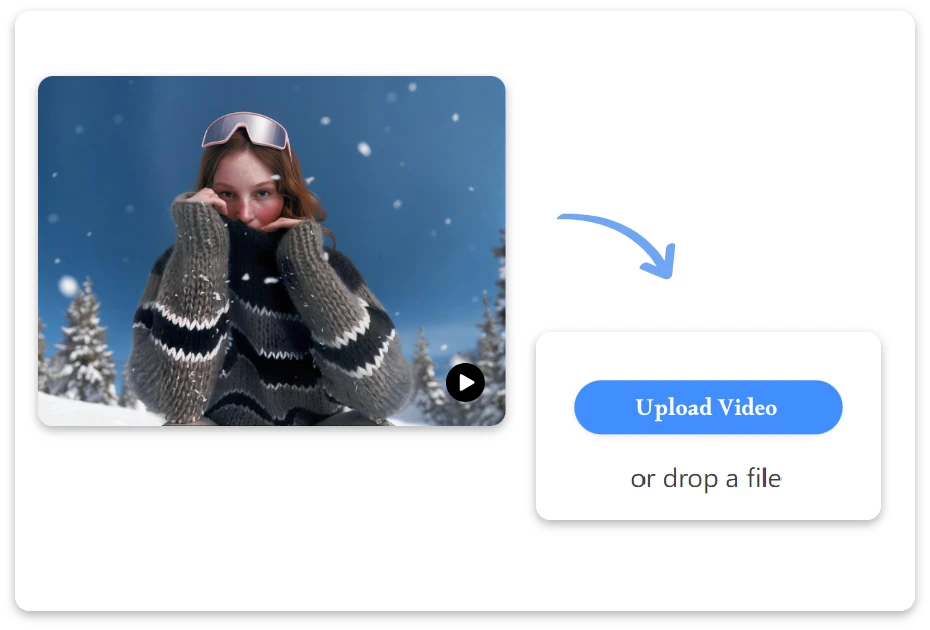
Say goodbye to messy scenes—our video background remover helps you remove background from video in seconds.

or drop a video

Supported formats: MP4 and WEBM

Max 60s
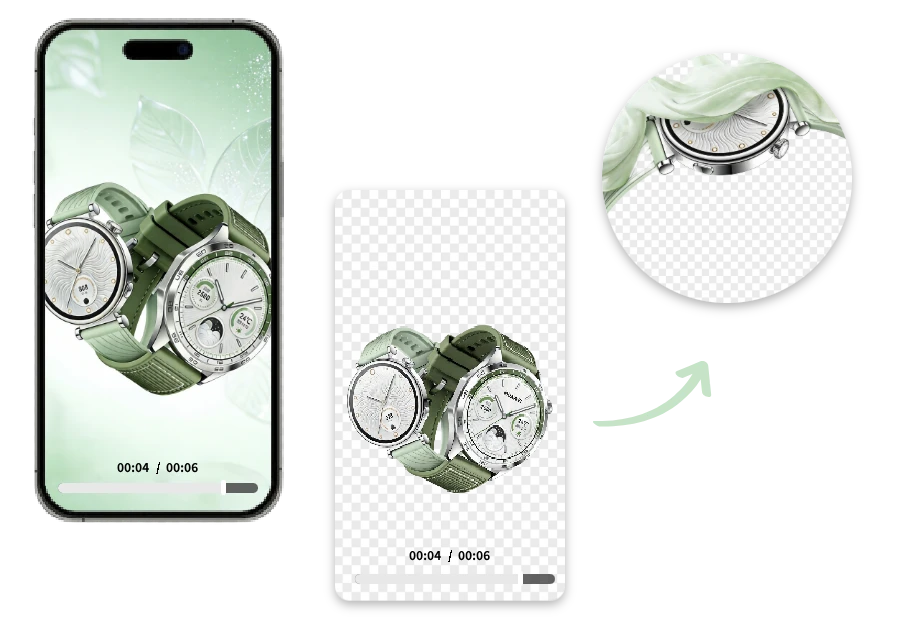
video-remove-example

How to Remove Background from Video ?

Upload Your Image Collection

1. Upload Your Video

Upload any video from your device in seconds, no technical skills required.

Remove Background

2. Remove Background

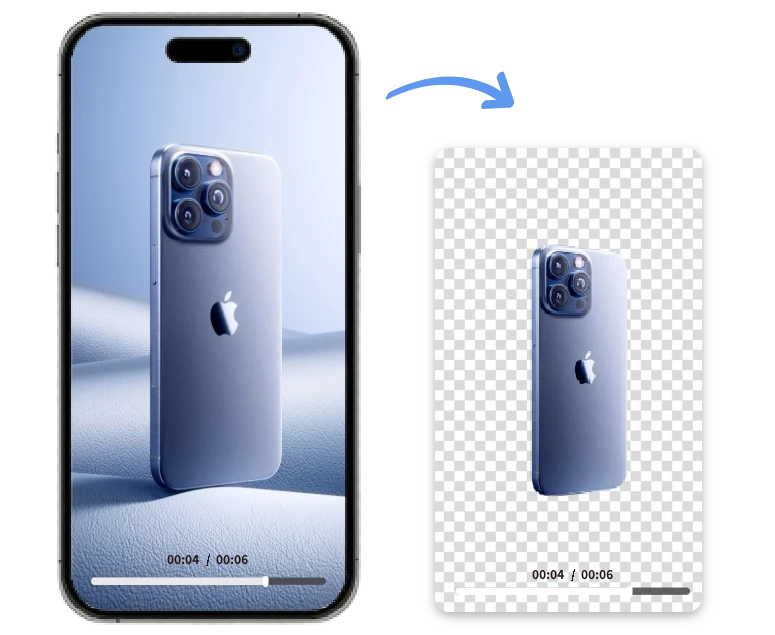
Once uploaded, our smart AI detects subjects frame by frame and removes the video background in seconds.

Download Result

3. Download Result

Preview the result and download your polished video instantly, ready for social media, presentations, or any creative project.

Clean Backgrounds, Bold Stories

Where Smart AI Meets Clean Video Backgrounds

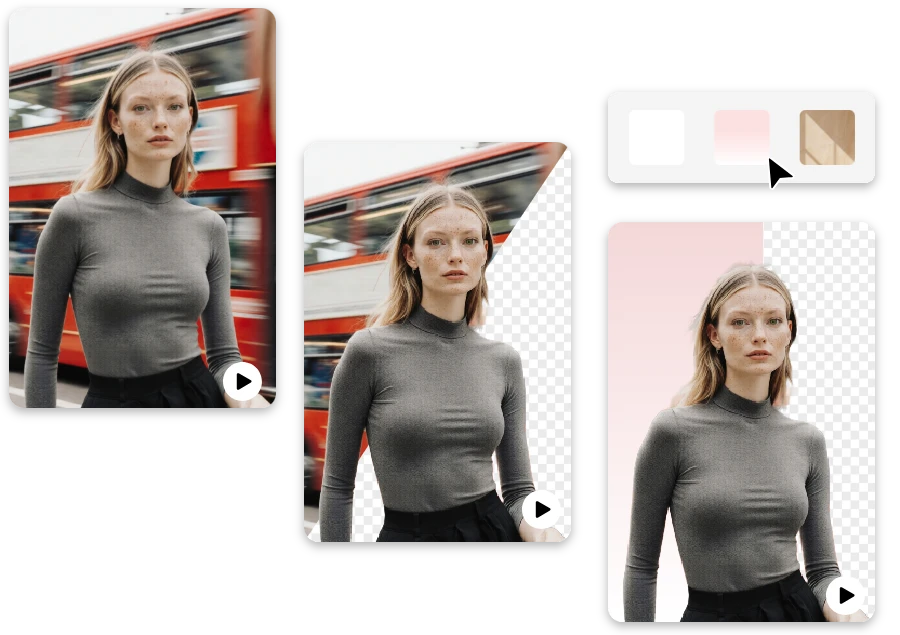
Lights, camera—cleanup! With our free video background remover, turning chaotic scenes into clean visuals is almost fun. Upload your clip, let smart AI remove background from video frame by frame, and focus on what really matters: telling your story without distractions, delays, or editing headaches.
Where Smart AI Meets Clean Video Backgrounds

Because Great Videos Deserve Better Backgrounds

Oops, didn’t mean to film that wall? No worries. This background remover for video jumps in to remove video background automatically, giving creators, marketers, and educators studio-like results in seconds. No timelines, no tools—just polished videos that look ready to publish.

Because Great Videos Deserve Better Backgrounds

Remove the Noise with a Powerful Video Background Remover

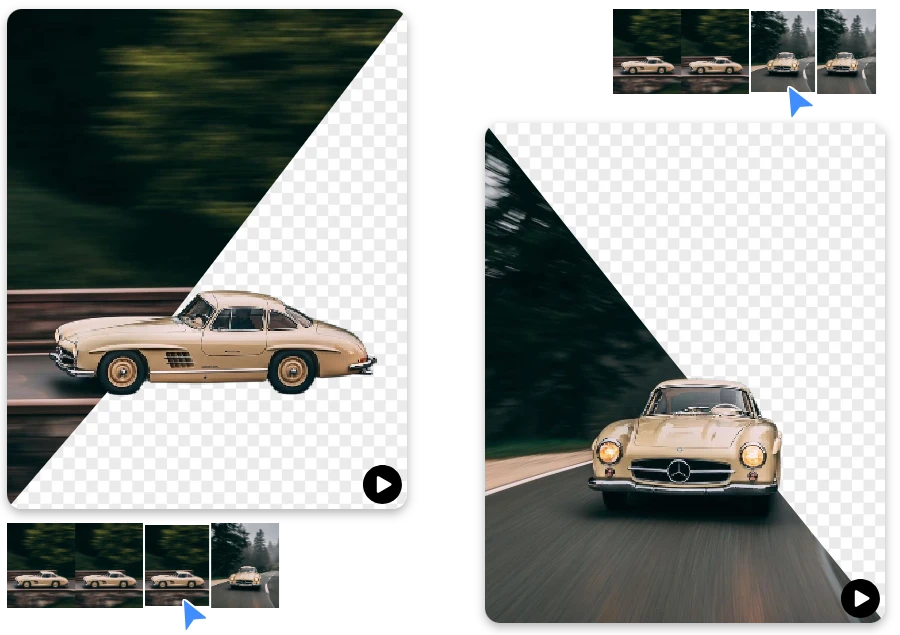
Messy backgrounds happen—we fix them. Our free video background remover kicks off instantly, using advanced AI to deliver smooth, natural edges automatically. Whether it’s social content or product demos, you get clean results fast, without touching a single editing control.
Remove the Noise with a Powerful Video Background Remover

What Sets This Video Background Remover Apart

AI Precision You Can See

  • Our free video background remover analyzes motion frame by frame, delivering clean edges and natural results even in complex scenes.

Beginner-Friendly by Design

  • Remove background from video with just a few clicks—no editing skills, software downloads, or learning curves involved.

Built for Real-Life Video Background Removal

  • From handheld clips to social content, it can remove video background accurately—even with uneven lighting or busy environments.

Smooth Results, Every Frame

  • Unlike basic tools, this tool keeps consistency across frames, avoiding flicker, blur, or awkward cutouts.

Fast Processing, High Quality

  • Our free tool balances speed and precision, so you get polished results without long processing times.

One Upload to Remove Background from Video

  • Simply upload and let AI handle the background automatically—no timelines, masks, or manual adjustments slowing you down.

Practical Use Cases for a Video Background Remover

Marketing & Advertising Videos

Produce clean, professional promo videos by removing video background without renting studios or equipment.

Marketing & Advertising Videos

Product Demos

Showcase products clearly by isolating the subject and removing background noise from demo videos.
Remote Work & Presentations

Social Media Content Creation

Create eye-catching short videos by removing distracting backgrounds and keeping viewers focused on you.

Social Media Content Creation

Online Courses & Tutorials

Remove background from video to keep lessons clear, polished, and visually consistent across modules.

Online Courses & Tutorials

Real Feedback from Video Background Remover Users

"

I removed the background from a tutorial video in minutes—edges were clean and required zero manual fixes.

Sofia Martinez

"

I tried many tools, but this one handled hair and movement best when removing video backgrounds automatically.

Ryan O’Neill

"

This tool made my Instagram Reels look professional without renting a studio or learning editing software.

Daniel Cooper

FAQ

1.What is this video background remover?

It’s an AI-powered tool that automatically detects and erases backgrounds from videos without green screens.

2.Is it free to use?

The bulk background remover supports JPG, PNG, and WebP for smooth batch uploads and clean background removal.

3.Will removing the background affect video quality?

No — the tool keeps your resolution and clarity high while preserving details.

4. Are the output videos watermark-free?

Yes — after processing, you can download videos without any watermarks for use anywhere.

5. How is my privacy protected?

Uploaded videos are processed securely with strict privacy policies; content isn’t shared or stored long-term.

6.How long does it take to remove backgrounds?

AI processing is fast — most videos are completed in seconds to a few minutes depending on length and complexity.

7.Do I need editing skills to use it?

Not at all — the intuitive interface lets anyone remove video background in just a few clicks.

Ready to Clear the Background Noise?

Clean your videos with ease—then head back to our homepage to try image background removal and unlock even more creative freedom in seconds.