logo

Free Webp Background Remover Online

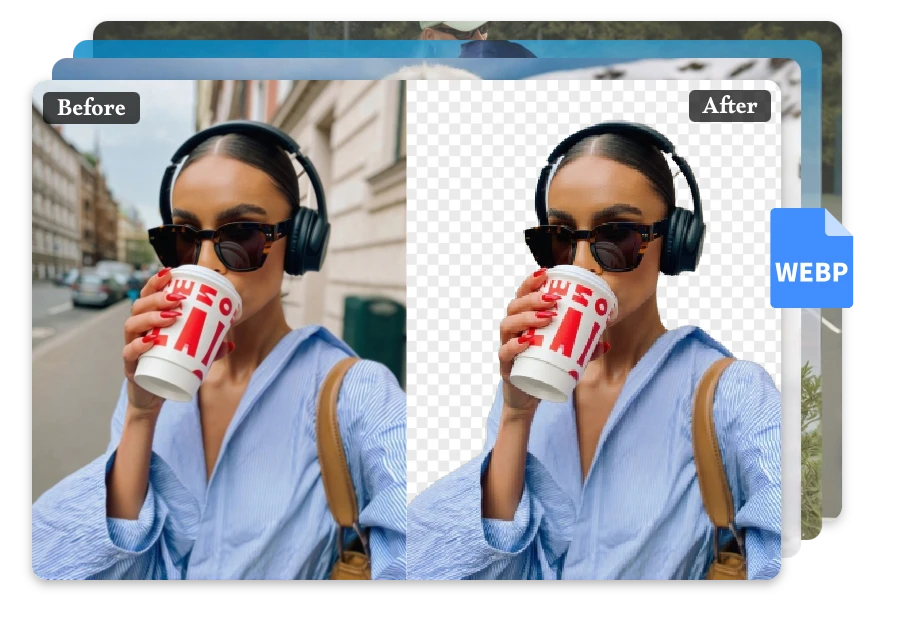
Removes backgrounds from WebP images instantly, creating clean, transparent visuals for design, ecommerce, and creative projects.

or drop a file

No logo? Try one of these:

Example 1
Example 1
Example 1
Example 1
home_cover

How to remove backgrounds from WebP images in seconds

Upload Your WebP Image

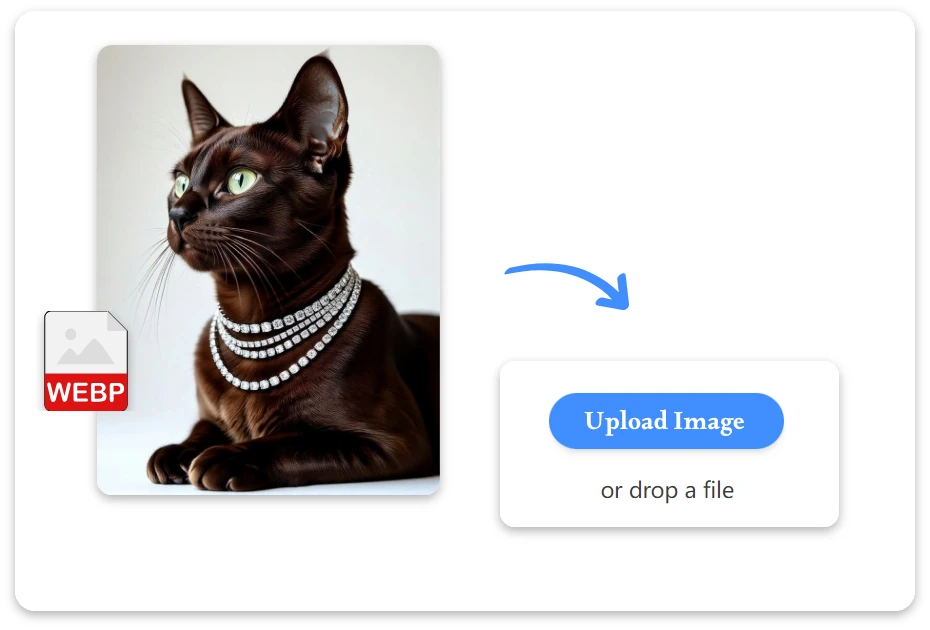
1. Upload Your WebP Image

Select a WebP image from your device or simply drag and drop it into the workspace to get started.
Remove the WebP Background

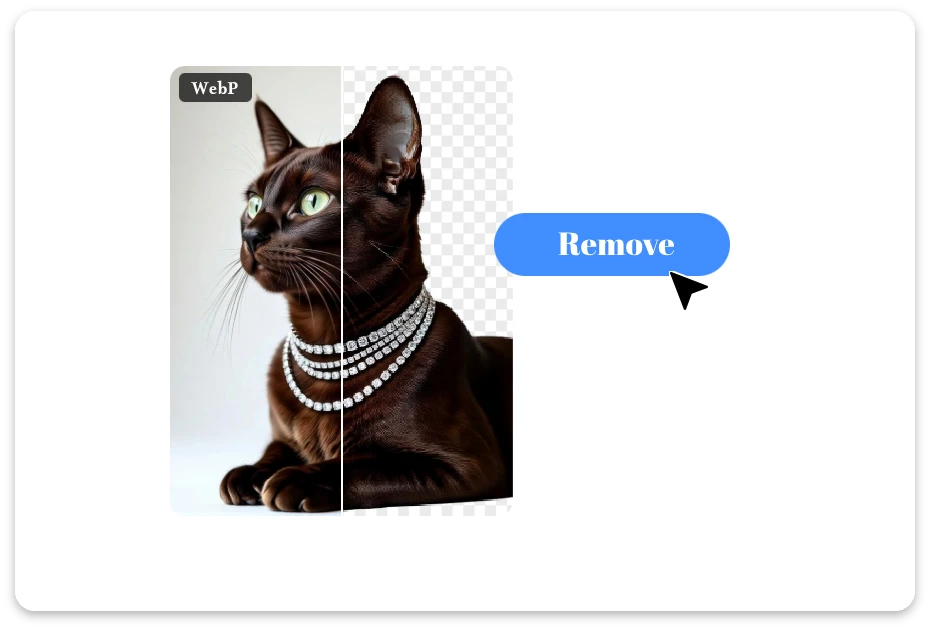
2. Remove the WebP Background

Our AI instantly detects the subject and removes background from your WebP image with precision—no manual editing needed.
Download the Final Image

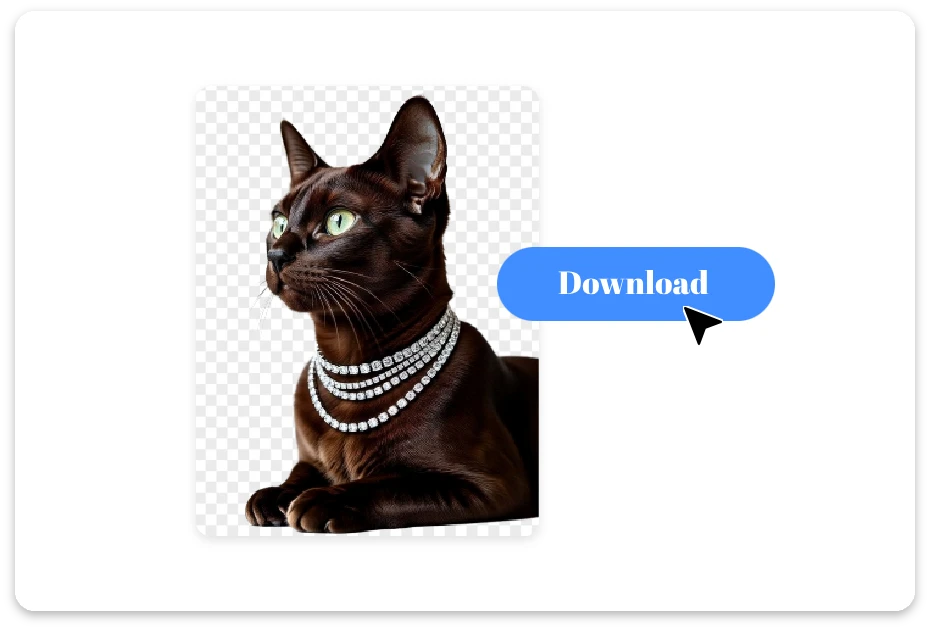
3. Download the Final Image

When the process is complete, click Download to save your clean, transparent image to your device.

Smart WebP Background Remover for Clean Images

Clean WebP Cutouts, Minus the Manual Work

Messy backgrounds had their moment—now it’s time to shine. Our free webp background remover lets you remove backgrounds from WebP image files in seconds, turning everyday photos into clean, studio-ready visuals without lifting a finger.
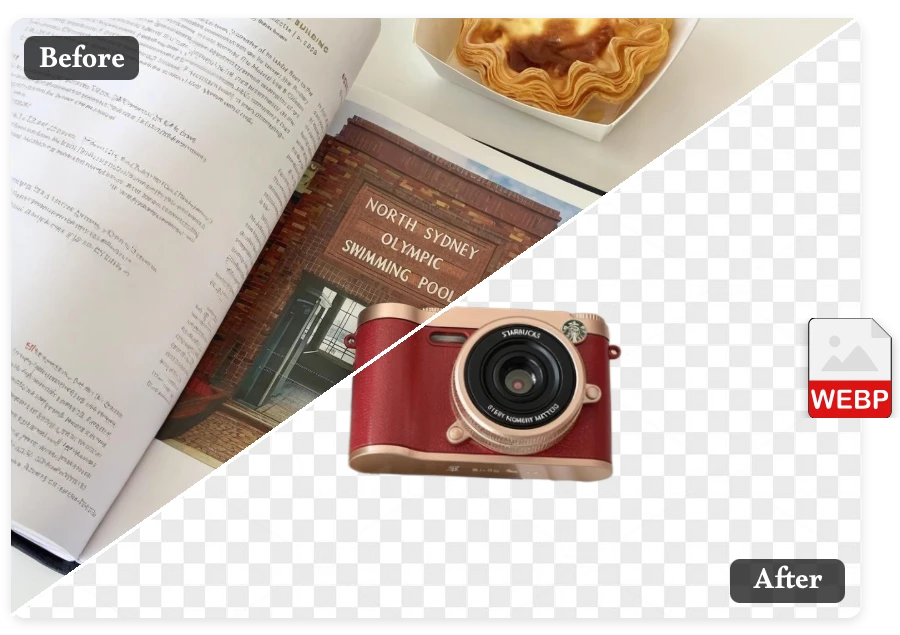
Clean WebP Cutouts, Minus the Manual Work

Bulk WebP Background Remover for High-Volume Images

Got a whole folder to fix? No problem. This tool supports bulk uploads, letting you remove backgrounds from multiple WebP images at once—same sharp edges, same high resolution, zero extra effort.
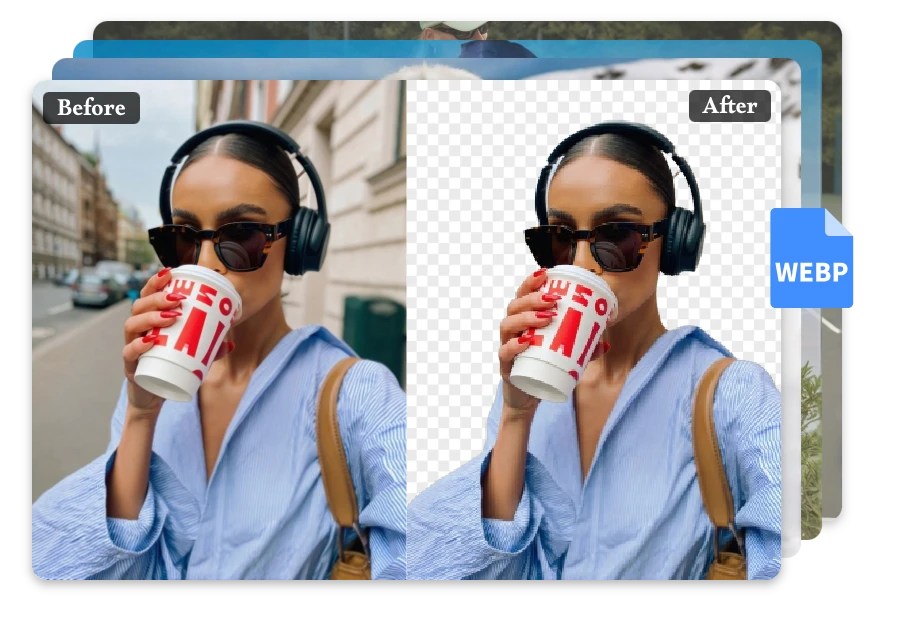
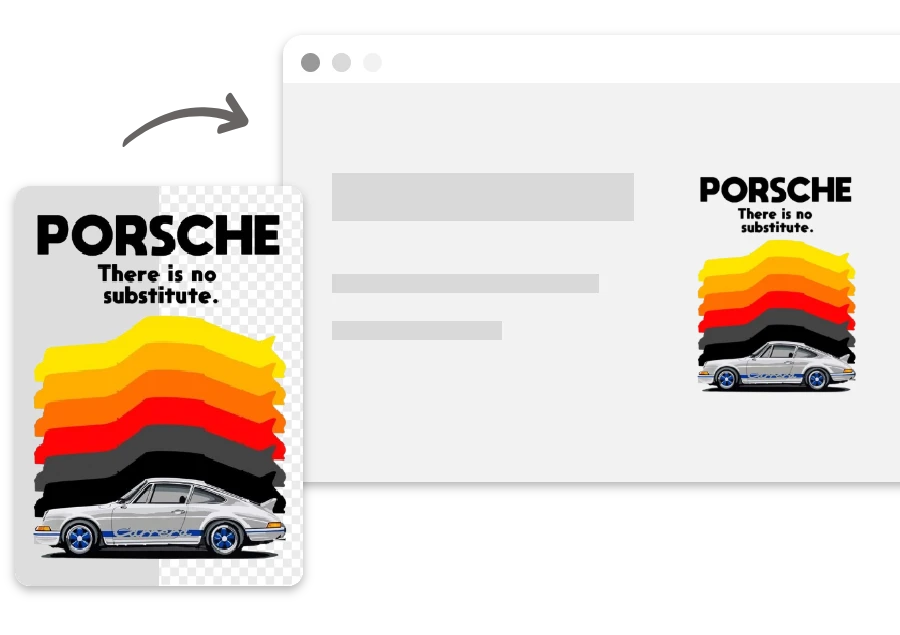
Bulk WebP Background Remover for High-Volume Images

Made for Practical WebP Scenarios

App & Website Assets

App & Website Assets

Use this tool to create clean, transparent product images ready for online stores and ads.

Online Store Image Prep

Online Store Image Prep

Use the free WebP background remover to create clean, transparent product images ready for online stores and ads.
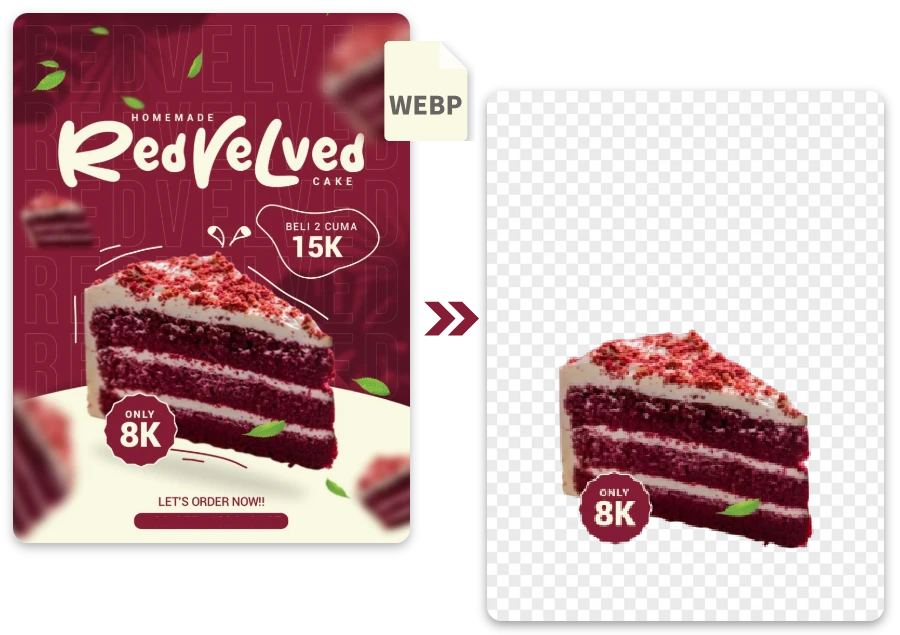
Advertising Creatives

Advertising Creatives

This tool helps marketers isolate subjects quickly for flexible ad layouts and visual testing.

FAQ

1.What image formats are supported?
Our tool supports WebP, PNG, JPG, JPEG, and other mainstream image formats, allowing you to remove backgrounds from various image types with ease.
2.Can I remove backgrounds from WebP images specifically?
Yes. The free webp background remover is fully optimized to remove backgrounds from WebP image files accurately and efficiently.
3.Will the output image be high resolution?
Absolutely. All processed images are exported in high resolution, preserving original quality and sharp details without compression loss.
4.Is this WebP background remover really free?
Yes. The tool is 100% free to use, with no hidden fees, subscriptions, or paywalls—now or in the future.
5.Are there any watermarks on the downloaded images?
No. All images are exported without watermarks, giving you clean, professional results ready for any use.
6.Can I process images in batches?
Yes. Batch background removal is supported, allowing you to upload and process multiple images at the same time to save time.
7.Is my data and image privacy protected?
Yes. Your privacy is fully protected. Uploaded images are processed securely and are not stored, shared, or used for training purposes.

Background Removal Made Easy Across Formats

Explore background removal for more image formats on our homepage. Instantly remove backgrounds, capture inspiration on the go, and create ready-to-use visuals wherever you are.