logo

AI Photo Editor to Change, Enhance, and Create

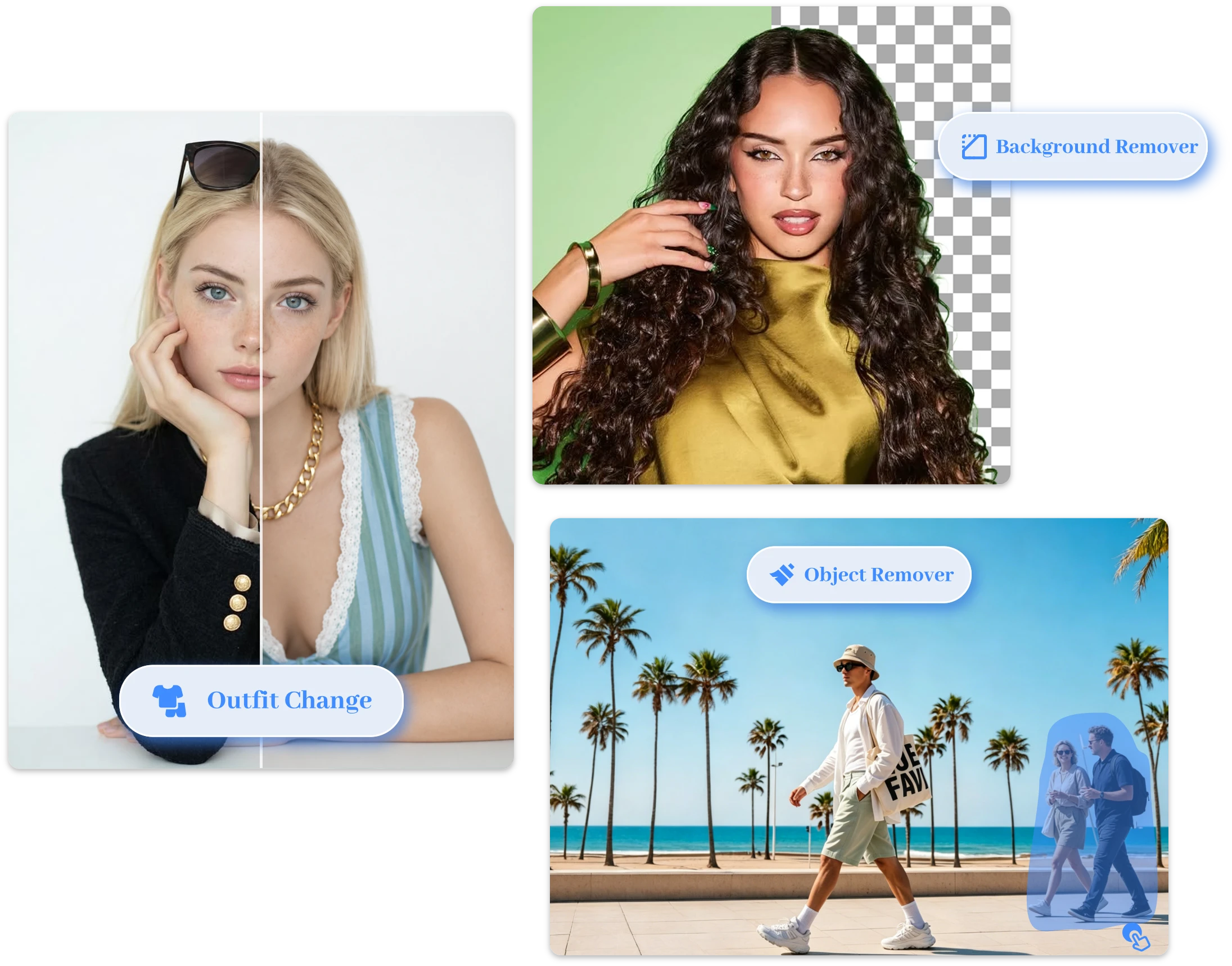
Transform any photo with our all-in-one AI photo editor. Change clothes, hairstyles, and backgrounds, remove unwanted objects, and create stunning image to image AI creations from simple prompts.

or drop a file

Supported formats: PNG, JPG, WEBP

No image? Try one of these:
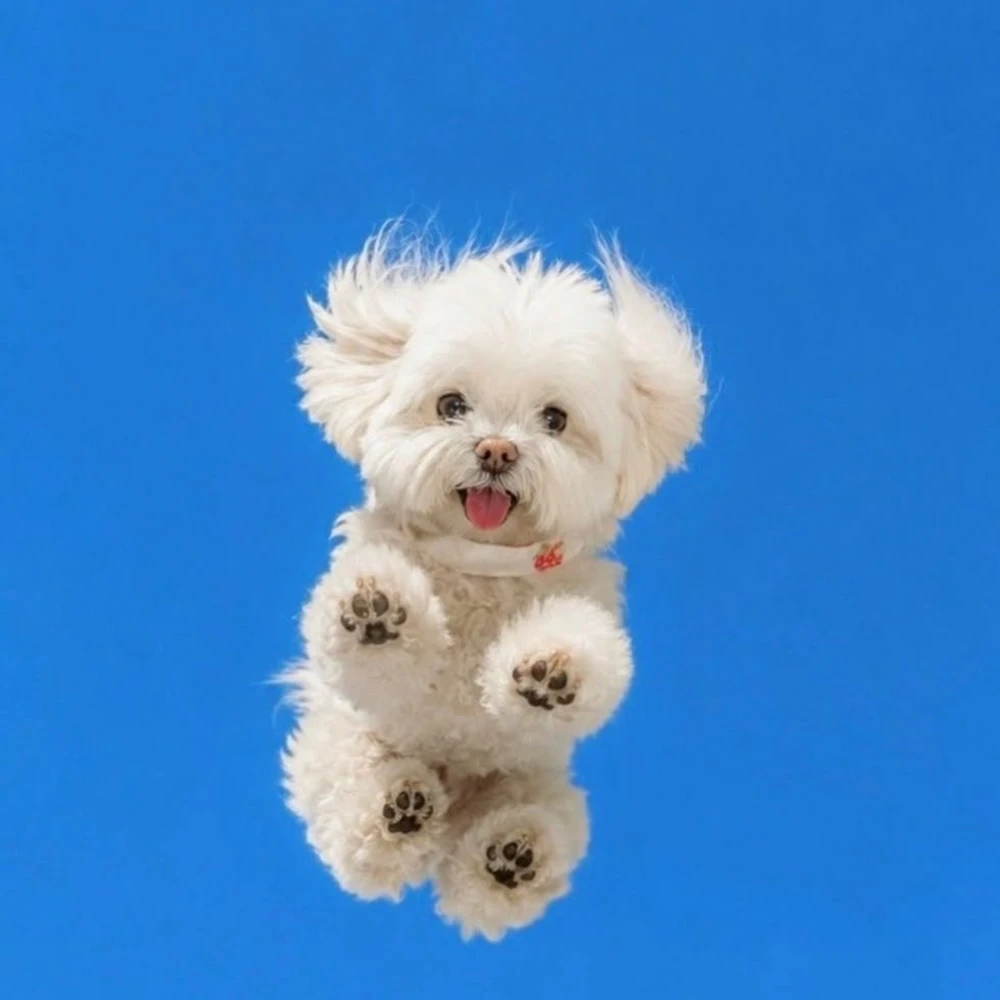
Example
Example
Example
AI Photo Editor to Change, Enhance, and Create

Real Examples, Stunning Results

How to Edit Photos with AI (3 Simple Steps)

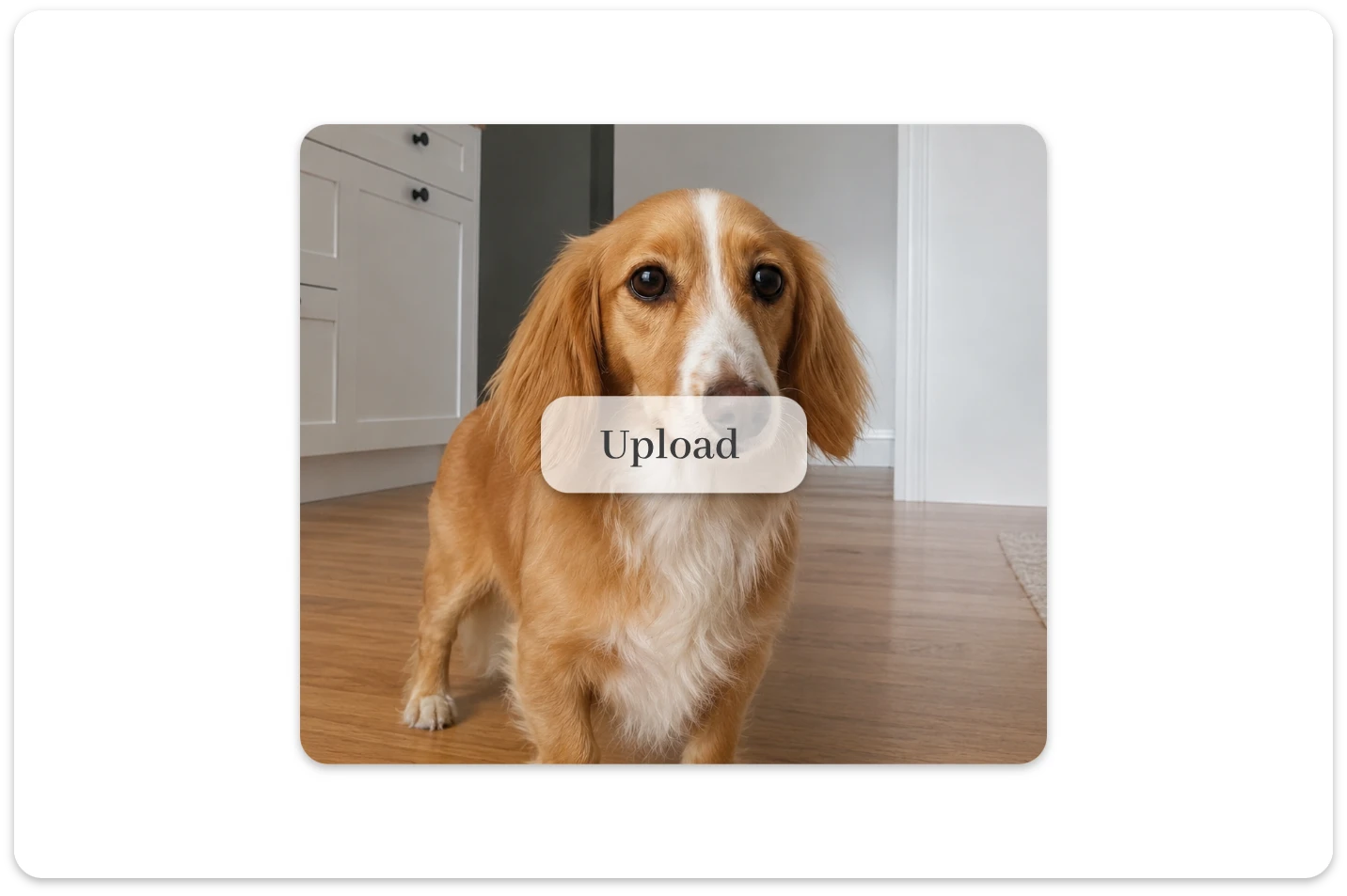
Upload your image

Upload your image

Upload any photo to get started with the AI photo editor online free and prepare it for intelligent enhancements.

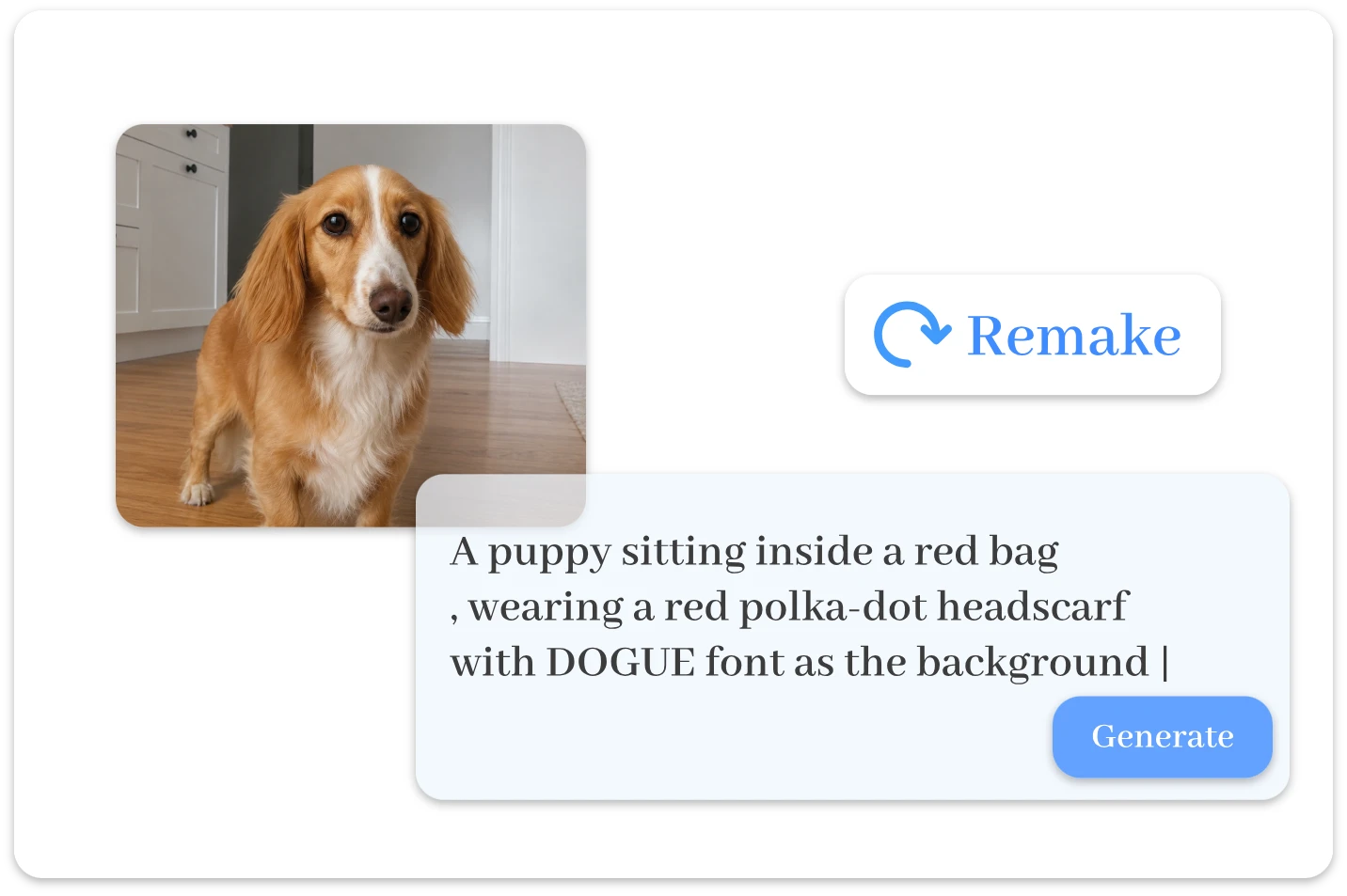
Enter Your Prompt

Enter Your Prompt

Describe the edits you want, and our free AI photo editor will transform your image in seconds with advanced AI models.

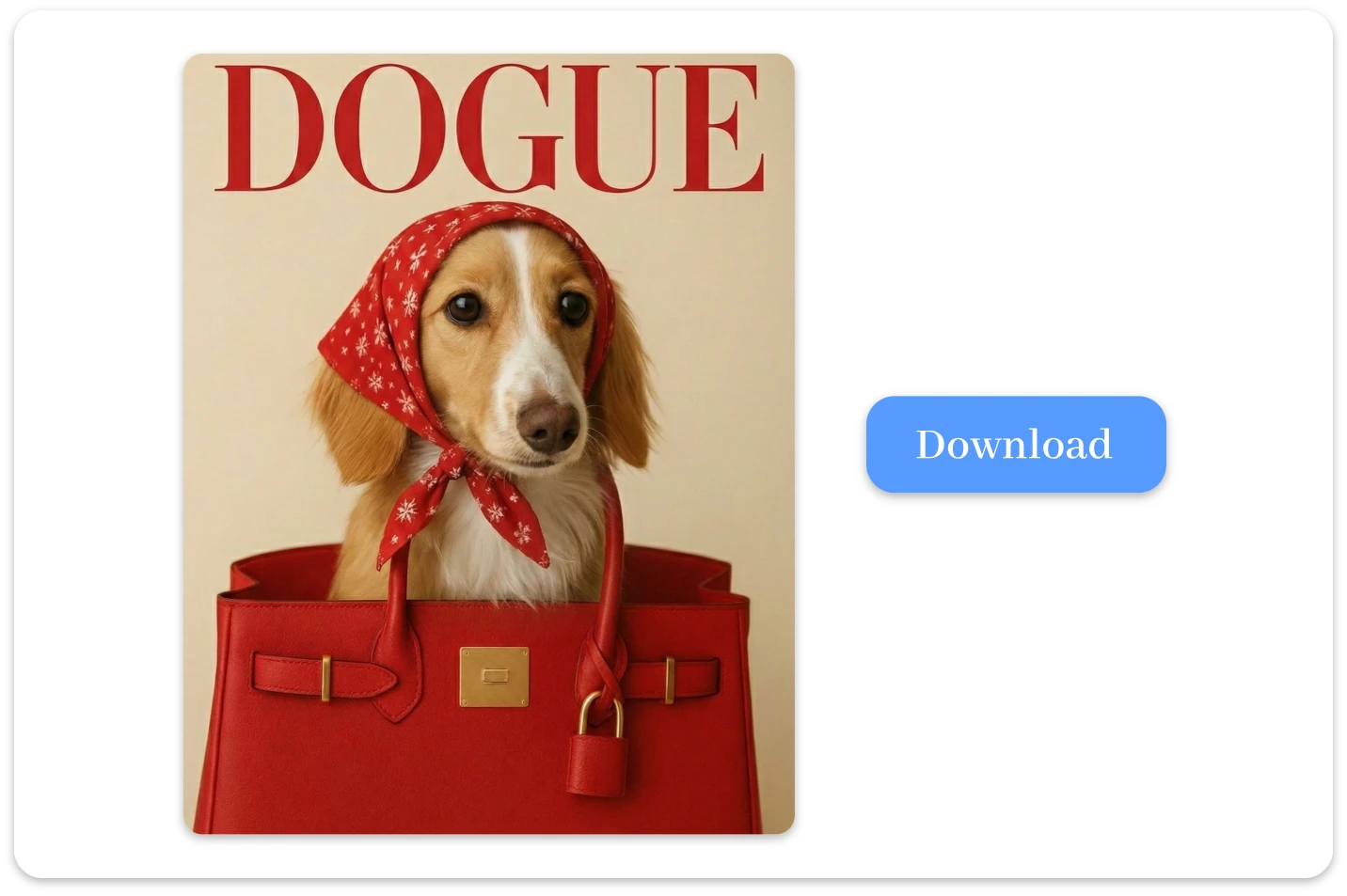
Download the Result

Download the Result

Preview, refine, and download your newly generated image instantly using our free photo editor.

Explore Endless Possibilities for Free Photo Editing

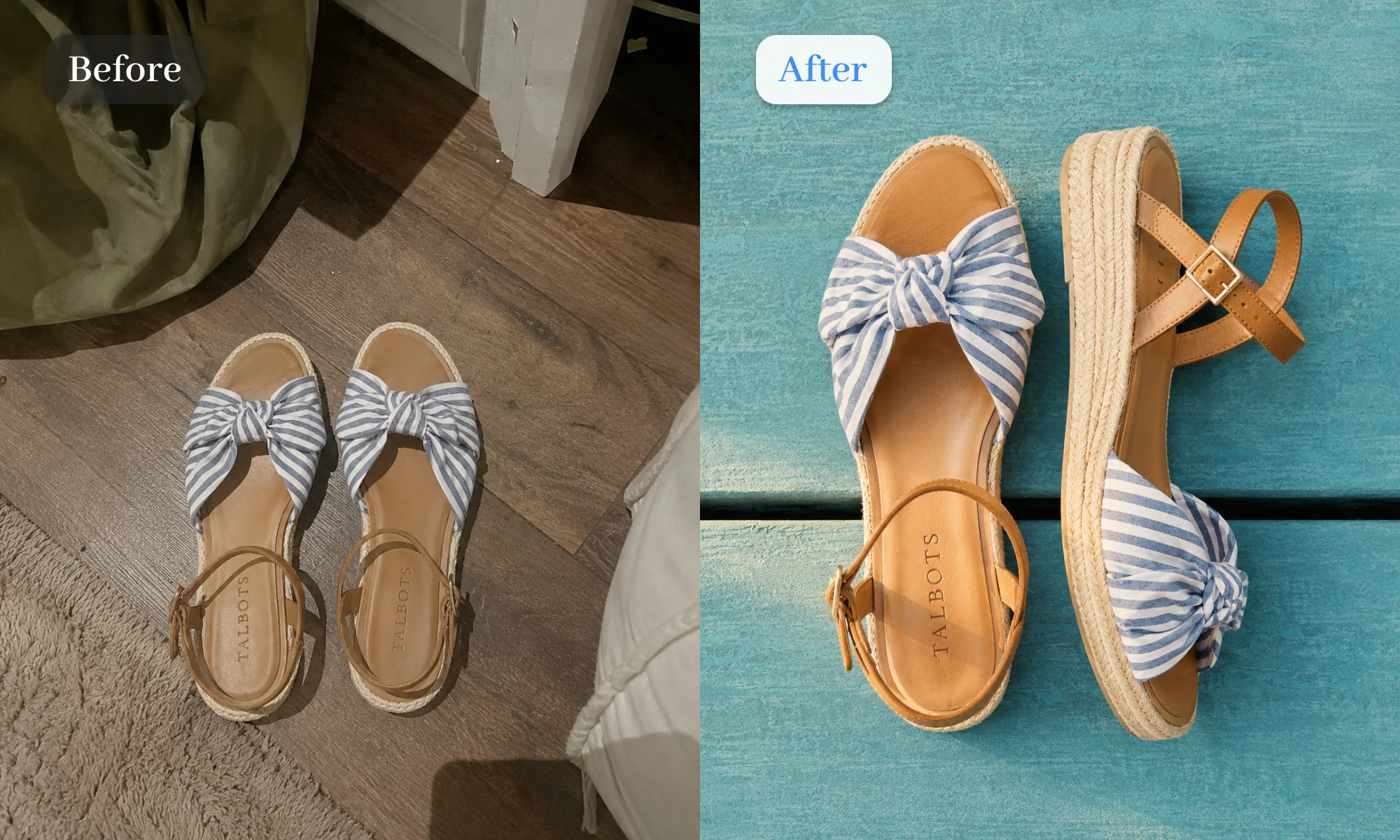
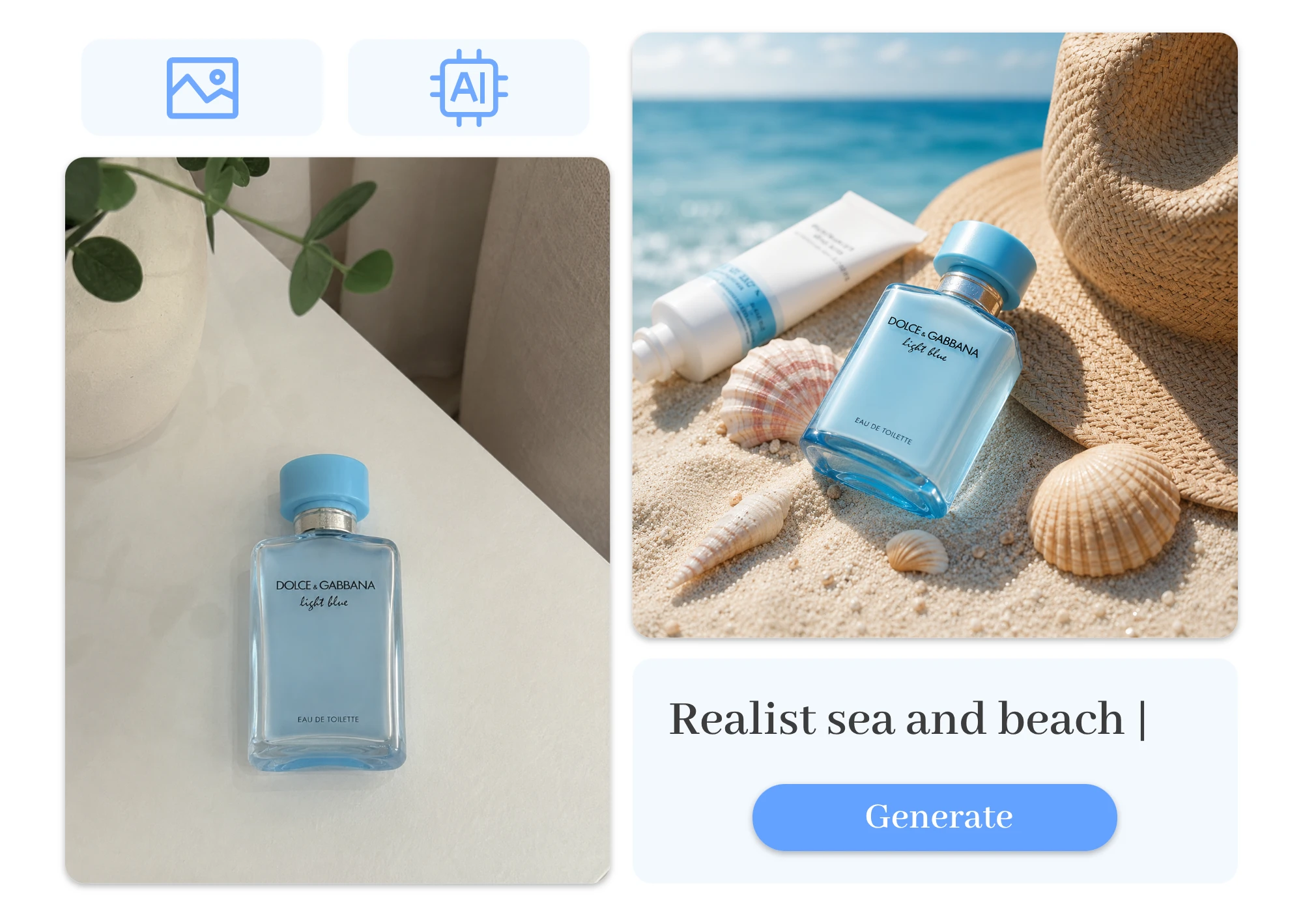
Turn Product Photos into High-Converting Ads

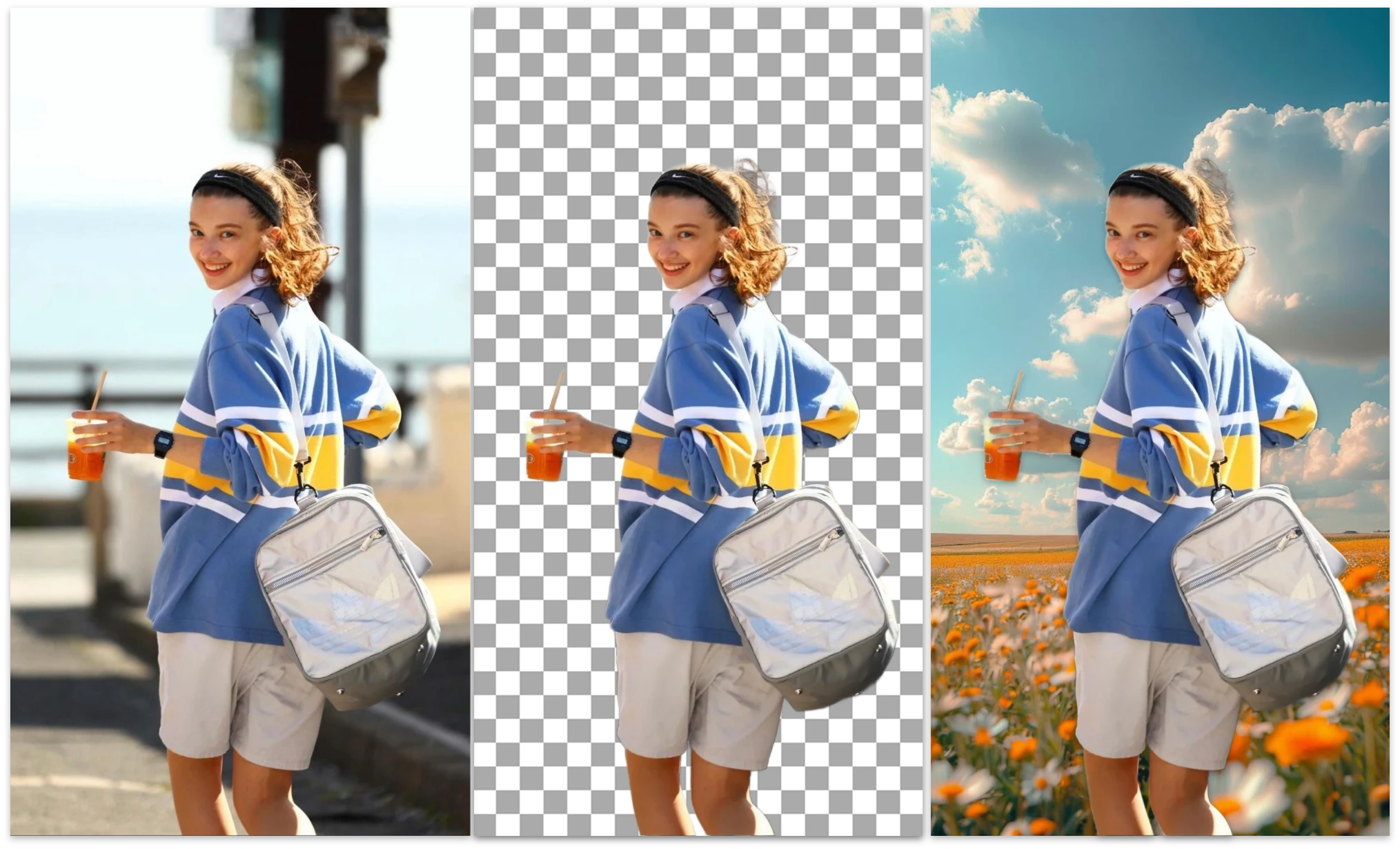
Give every product the spotlight it deserves. Replace backgrounds, remove distractions, and refine details with our free photo editor. Create polished ad creatives that look professional, convert better, and take minutes instead of hours.

Turn Product Photos into High-Converting Ads

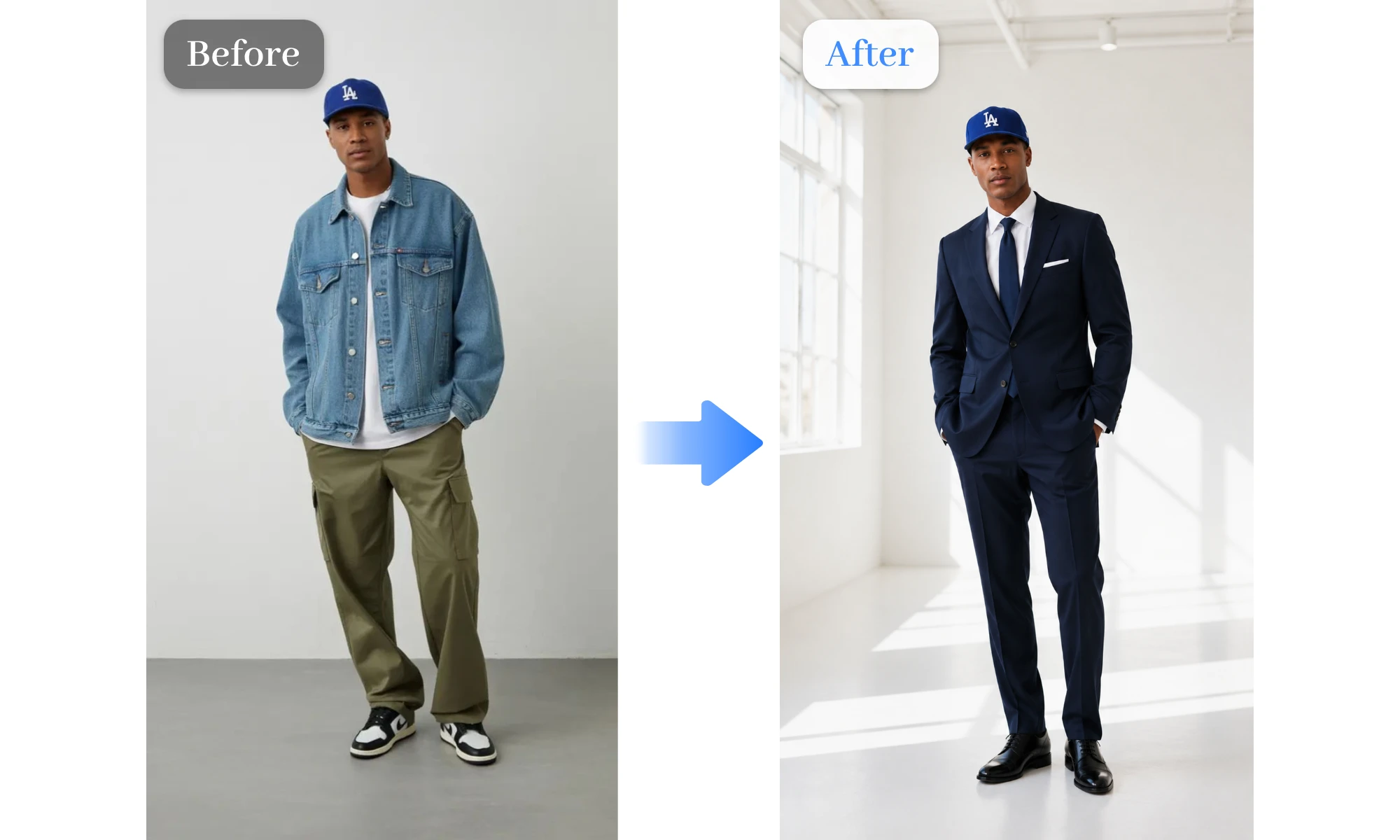
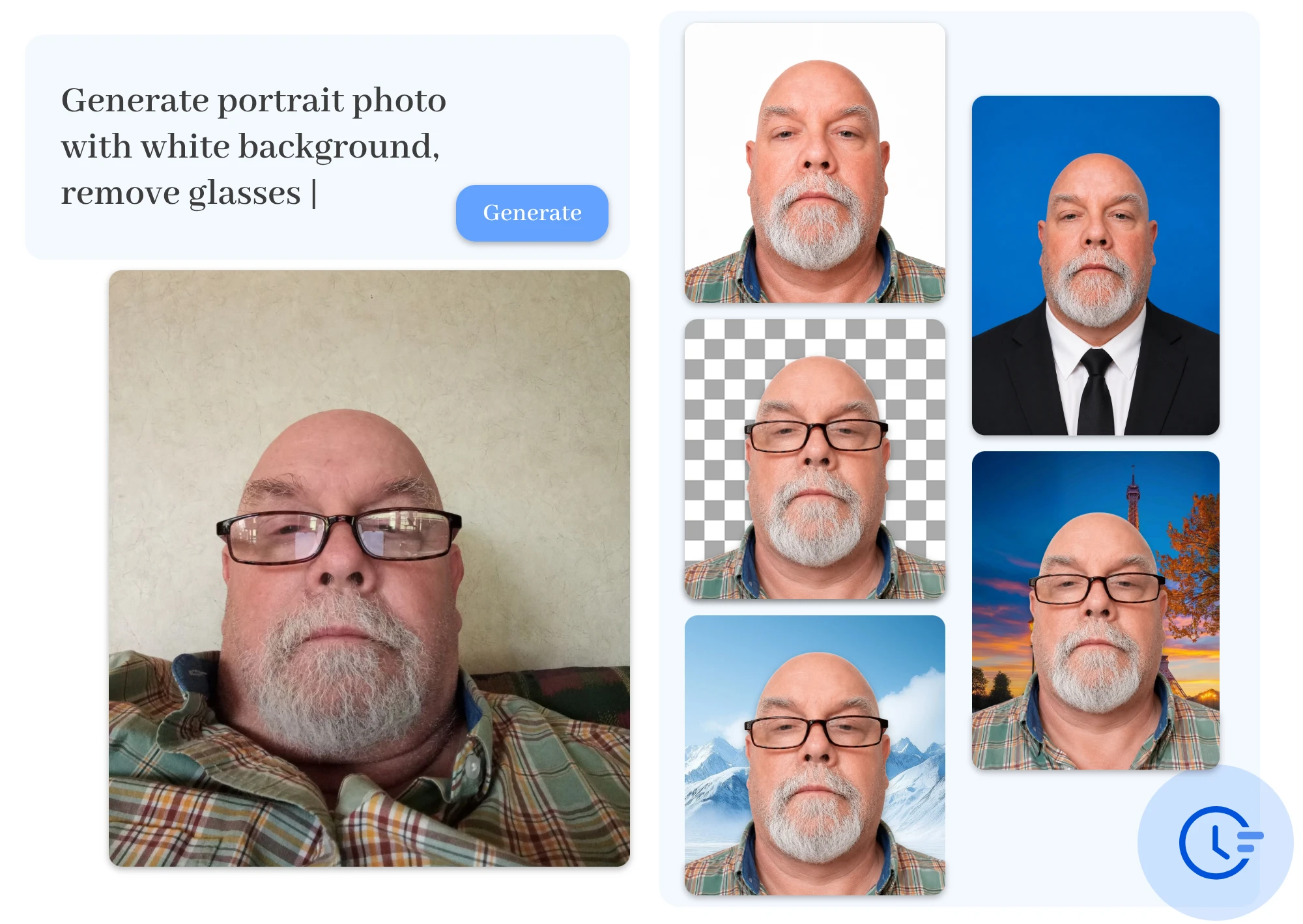
Create Portraits That Look Professionally Shot

Upgrade your selfies without stepping into a studio. Change outfits, swap hairstyles, smooth skin, and enhance details with our free AI photo editor. Get polished portraits that feel natural, confident, and camera-ready.

Create Portraits That Look Professionally Shot

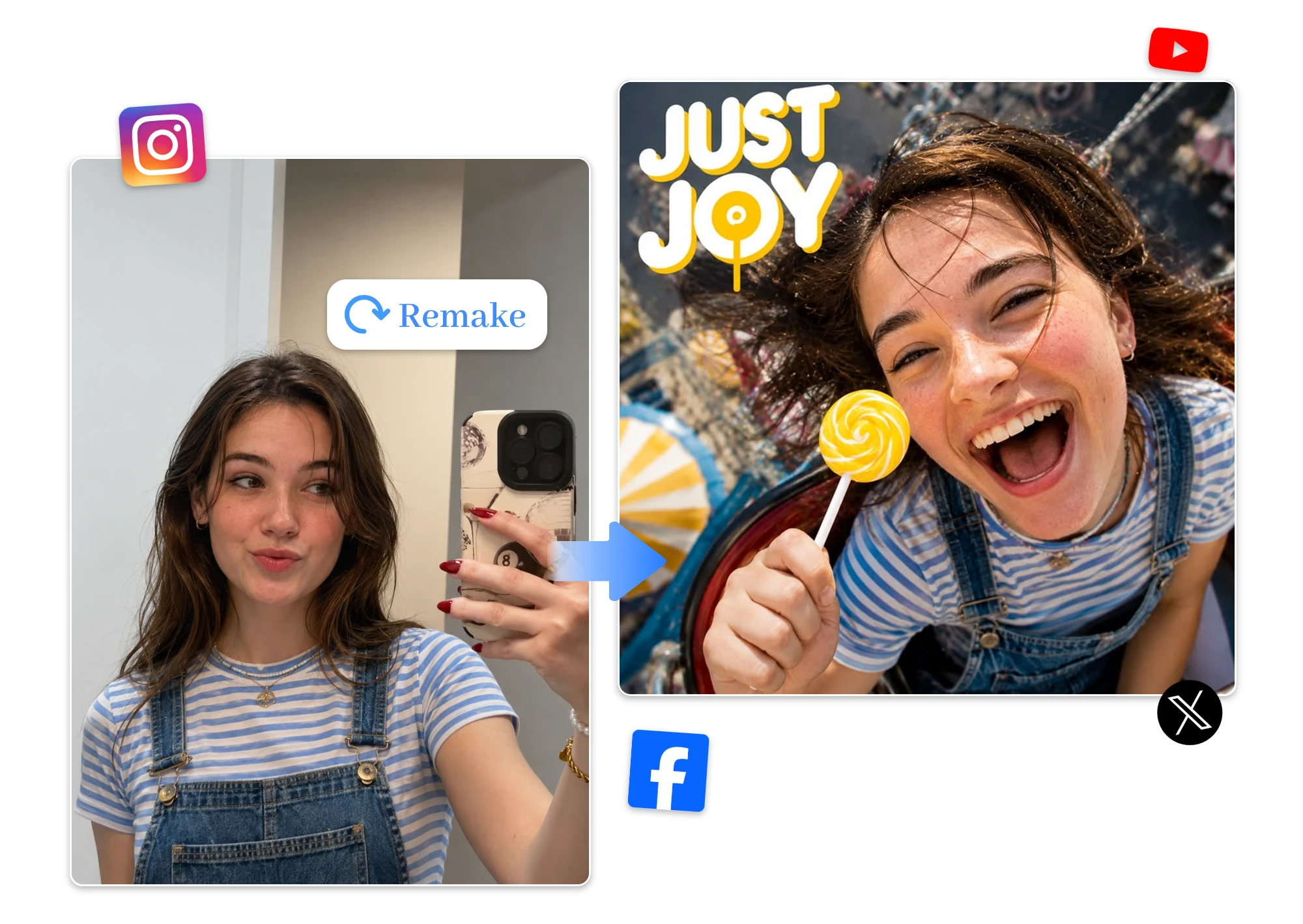
Supercharge Your Social Media Content with AI

Turn everyday snapshots into scroll-stopping content. Refresh backgrounds, apply creative styles, and remove visual clutter with our best AI photo editor. Create posts that grab attention and keep your audience engaged.

Supercharge Your Social Media Content with AI

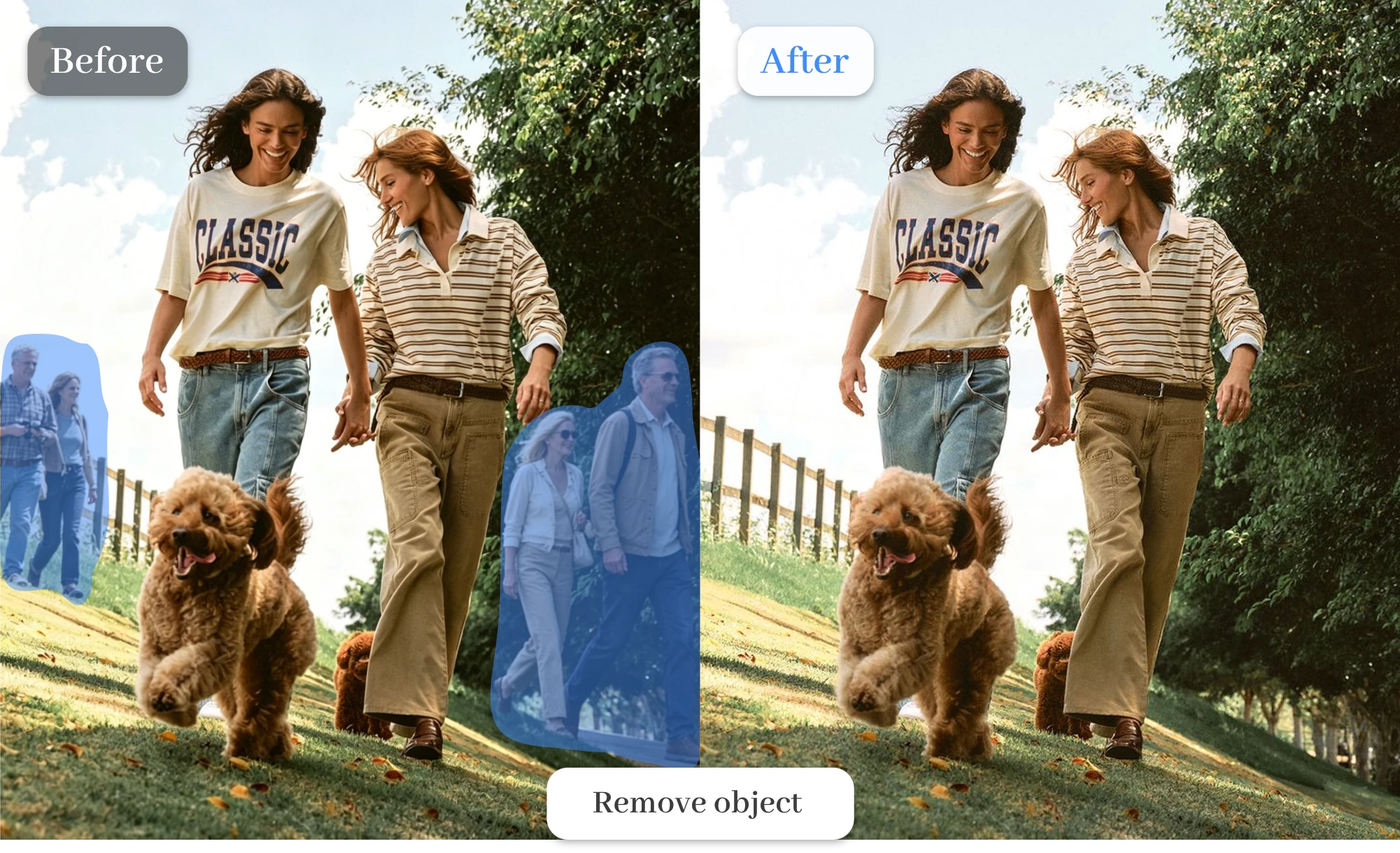
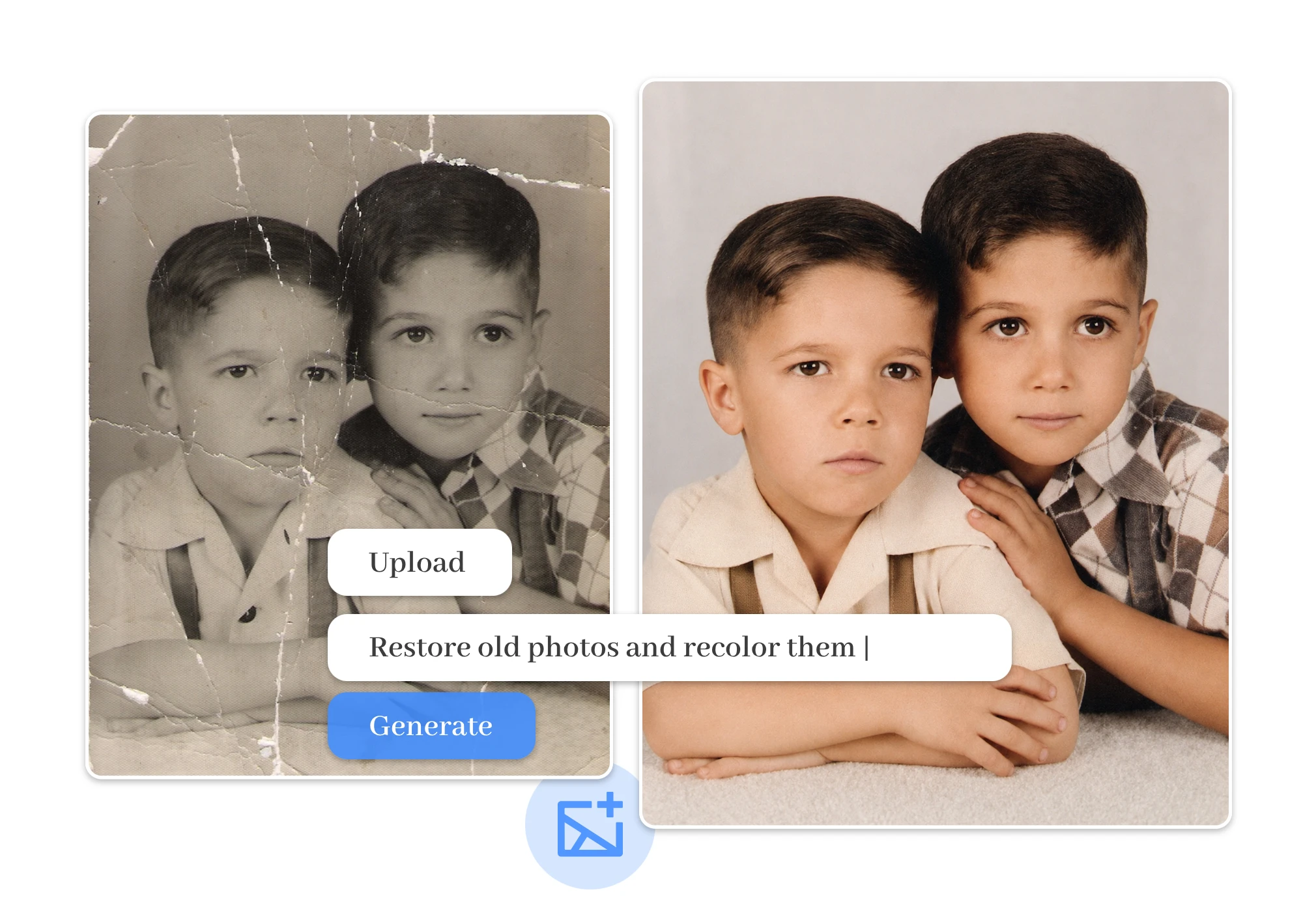
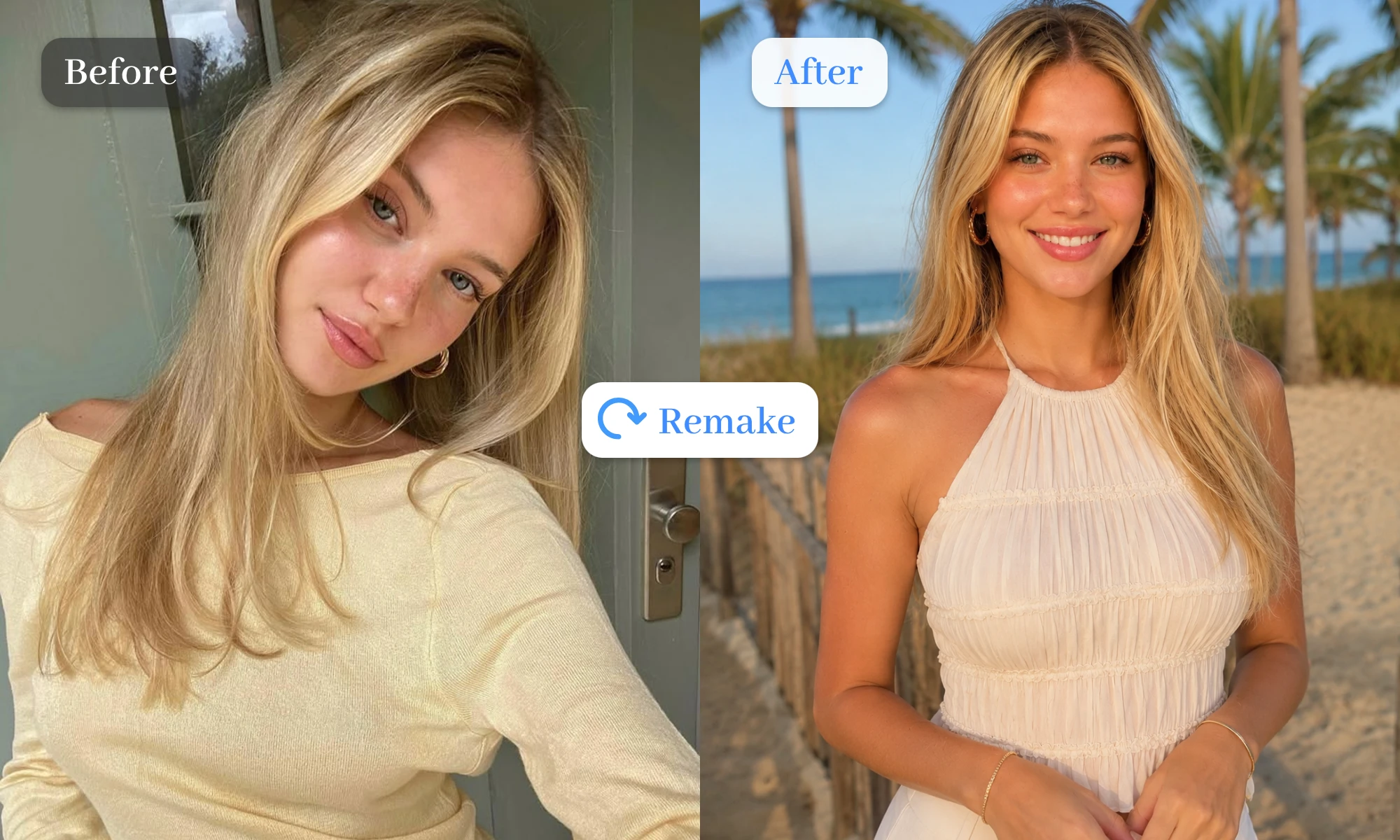
Reinvent Your Images with the Power of AI

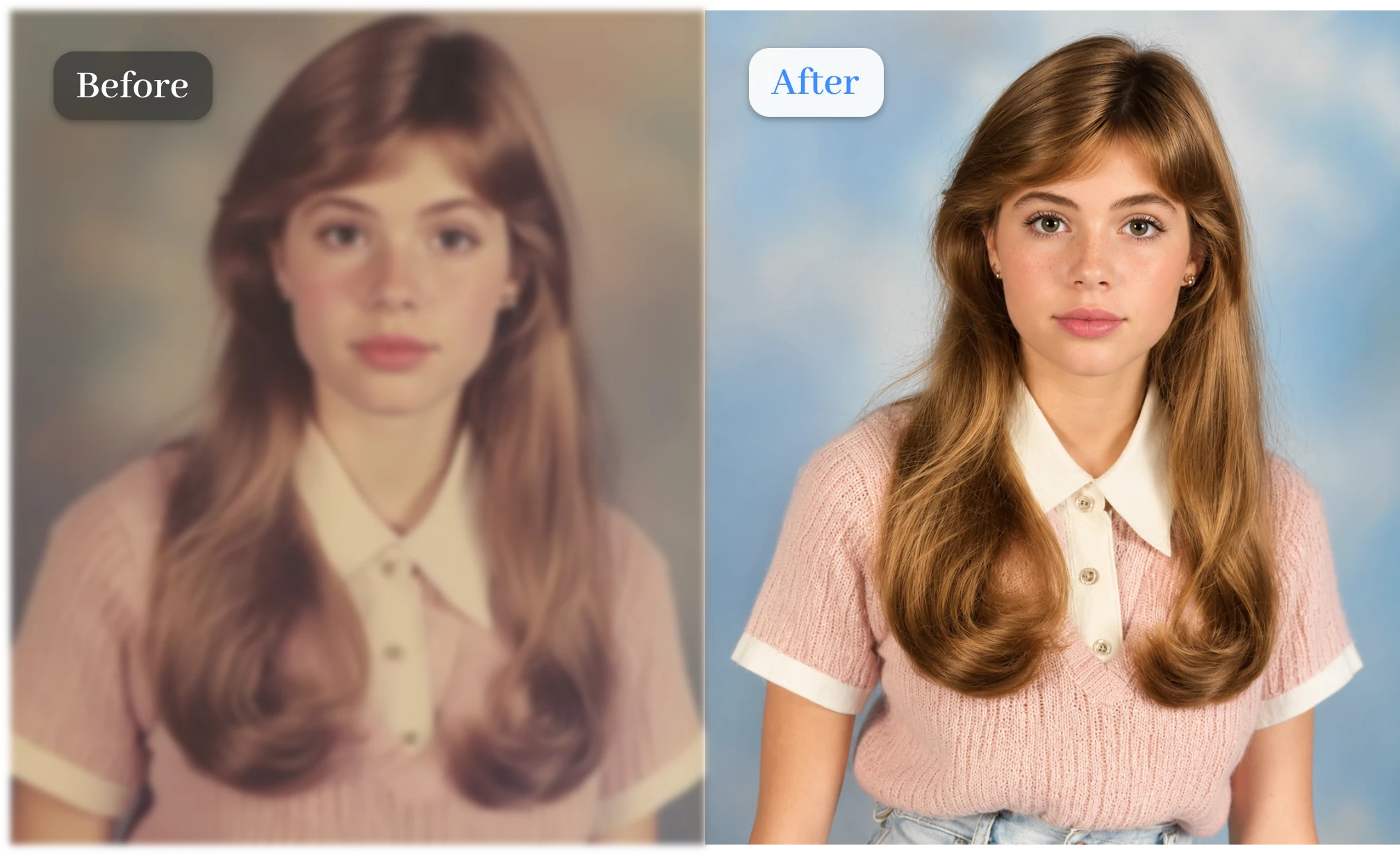
Give old photos a whole new story. Remove unwanted objects, replace backgrounds, and transform scenes with our AI picture editor online free. Create stunning visuals that look fresh, unique, and completely reimagined.

Reinvent Your Images with the Power of AI

Why Our BackgroundRemove AI Image Editor Stands Out

Natural Results, Every Time

  • Preserve facial details, lighting, and textures while editing. This AI image editor delivers realistic transformations that never look overprocessed or artificial.

More Formats, More Flexibility

  • Support for multiple image formats like JPG, PNG, WEBP, or JPEG files. Generate polished results in seconds with a powerful AI picture editor built for speed.

Professional Quality, Simplified

  • Replace backgrounds, remove distractions, and enhance image clarity effortlessly using the image to image AI tool for everyday creators.

Free to Try, Easy to Love

  • Explore advanced editing features without upfront costs. Our free AI photo editor lets you test ideas before committing.

Ready for Commercial Use

  • Create ad creatives, product images, social content, and marketing visuals with an AI photo generator designed for business needs.

No Watermarks, No Distractions

  • Download clean, professional-looking images without unwanted branding using a free photo editor that keeps the spotlight on your work.

See Why Users Keep Coming Back

"

I transformed a simple product photo into an ad-ready image by replacing the background and improving lighting. It saved hours of editing.

Lena Harper

"

I wanted a new LinkedIn photo without booking a photographer. After changing the background and refining details, it looked studio-quality.

Ethan Brooks

"

Creating content for Instagram became much easier. I turned ordinary snapshots into eye-catching posts that actually matched my brand style.

Sophie Bennett

Frequently Asked Questions About Free Photo Editor

1.What Is an AI Photo Editor?

An AI photo editor uses artificial intelligence to enhance, transform, and retouch images, helping create professional-looking results with minimal effort.

2.How Does the AI Image Editor Work?

Simply upload an image and describe your changes. The AI image editor automatically applies edits based on your text prompt.

3.Is This AI Photo Editor Free for Commercial Use?

Yes. You can create product photos, marketing visuals, social media content, and other commercial assets for business projects.

4.What Image Formats Does BackgroundRemove Support?

BackgroundRemove supports popular image formats, including JPG, JPEG, PNG, and WEBP, for smooth and flexible photo editing.

5.Is Our AI Editor Similar to Canva AI Photo Editor?

Yes. Like Canva AI, it helps create social content, enhance portraits, edit product photos, and transform images quickly.

6.Are My Uploaded Photos Safe and Private?

Yes. Your images are processed securely and are never publicly shared, helping keep your content protected and private.

7.Can I Use the Online AI Photo Editor for Free on Mobile Devices?

Absolutely. Our AI image to image generator works smoothly on mobile devices, allowing you to edit photos anytime, anywhere.

Create Better Photos, Effortlessly

With automatic enhancements, background replacements, and intelligent retouching, stunning results come together in just a few simple steps.