logo

Free Video Background Editor Online

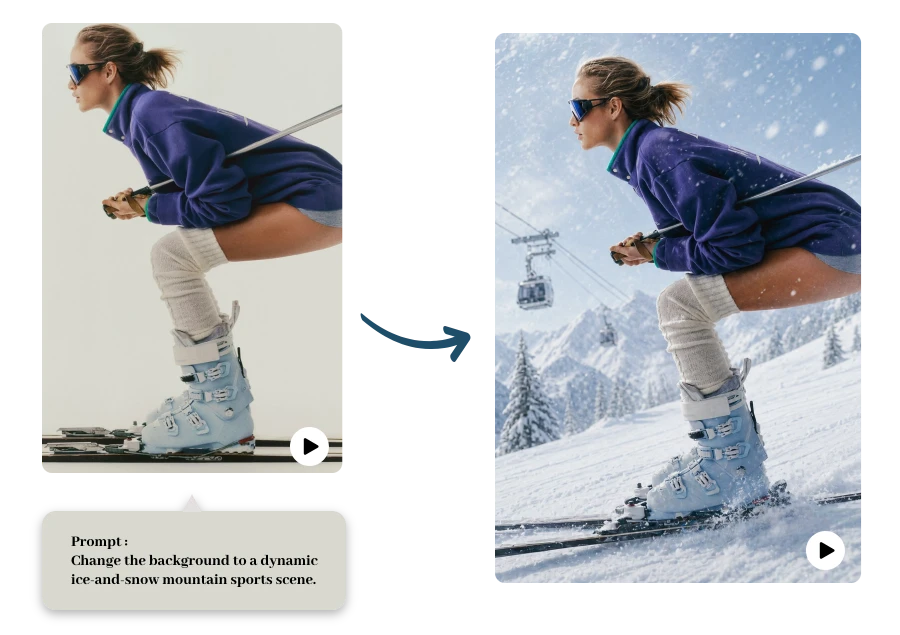
Edit video backgrounds online using smart AI detection. Replace backgrounds with images, videos, or custom scenes while keeping your subject clear and natural.

Upload Video

or drop a video

MP4 or WEBM; Max 8s; Max 100MB

No video? Try one of these:

video background editor example 1
video background editor example 2
video background editor example 3

Edit Prompt

Video Background Editor Example

How to Edit Video Background: Step-by-Step Guide

Upload Your Video

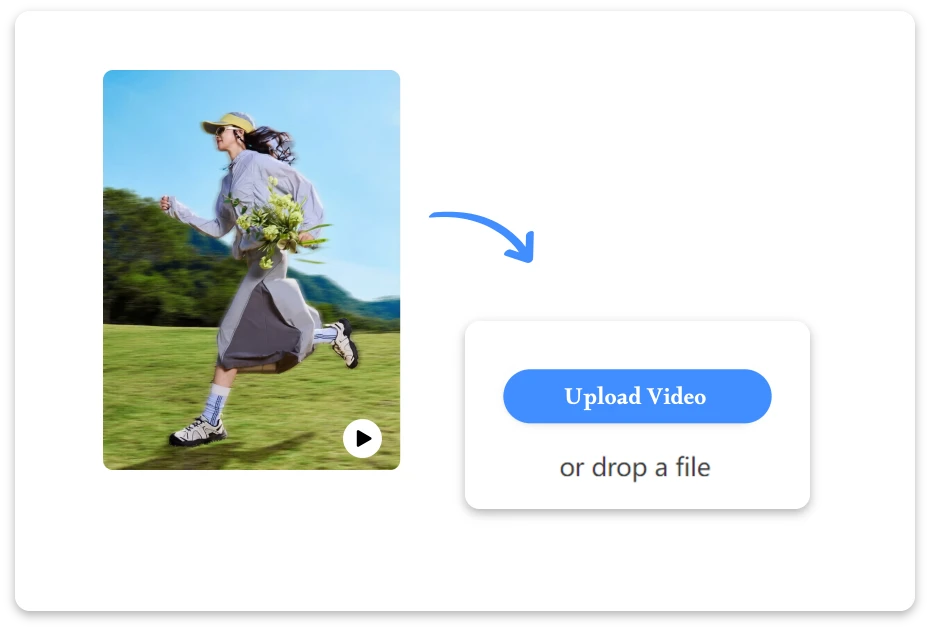
1. Upload Your Video

Upload the video you want to edit from your device. Our tool supports common formats and quickly prepares your clip for background editing.

AI Edit the Background

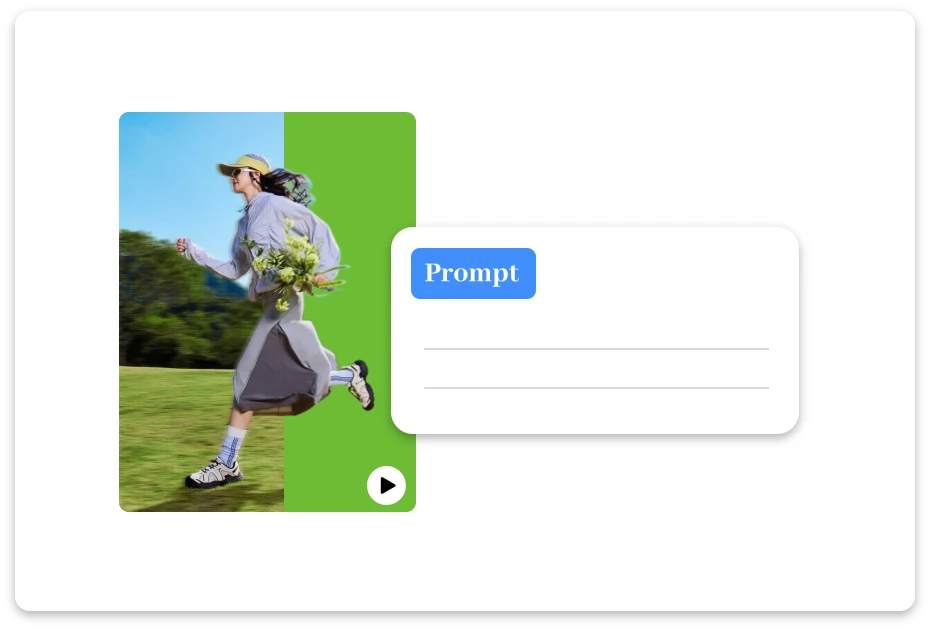
2. AI Edit the Background

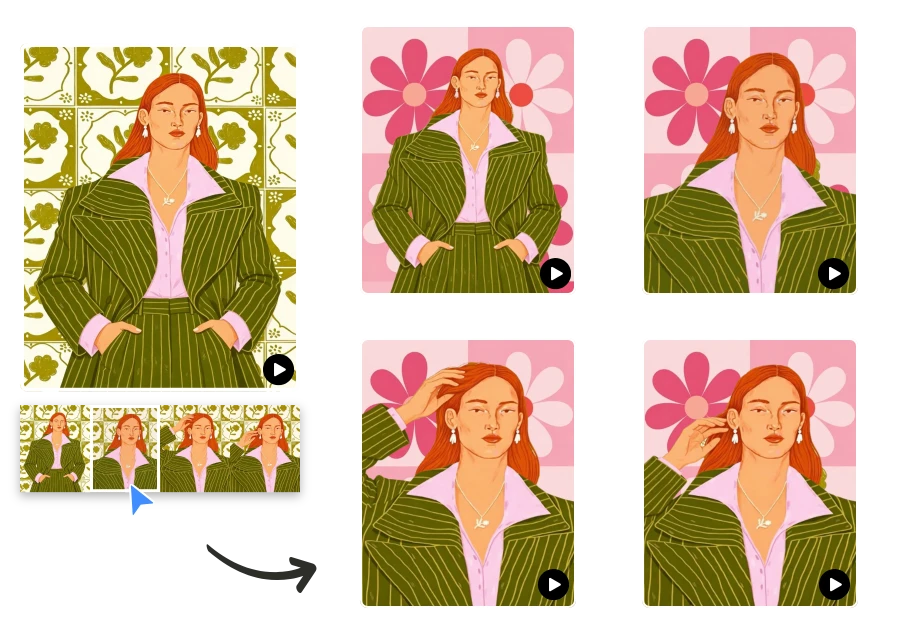
Use AI to automatically detect and remove the original background. Upload an image to replace it, or enter a description to generate a custom background.

Download Your Video

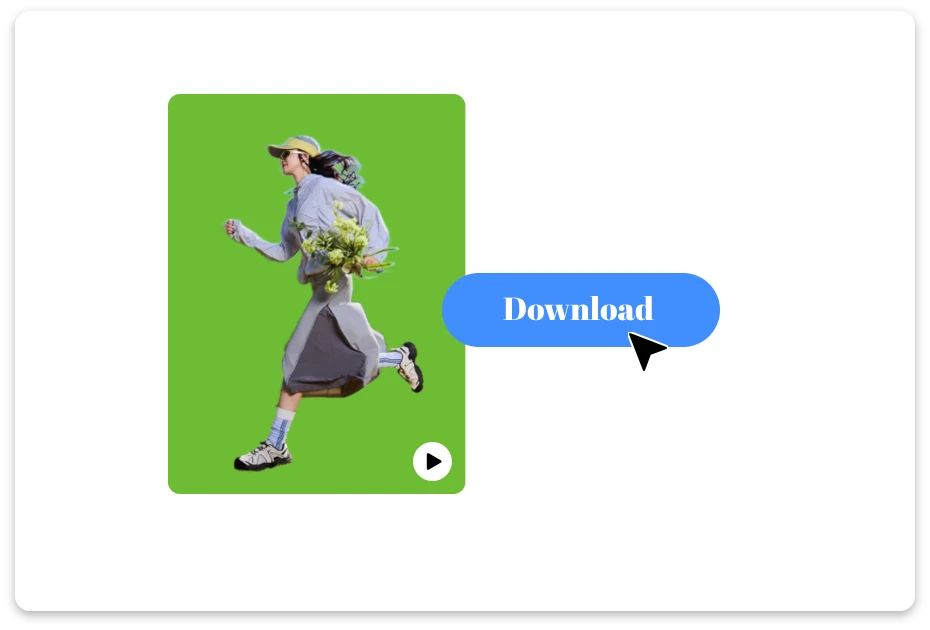
3. Download Your Video

Preview the edited video to ensure everything looks natural, then export and download your video with the new background in high quality.

Powerful AI Video Background Editor Features

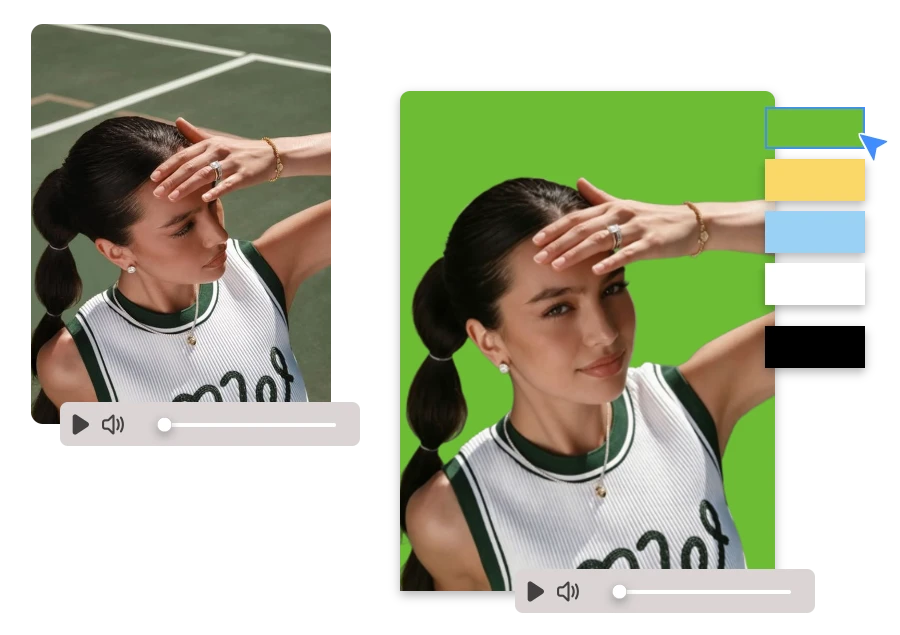
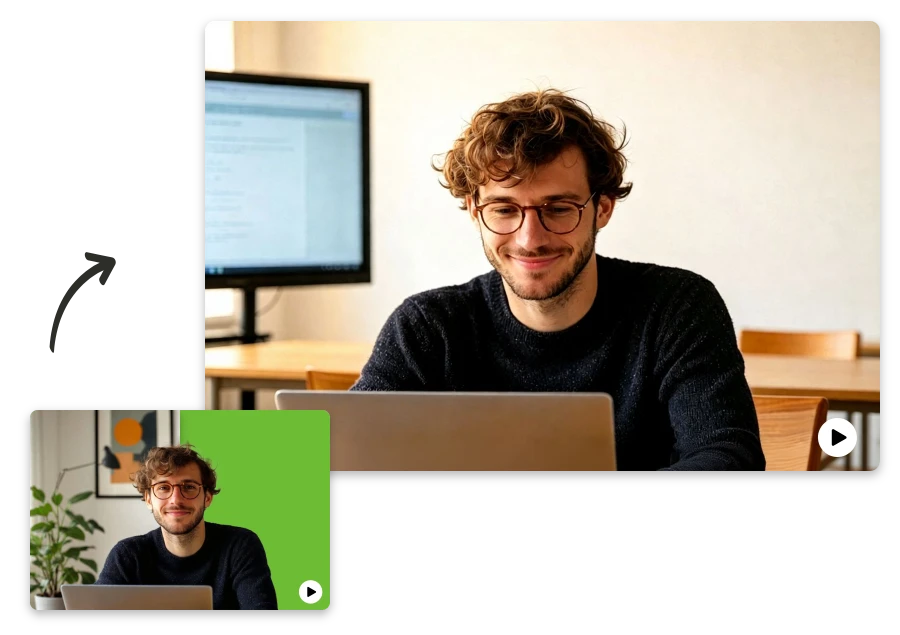
Replace Backgrounds Anywhere, No Green Screen Needed

Change video backgrounds instantly without green screen filming or professional lighting. Our free video background editor automatically detects subjects and removes the original background, letting you replace scenes in any environment while keeping your subject clear, natural, and perfectly separated.

Replace Backgrounds Anywhere, No Green Screen Needed

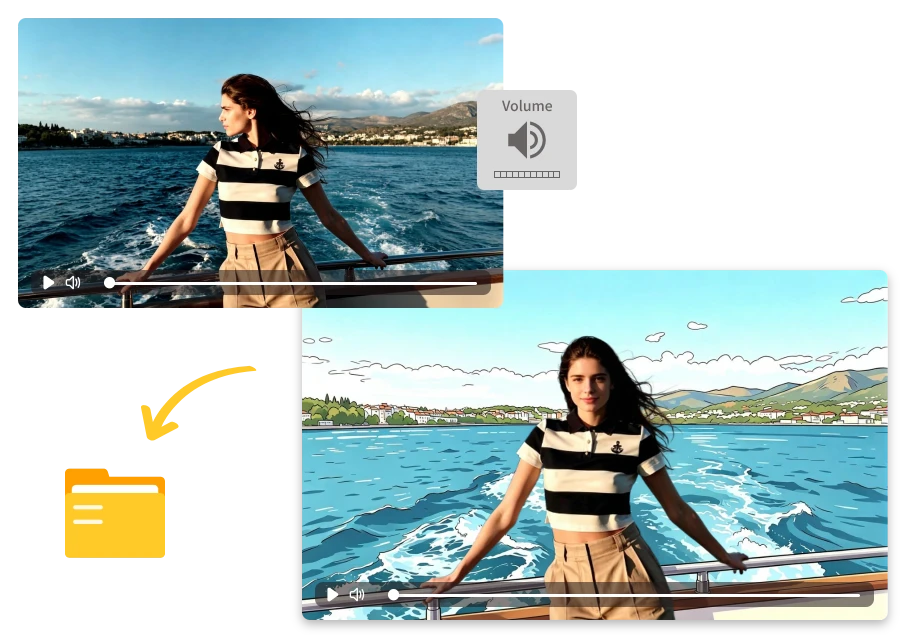
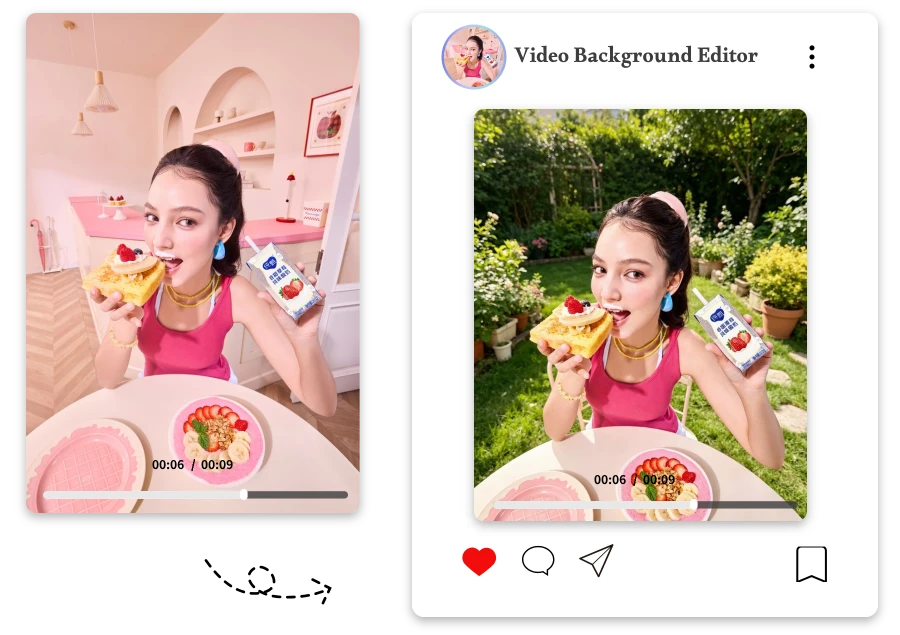
Create or Replace Backgrounds with Video Background Editor

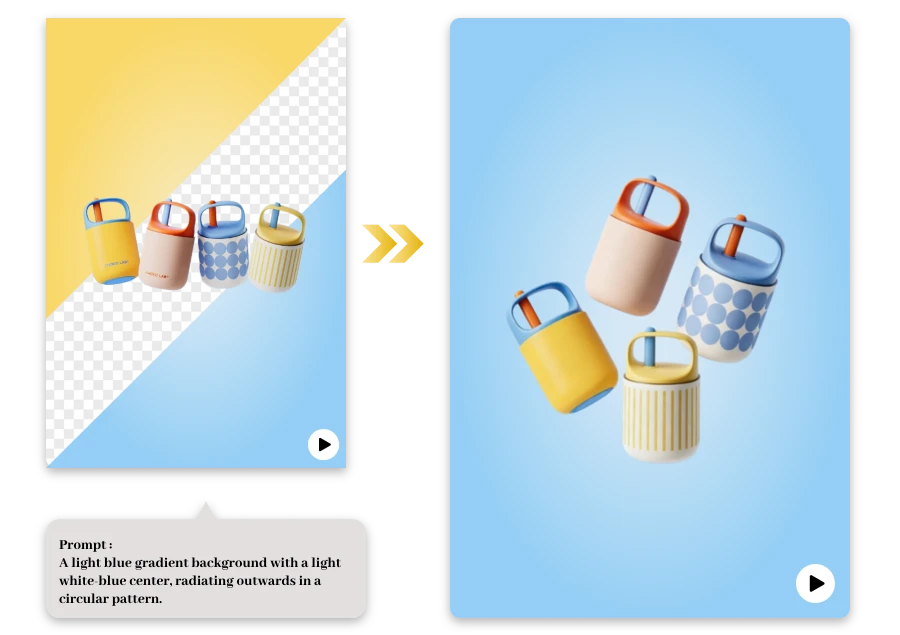
Customize your video background however you like. Upload an image, change the background color, or enter a prompt to let AI generate a completely new scene, giving your video a unique look that matches your creative vision.

Create or Replace Backgrounds with Video Background Editor

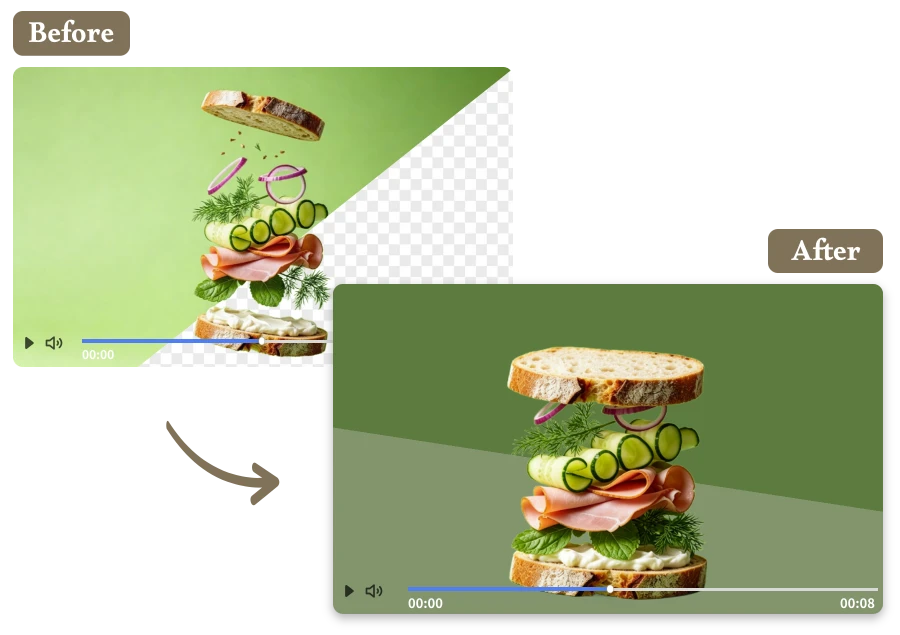
Maintain Original Video Quality with Realistic Blending

Enjoy smooth background replacement while preserving the original video quality. Our video background changer produces realistic blending results and lets you export high-definition MP4 videos, ready to download with no watermark and clear visual details.

Maintain Original Video Quality with Realistic Blending

How a Video Background Editor Fits Your Needs

Marketing and Promotional Videos

Marketing and Promotional Videos

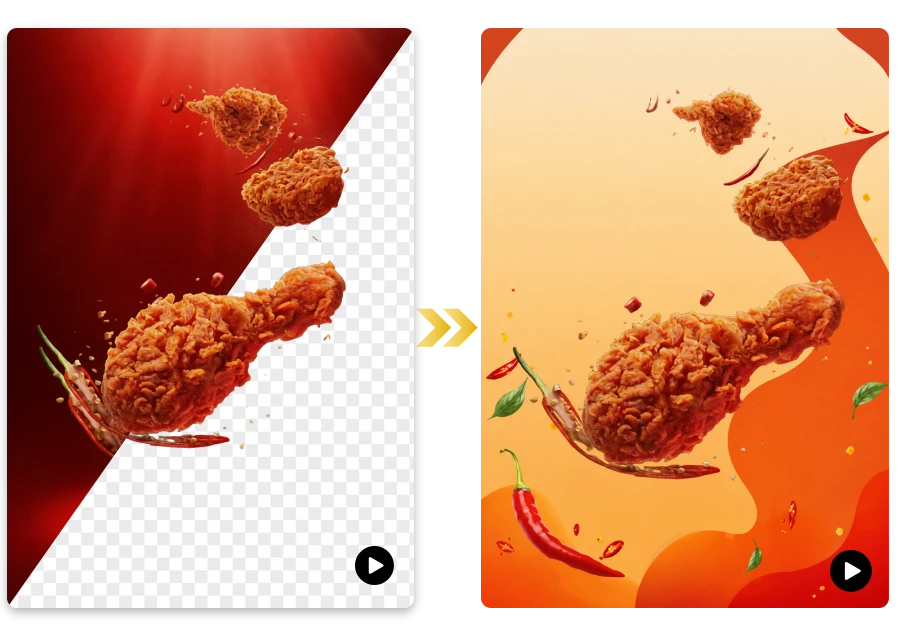
Businesses can create professional marketing videos by replacing ordinary backgrounds with branded scenes, product visuals, or creative campaign environments.

Educational and Tutorial Videos

Educational and Tutorial Videos

Teachers and course creators can use a video background changer to add visual environments that help illustrate lessons and keep viewers focused.

Cinematic and Movie-Style Background Effects

Cinematic and Movie-Style Background Effects

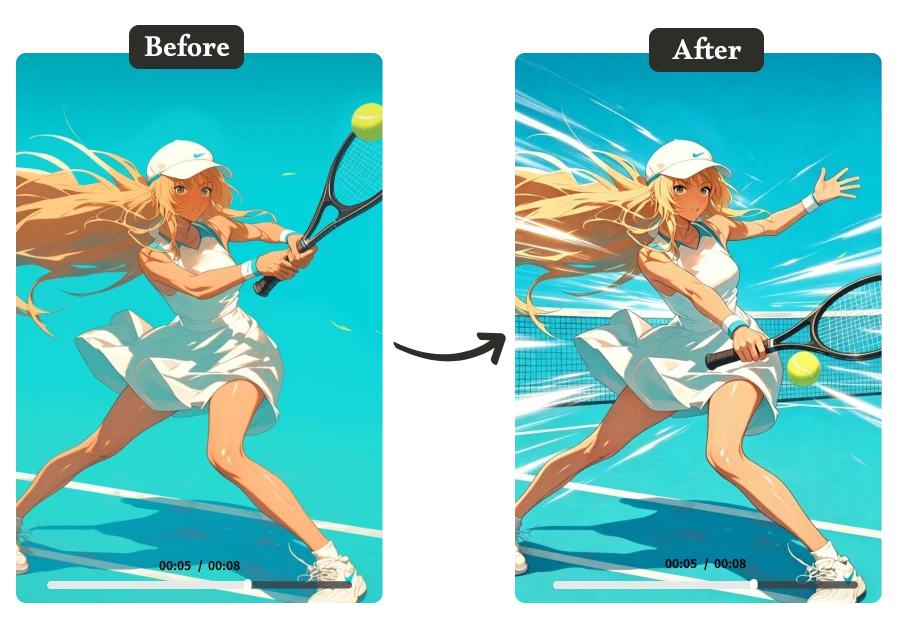
Create dramatic scenes by replacing ordinary environments with cinematic backgrounds such as city skylines, fantasy worlds, or action-style settings using a free video background editor online.

YouTube and Video Blogging

YouTube and Video Blogging

Video bloggers can change video background styles to match storytelling themes, travel locations, or creative concepts without filming in multiple places.

Creative Product Promotion Videos

Creative Product Promotion Videos

Use a video background changer to create eye-catching promotional videos by adding branded environments, animated scenes, or special effects backgrounds.

Personal Creative Projects

Personal Creative Projects

Anyone can experiment with creative storytelling by replacing scenes with unique backgrounds generated using an AI video background editor.

Loved by Users for Easy Video Background Editing

"

I film YouTube tutorials in a tiny apartment, and the background always looked messy. This tool let me replace it with a clean studio scene. My videos look far more professional now.

Ethan Caldwell

"

I recorded a training video for my company, but the room looked dull. Using this video background changer, I replaced it with a modern office scene and the final video looked polished.

Mia Sullivan

"

I run a small TikTok cooking channel and often need different scenes for each recipe. With this tool, I can quickly change video background styles without reshooting.

Marcus Whitfield

FAQ about AI Video Background Editor

1.What is a video background editor?

A video background editor is a tool that lets you remove, replace, or customize the background in a video. Using AI technology, it automatically detects the subject and separates it from the original background, allowing you to change video background scenes quickly without complex editing.

2. Do I need a green screen to change a video background?

No, you don’t need a green screen. Our AI video background changer automatically detects people and objects in the video, so you can replace the background even if the video was filmed at video-bg-editor, outdoors, or in an office.

3. What video formats are supported?

After editing, you can export your video in high-quality MP4 format. The final file maintains smooth playback and is compatible with platforms like YouTube, TikTok, Instagram, and most video editing software.

4.What format will my edited video be exported in?

Most images are processed in seconds. Even batch images are completed quickly, so you can use them immediately for product listings or social media.

5. Can I upload my own background image or scene?

Yes. You can upload custom images to replace your video background. This allows you to add branded visuals, creative environments, or professional scenes that match your video content.

6.Can AI generate a new background from a prompt?

Yes. With our AI video background editor, you can enter a short prompt describing the scene you want. The AI will generate a unique background that matches your description and apply it to your video.

7.Will the video quality be preserved after editing?

Yes. The tool is designed to maintain the original resolution and frame rate as much as possible, ensuring your final video looks clear and professional after background replacement.

Your All-in-One Video Background Editor

A powerful video background editor opens new possibilities for creative videos. But that’s only part of what we offer. Try our Background Remove tool and click below to experience more AI editing features.